10 Best AP Invoice Automation Software Solutions for 2026
Managing invoices doesn’t have to be a manual, time-consuming task. With AP invoice automation software, businesses can automatically capture, route, and process invoices with far fewer errors and delays.
If you’re exploring tools that can simplify and automate your payables workflow, here’s our list of the top 10 invoice automation tools for accounts payable in 2026:
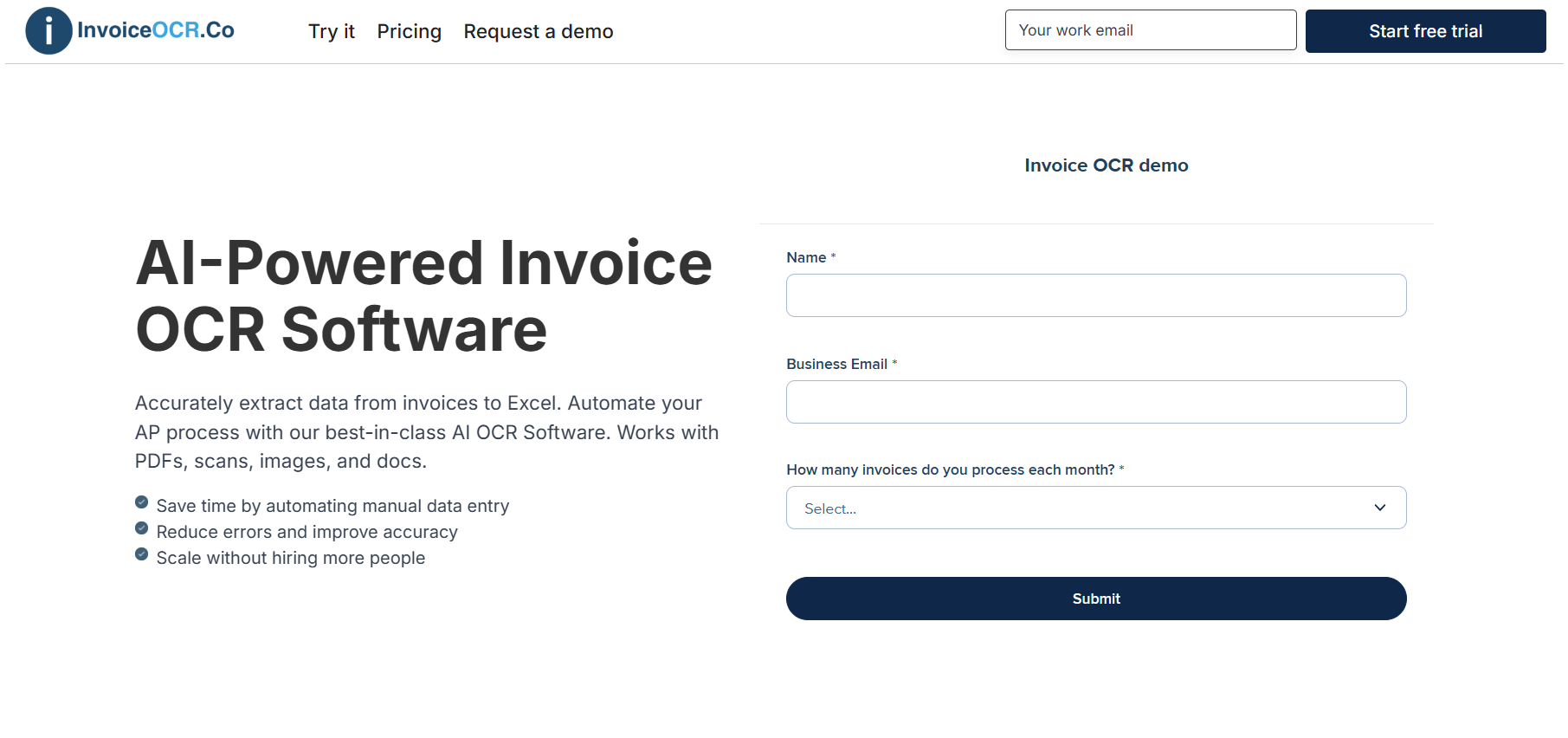
1. InvoiceOCR.co
InvoiceOCR.co makes it easy for AP teams to automate the first step of handling invoices. Instead of typing things in by hand, the system pulls out all the important details from PDFs, scans, and email attachments and turns them into clean data you can send straight to Excel, CSV, or your accounting software.
Key Features
Automatically reads PDFs, scanned invoices, and emailed attachments
Captures vendor details, dates, totals, and line items
Sends data directly to Excel, CSV, or through API
Template-free AI that works with any invoice format
Built-in checks to help reduce errors
Pricing
Standard: $29 per month for 1 user and 100 pages
Scale: $3,950 per year for 10 users and 42,000 pages with API access
Enterprise: Starts at $20,000 per year with unlimited pages and ERP integrations
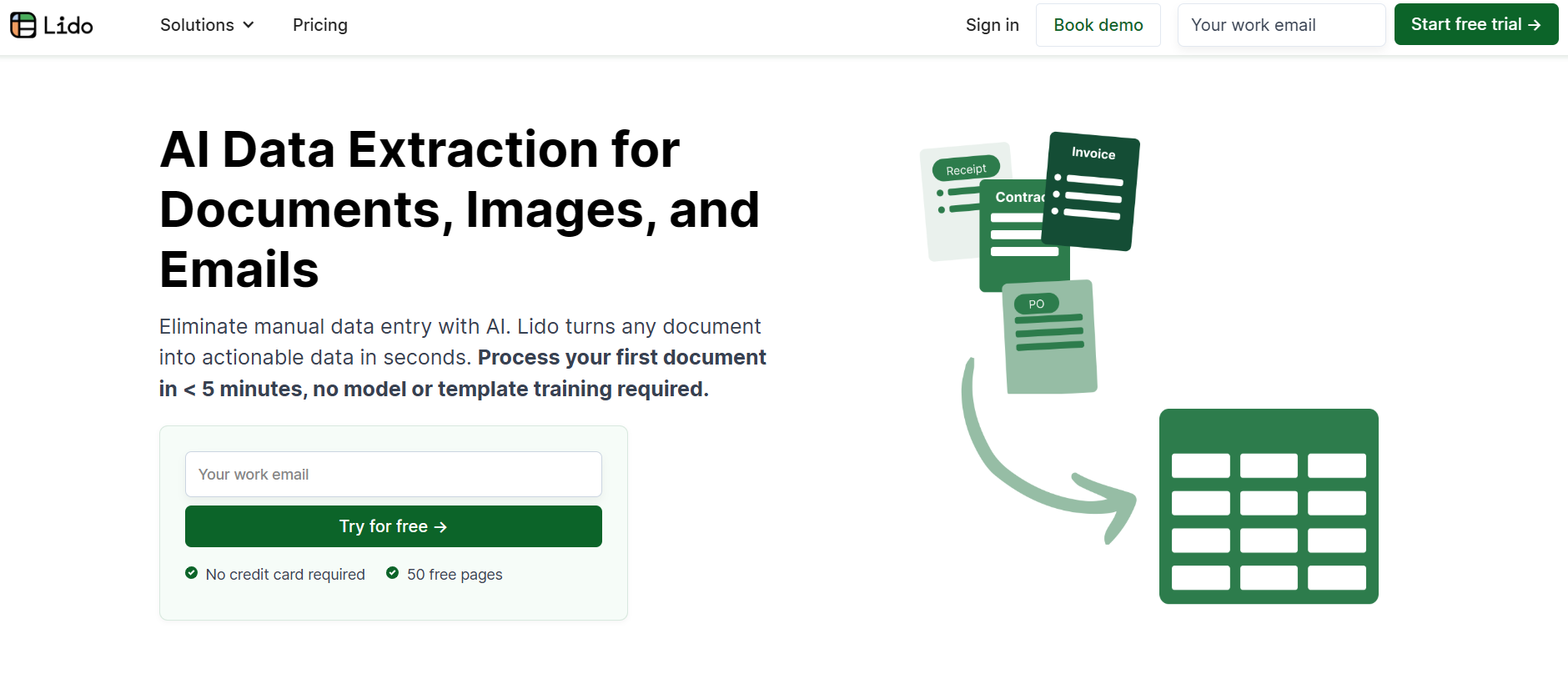
2. Lido
Lido is also a great option for automating AP invoices, especially if you want something fast, accurate, and easy for your team to use. It automatically grabs vendor details, dates, totals, and line items, then sends everything to Excel, Google Sheets, or your accounting system so your approvals and posting steps move a lot quicker.
Key Features
AI-powered invoice automation
Works with PDFs, images, scans, and email attachments
Built-in checks to keep data clean and accurate
Quick export to Excel, Google Sheets, or via API
Pros
Fast and dependable data capture
Very simple for teams to get started
Flexible export options that fit most AP workflows
Cons
Not as many native integrations as older legacy systems
Still growing its presence with large enterprises
Pricing
Standard: $29/month (1 user and up to 100 pages)
Scale: $3,950/year (up to 10 users and 42,000 pages with API access)
Enterprise: Starts at $20,000 per year with unlimited pages, ERP integrations, and priority support
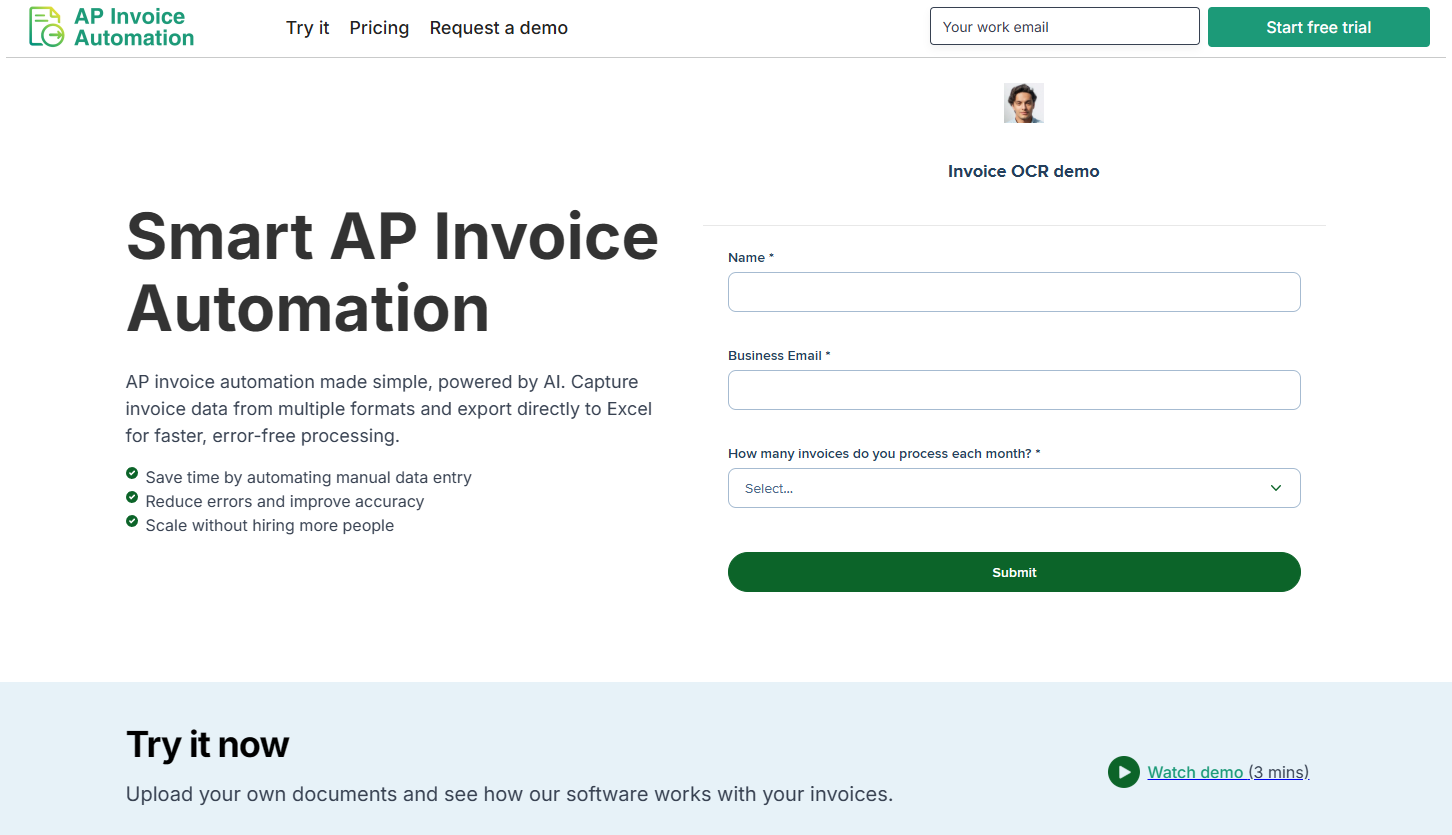
3. APInvoiceAutomation.com
APInvoiceAutomation.com is built for teams that want a simple, automated way to handle incoming invoices without dealing with templates or manual entry. The system automatically reads PDFs, scans, and emailed invoices, pulls out all the essential details, and sends the data where it needs to go.
Key Features
AI-driven invoice automation with no templates required
Works with PDFs, scanned documents, and email attachments
Captures vendor info, dates, totals, and line items
Exports clean data to Excel, CSV, or through API
Includes basic validation to catch common errors
Pros
Easy to use, even for teams new to AP automation
Quick setup with minimal onboarding
Reliable data capture that helps speed up approvals
Cons
Fewer advanced features compared to larger AP suites
Limited long-term track record
Not as many enterprise-level integrations
Pricing
Standard: $29 per month for one user with a monthly limit of 100 pages
Scale: $3,950 per year for teams of up to 10 users, including 42,000 pages annually and API access
Enterprise: Begins at $20,000 per year with unlimited pages and support for ERP integrations
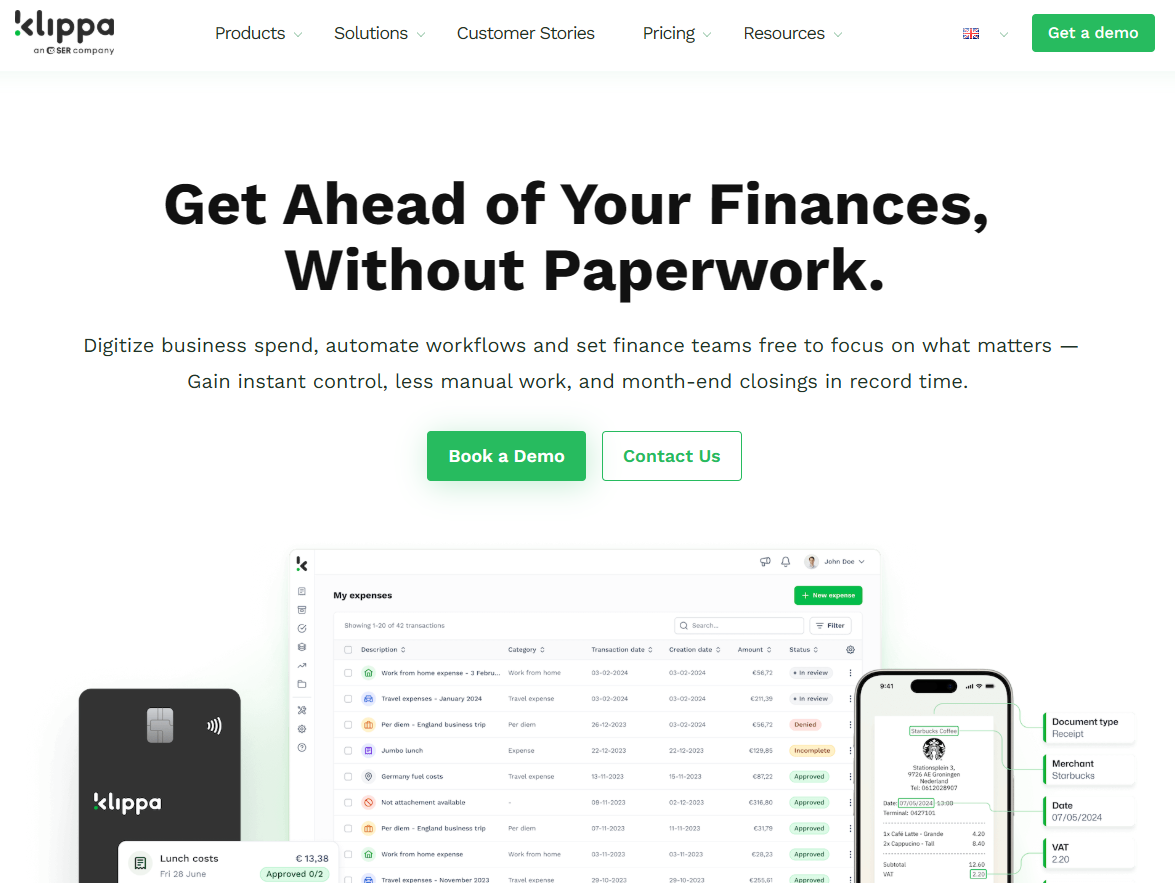
4. Klippa SpendControl
Klippa SpendControl helps AP teams automate invoices and approvals in one simple platform. Its AI-powered OCR pulls clean data from invoices, while built-in compliance standards like GDPR and ISO27001 keep everything secure. It’s a good pick for SMBs that want an easy way to speed up their AP workflow without adding extra complexity.
Key Features
AI-driven invoice scanning with accurate data capture
Custom approval workflows and fraud detection
Integrations with popular ERP and accounting systems
GDPR and ISO27001 certified for secure data handling
Pros
Combines invoice automation with expense tools
Easy to use on both desktop and mobile
Strong focus on compliance and security
Cons
Limited feedback from large enterprises
Feature updates can be slower
Pricing
Effective: €5 per user per month for invoice automation, expense tools, approvals, and ERP integrations
Premium: €6 per user per month with added compliance and tracking features
Custom: Tailored options for teams needing SSO, API access, or branding
5. HighRadius
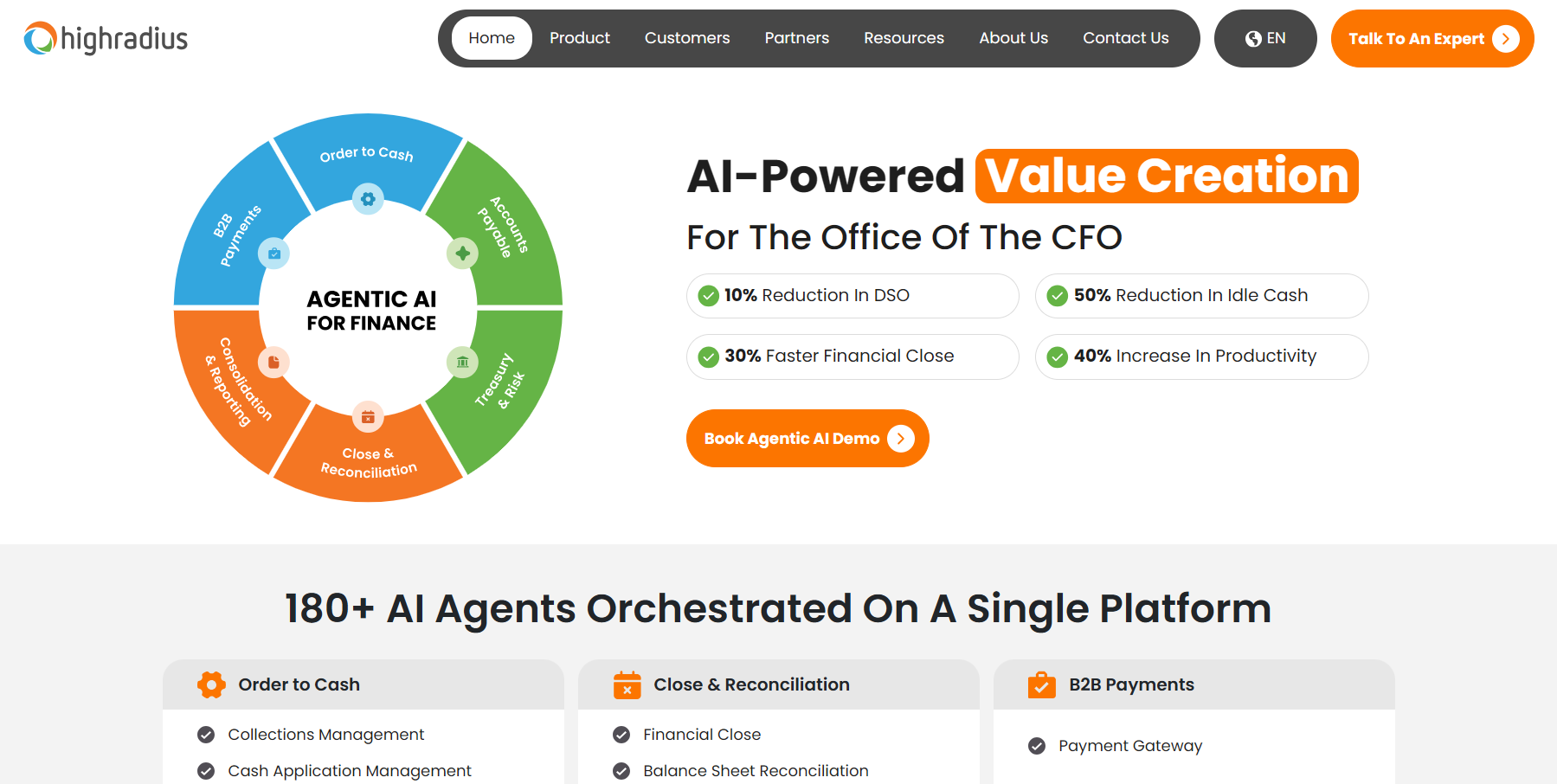
HighRadius is a robust AP automation platform built for companies that want deeper automation and stronger control across their invoice workflows. Its AI helps read invoices, match them to POs, flag exceptions, and route approvals automatically. The platform is especially helpful for mid-size and enterprise teams that deal with high volumes and need more advanced matching, compliance, and reporting.
Key Features
AI-powered invoice capture and PO matching
Automated approval workflows and exception handling
Integrations with major ERP and accounting systems
Real-time dashboards for visibility into AP performance
Pros
Strong automation for complex AP environments
Great accuracy for PO and non-PO invoices
Powerful reporting and visibility tools
Cons
Designed more for mid-size to large organizations
Setup can be more involved than lighter AP tools
Pricing requires a custom quote
Pricing
HighRadius does not publish fixed pricing. Costs are custom and based on invoice volume, workflow complexity, and required modules.
6. Tipalti
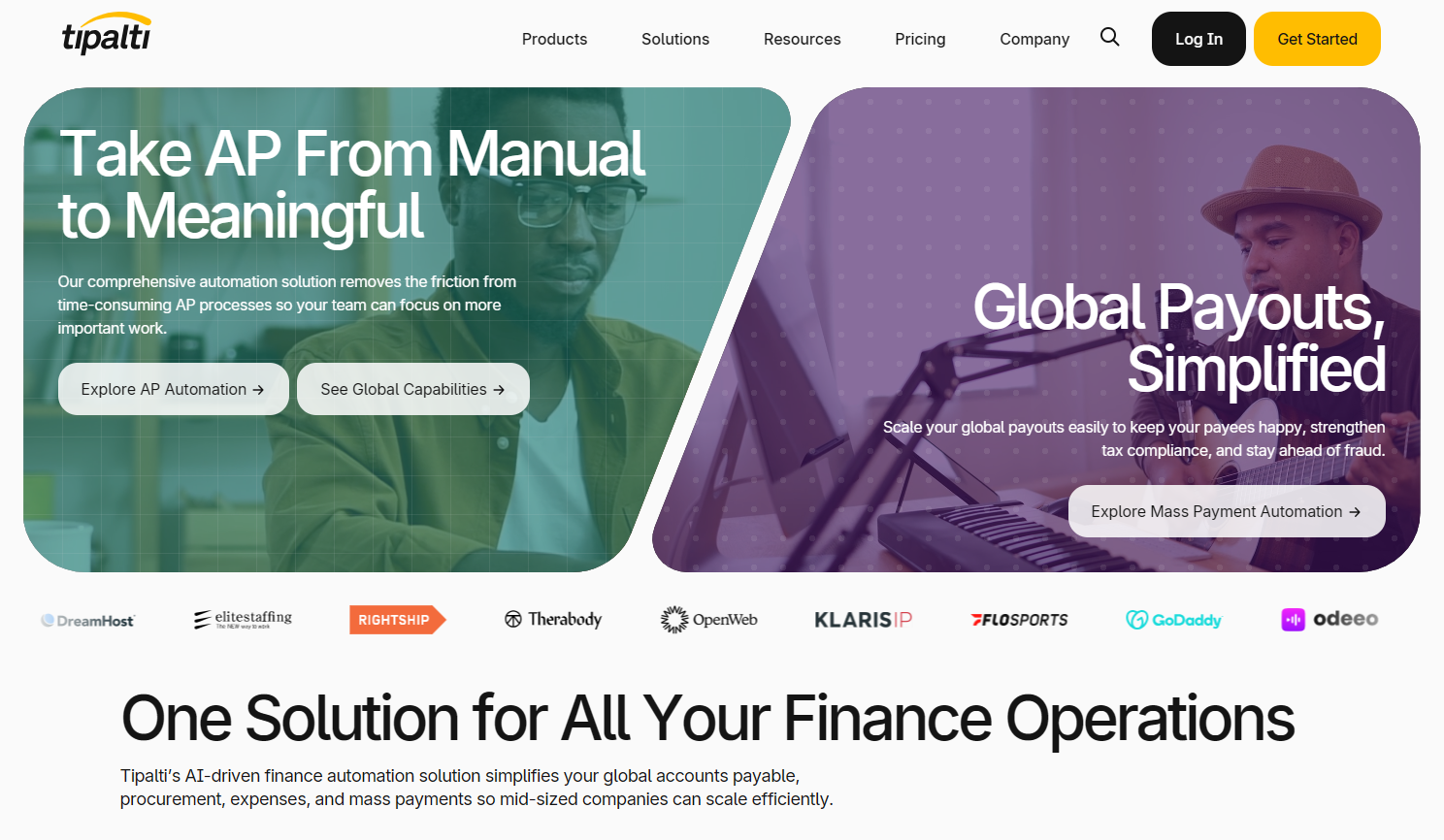
Tipalti is another established AP automation platform that helps finance teams capture, approve, and pay invoices. With strong built-in controls and global payment capabilities, it’s a good fit for growing companies that want to automate invoice handling from start to finish.
Key Features
AI-driven invoice capture and PO matching
Automated approval routing and exception handling
Global payment capabilities across multiple methods and currencies
Integrations with major ERP and accounting systems
Pros
Great end-to-end automation from invoice intake to payment
Strong compliance and audit features
Works well for scaling or multi-entity organizations
Cons
More expensive than lighter AP tools
Setup can be more complex depending on workflow needs
Some features are better suited for larger teams
Pricing
Tipalti uses custom pricing based on invoice volume, payment needs, and the modules you choose.
7. BILL
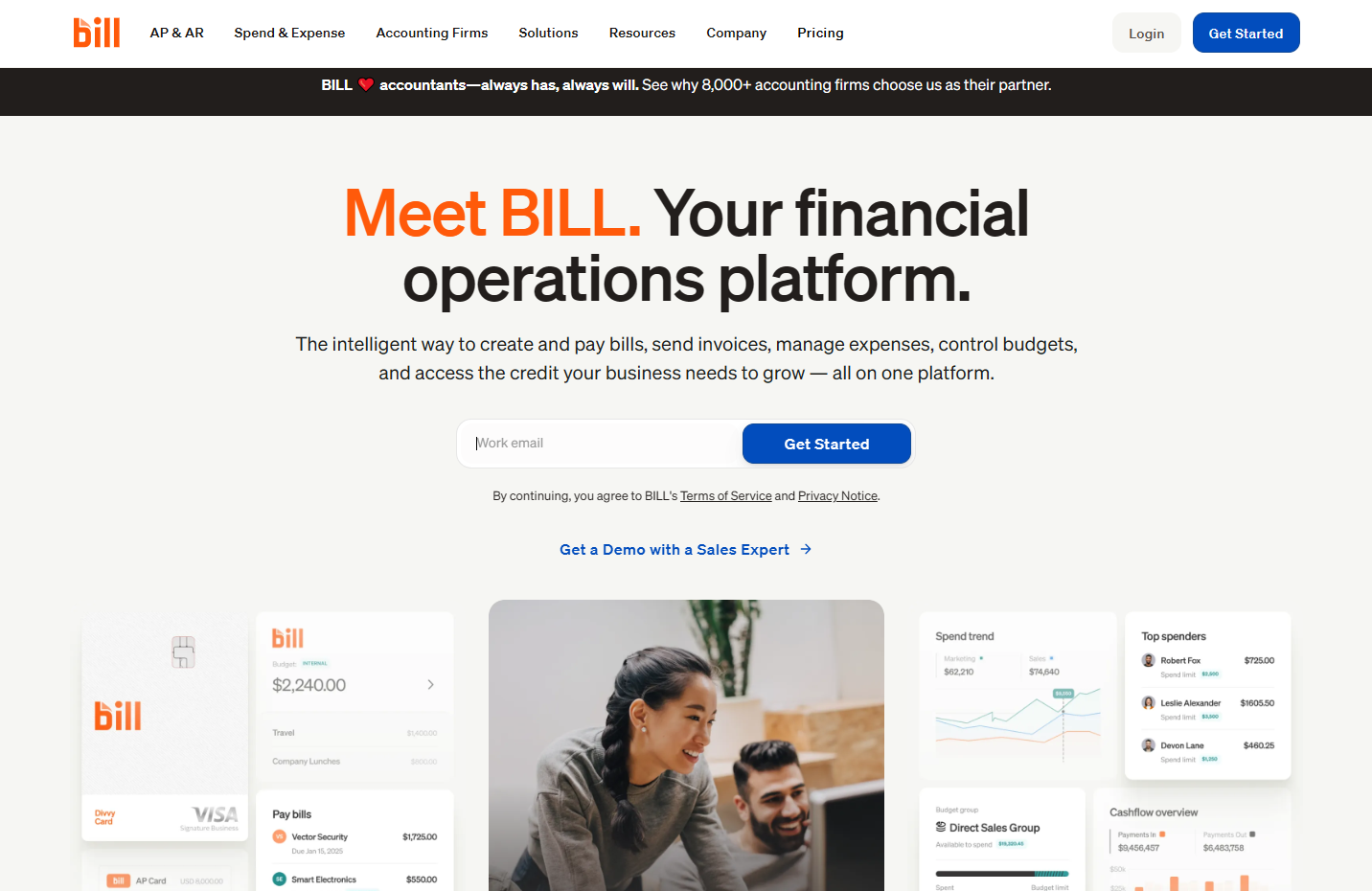
Bill.com is a popular choice for small and mid-sized teams that want to automate their AP workflow without dealing with complicated setups. It handles invoice capture, approvals, and payments in one place, and it connects smoothly with common accounting tools.
Key Features
Central inbox for receiving and organizing bills and invoices
Automated approval workflows to speed up invoice reviews
Built-in vendor payment options including ACH, virtual cards, and credit cards
Syncs with major accounting tools and connects to a large vendor network
Custom user roles and approval rules for better control
Pros
Great option for mid-size teams moving away from manual AP work
Easy to set up and simple for handling everyday invoice and payment tasks
Cloud-based platform makes it convenient for remote and mobile teams
Cons
Advanced features like deep ERP integrations or procurement tools may require higher-tier plans
Costs can increase as invoice volume or workflow complexity grows
Some capabilities may feel limited compared to enterprise-only AP suites
Pricing
Essentials: $45 per user per month for core AP and AR features, invoice entry, approvals, and vendor payments
Team: $55 per user per month with more controls and automatic accounting sync
Corporate: $89 per user per month with combined AP and AR tools, added customization, and enhanced workflows
Enterprise: Custom pricing based on business size, number of entities, and AP volume
8. Vroozi
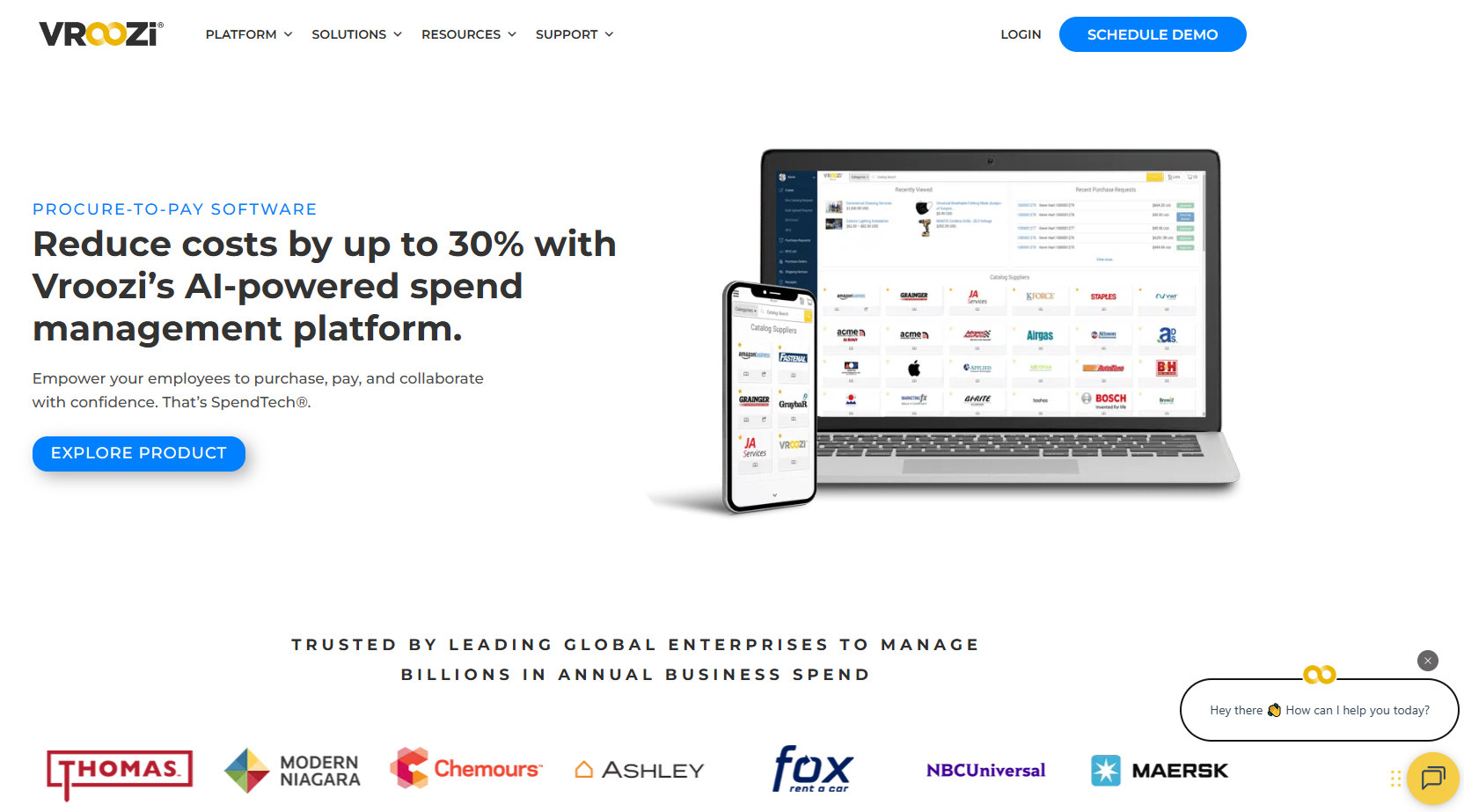
Vroozi brings AP invoice automation and digital procurement together in one platform, which gives teams a clearer view of their spending and supplier activity. It’s designed for mid-market companies that want flexible tools that can grow with them. The system captures and validates invoices, matches them with POs and receipts, and makes it easy for teams to approve everything from their phone or laptop.
Key Features
Invoice capture with validation and PO or receipt matching
Supplier management and collaboration tools
Mobile-friendly platform for quick approvals and tracking
Pros
Smooth connection between procurement and AP workflows
Modern, easy-to-use interface
Scales well as companies grow
Cons
Reporting isn’t as strong as some top competitors
Certain enterprise-level capabilities aren’t as deep as larger platforms
Pricing
Vroozi uses custom pricing. Plans are tailored based on what each company needs, such as the volume of invoices, the number of users, and whether procurement tools are part of the setup.
9. AvidXchange
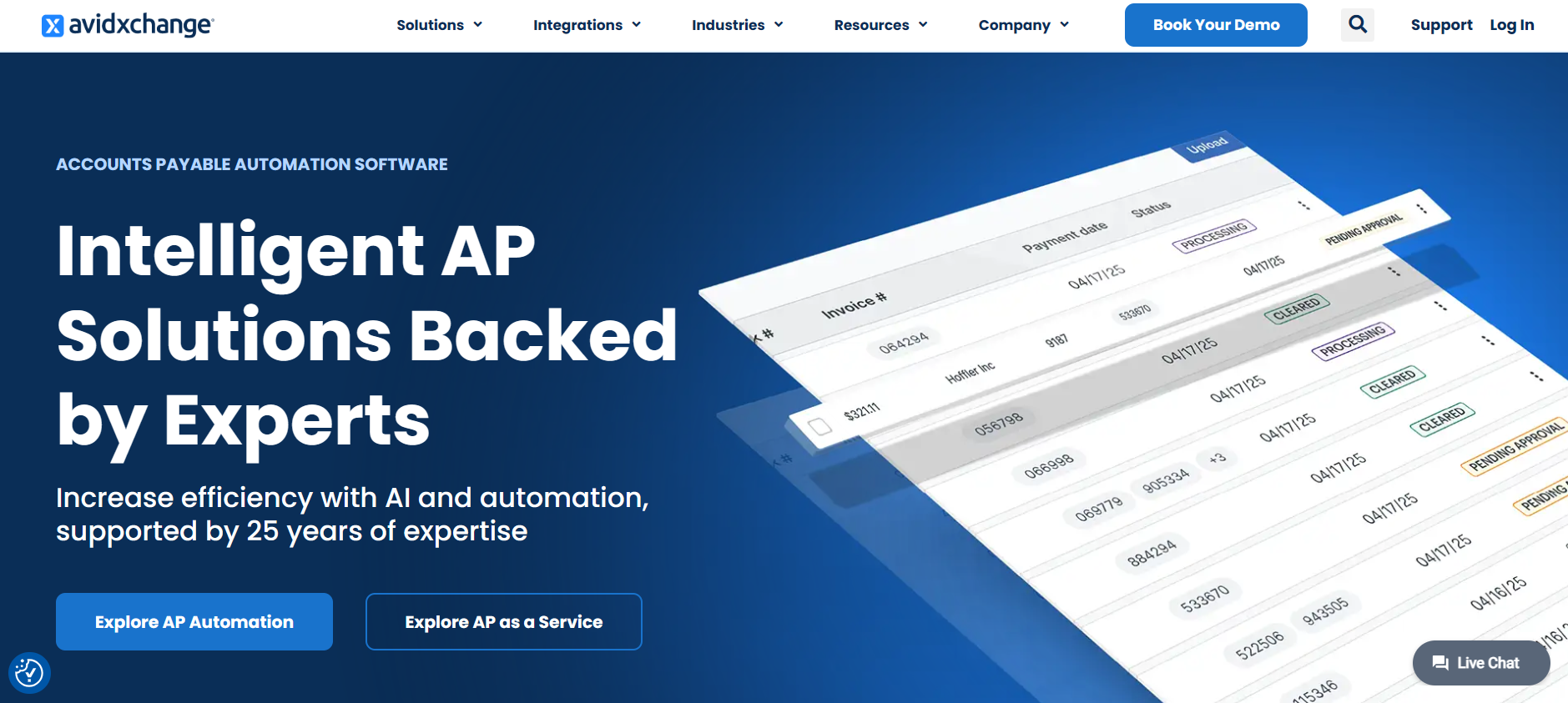
AvidXchange takes a more hands-on approach to AP automation by acting almost like an extension of your AP team. Its large built-in payment network is a big part of what sets it apart, giving companies a way to move away from paper checks and manual pay runs without having to manage multiple tools or vendors.
Key Features
Automatic invoice capture and data extraction
Approval routing that fits your existing workflow
Full automation from invoice intake to vendor payment
Integrations with a wide range of ERP and accounting systems
Audit trails and control features for compliance
Pros
Great for companies with high invoice volume or multiple departments
Strong payment automation that cuts down manual work
Lots of integration options for connecting to your current systems
Cons
Setup can take a bit longer compared to lighter AP tools
May feel too robust for smaller teams
Pricing isn’t available publicly
Pricing
AvidXchange uses a quote-based pricing model. Costs usually depend on your invoice volume, payment needs, selected modules, and the complexity of your workflows.
10. Nanonets
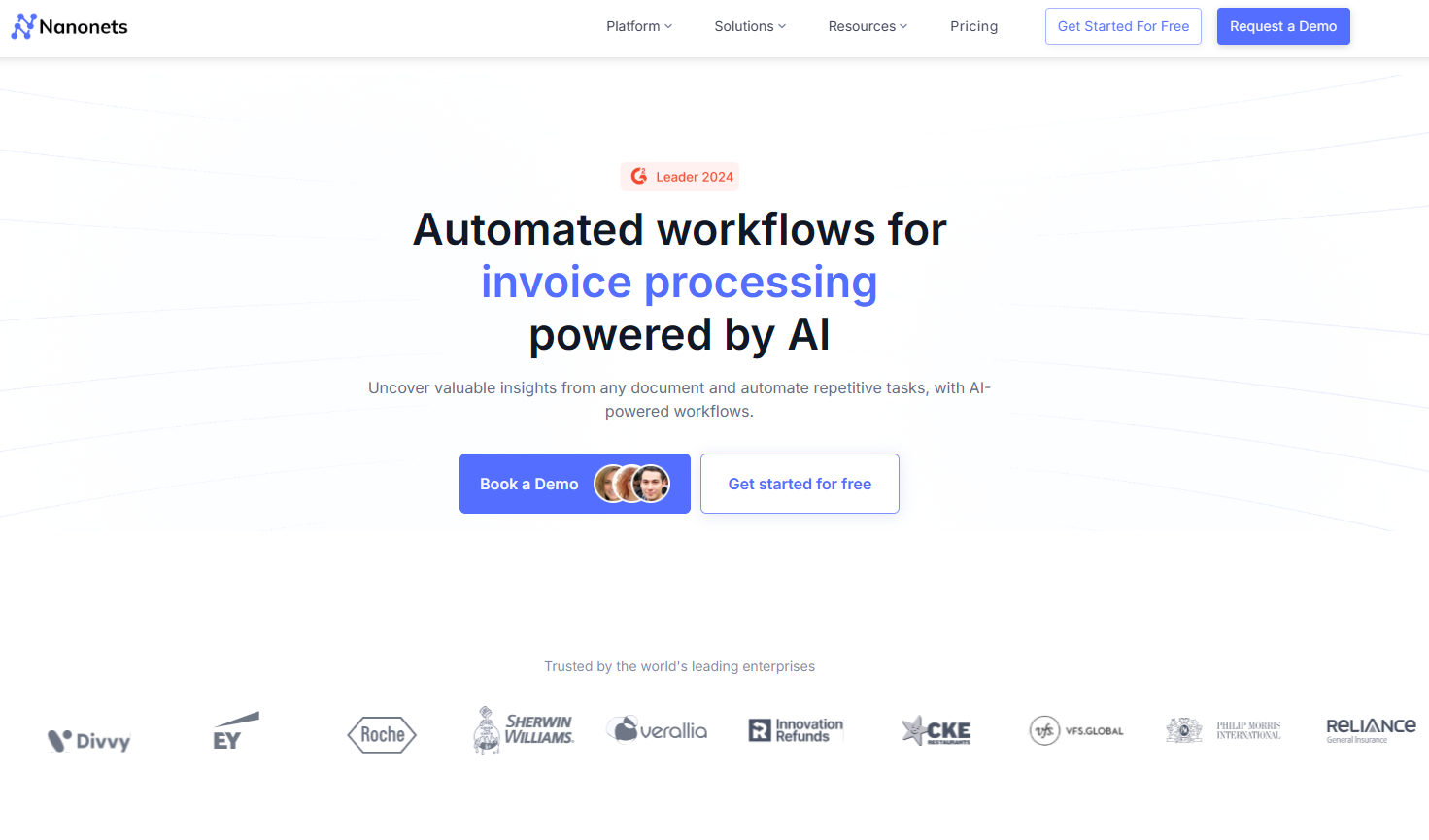
Nanonets is built for AP teams that want flexible, AI-first invoice automation without a heavy setup. What makes it stand out is how customizable it is: you can train the AI on your own invoice samples, build no-code workflows, and connect it to almost any system you already use. It’s great for teams that need more control over how invoices get captured, routed, and approved, especially when dealing with mixed formats or non-standard layouts.
Key Features
Trainable AI that learns from your own invoice samples
Automatic extraction of vendor details, totals, dates, and line items
No-code workflow builder for approvals and routing
Integrations with a wide range of accounting and ERP tools
Real-time dashboard for tracking invoices and exceptions
Pros
Highly customizable for unique or evolving AP workflows
Strong accuracy that improves as the model learns
Works well for teams dealing with varied invoice formats
Cons
Some features require higher-tier plans
May be more advanced than small teams need
Pricing can increase with high document volume
Pricing
Free: $200 in credits to get started
Pro: $999 per month for up to 10,000 pages
Overages: Around $0.10 per page once you exceed the limit
Enterprise: Custom pricing with volume discounts and dedicated support
Start today with 50 free pages
👋 Let's personalize your experience!
Oops! Something went wrong while submitting the form.
Lido doesn't work on mobile yet, but we'll send you an email with your login details for when you're back at a desktop!
Oops! Something went wrong while submitting the form.