The Best AP Invoice Processing Solutions (Our Top 10 Picks)
If you’ve ever processed invoices by hand, you know how draining it can be. It’s repetitive, stressful, and usually the task everyone avoids until the last minute. We’ve seen how fast a stack of invoices can slow down an entire workflow.
The good news is AP automation has come a long way. In 2026, there are plenty of tools that take the pressure off by handling data capture, routing approvals, and even scheduling payments automatically.
In this article, we’re walking through the 10 best invoice processing software solutions for accounts payable in 2026. We cover their key features, pros, cons, and pricing so you can quickly figure out which one makes the most sense for your business.
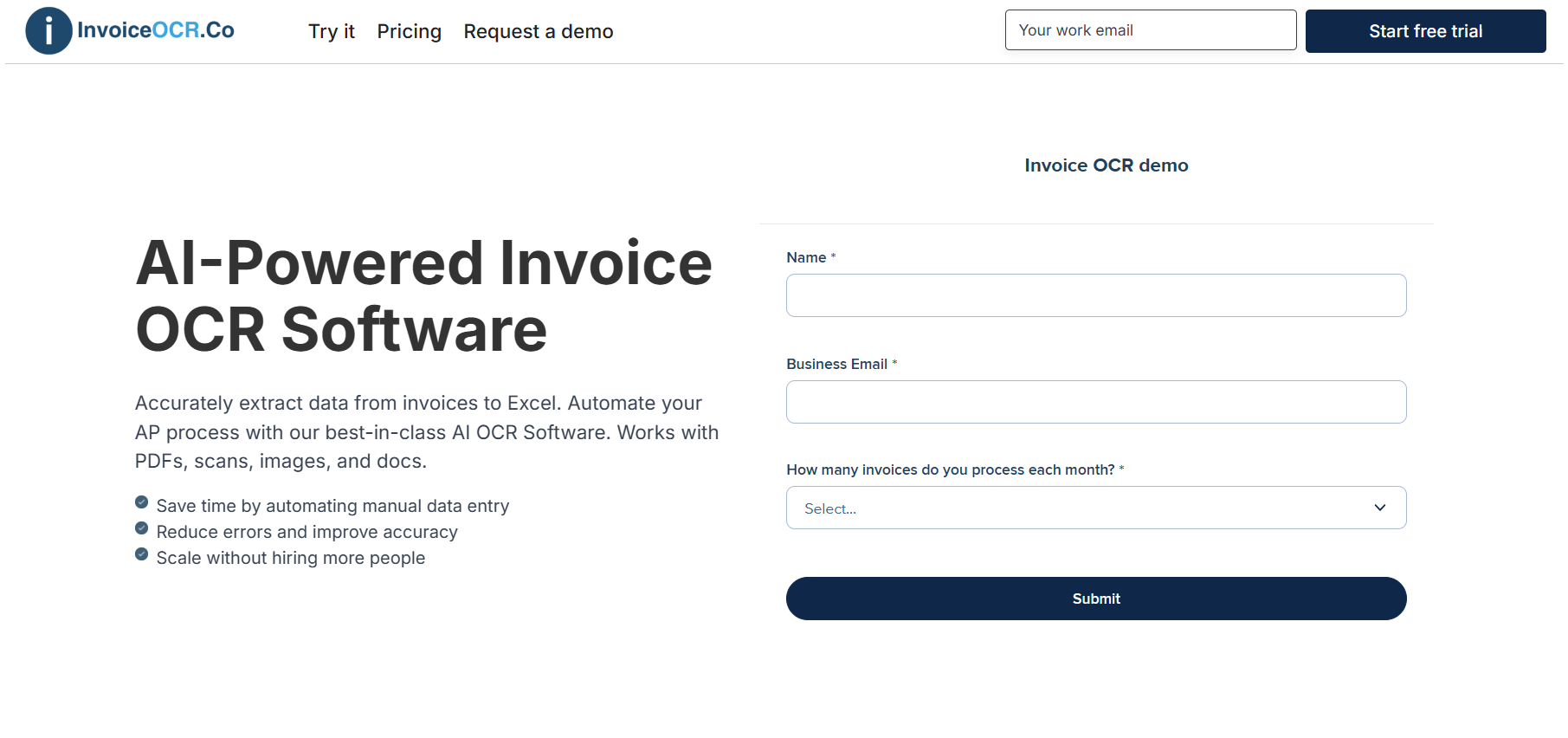
1. InvoiceOCR.co
At InvoiceOCR.co, we provide a fast and reliable way for accounts payable teams to scan, extract, and organize invoice data with minimal effort. The system automatically captures key details such as vendor names, invoice numbers, dates, totals, and line items directly from PDFs, scans, or email attachments. Everything is converted into clean, structured data that can be sent to Excel, CSV, or your accounting system. No templates or coding required.
Key Features
Works with PDFs, scanned documents, and email attachments
Automatically captures invoice numbers, totals, dates, vendor information, and line items
Exports data to Excel, CSV, or through API
Template-free AI that adapts to any invoice format
Built-in validation to keep data accurate
Pricing
Standard: $29 per month for 1 user and 100 pages
Scale: $3,950 per year for 10 users, 42,000 pages, and API access
Enterprise: Starts at $20,000 per year with unlimited pages and ERP integrations
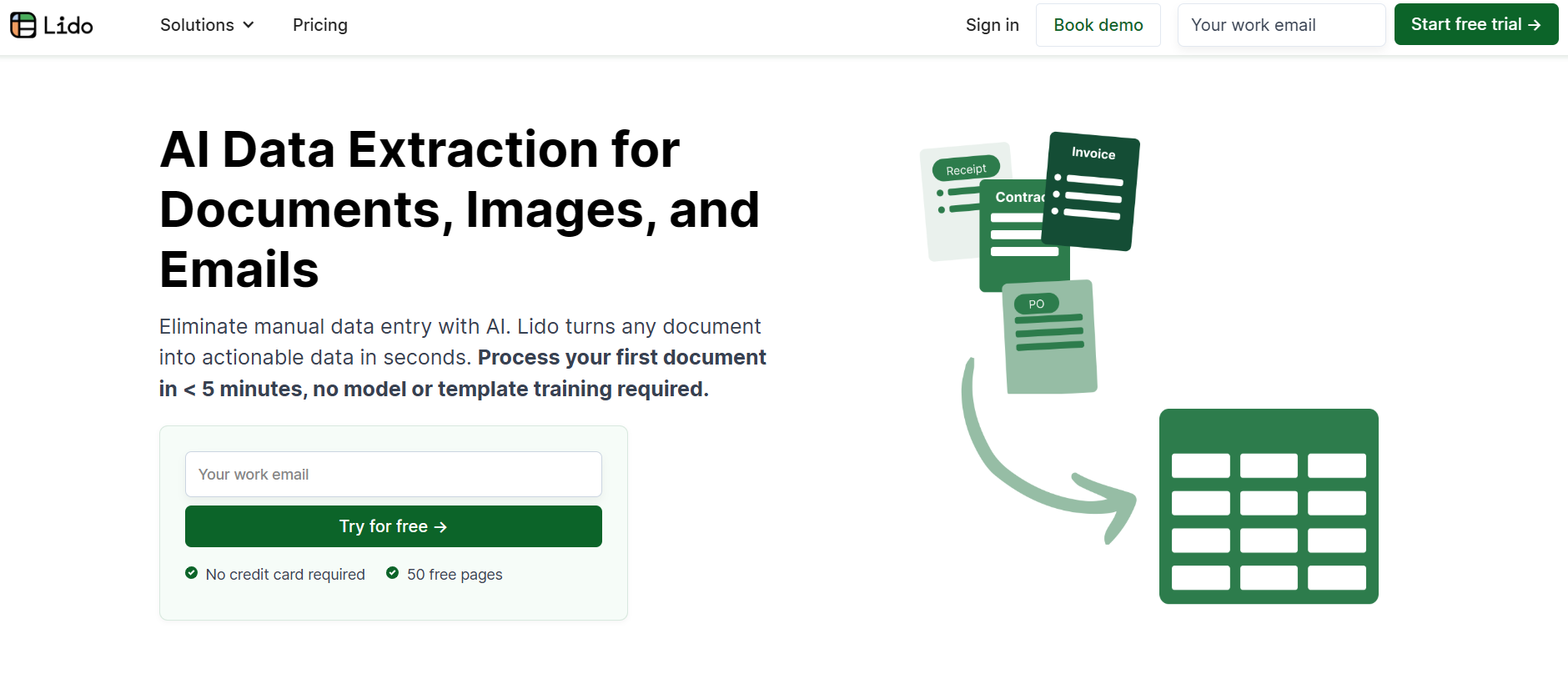
2. Lido
Lido is another fantastic choice for AP invoice processing, designed to help finance teams handle invoices faster and with fewer errors. Its AI reads PDFs, images, and scanned paper invoices without needing templates or complicated setup. You can pull out all the important details like vendor names, dates, totals, and line items, then send everything directly to Excel, Google Sheets, or your accounting system.
Key Features
AI-based invoice processing that works without templates
Supports PDFs, scanned images, and email attachments
Built-in checks for accurate data capture
Quick export to Excel, Google Sheets, or via API
Pros
Fast and reliable invoice extraction
Easy to set up and simple for teams to use
Flexible export options for AP workflows
Cons
Fewer native integrations compared to older legacy tools
Still building traction with large enterprise teams
Pricing
Standard: $29 per month, for one user with a monthly allowance of up to 100 processed pages
Scale: $3,950 per year, for teams of up to 10 users and includes 42,000 pages plus API access
Enterprise: Custom plans starting at $20,000 per year, offering unlimited pages, ERP connectivity, and priority support
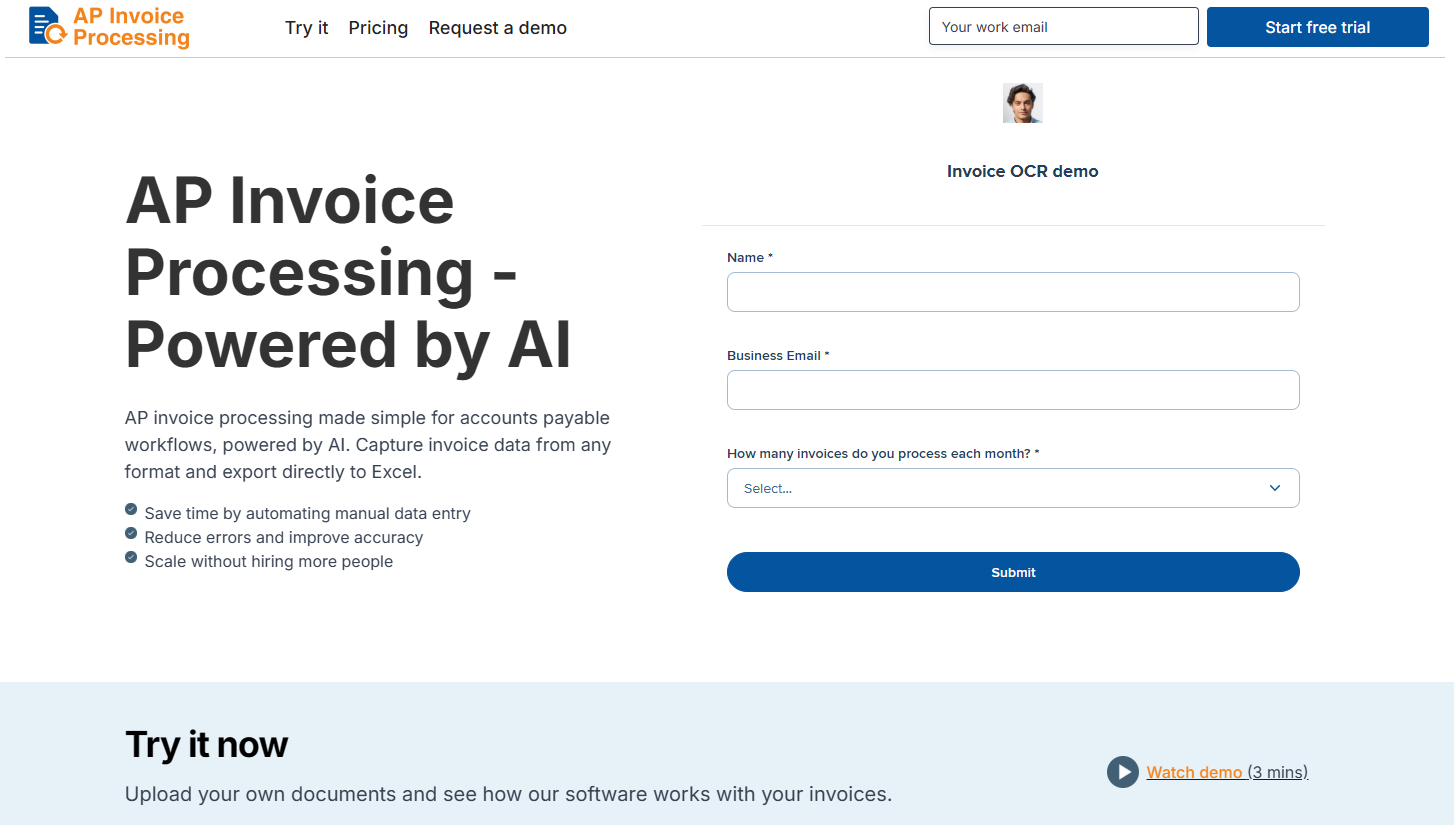
3. APInvoiceProcessing.com
APInvoiceProcessing.com is designed for teams that want a simple, automated way to process invoices without the bulk of a full AP system. It uses fast AI-powered OCR to capture invoice data, checks for errors in real time, and gives you a clean dashboard to review exceptions. It’s a great fit for smaller businesses or teams looking for a focused, easy-to-use solution.
Key Features
Cloud-based invoice capture and data extraction
AI-assisted checks for duplicates and mismatches
Easy exports to common ERPs and accounting software
Pros
Clean and simple interface
Quick setup with smooth AP workflows
Cost-friendly for smaller teams
Cons
Limited history and user reviews
Fewer integrations for larger enterprise environments
Pricing
Standard Plan: $29 per month for 1 user and up to 100 pages
Scale Plan: $3,950 per year for 10 users, 42,000 pages, and full API access
Enterprise Plan: Starts at $20,000 per year with unlimited pages, ERP integrations, and dedicated support
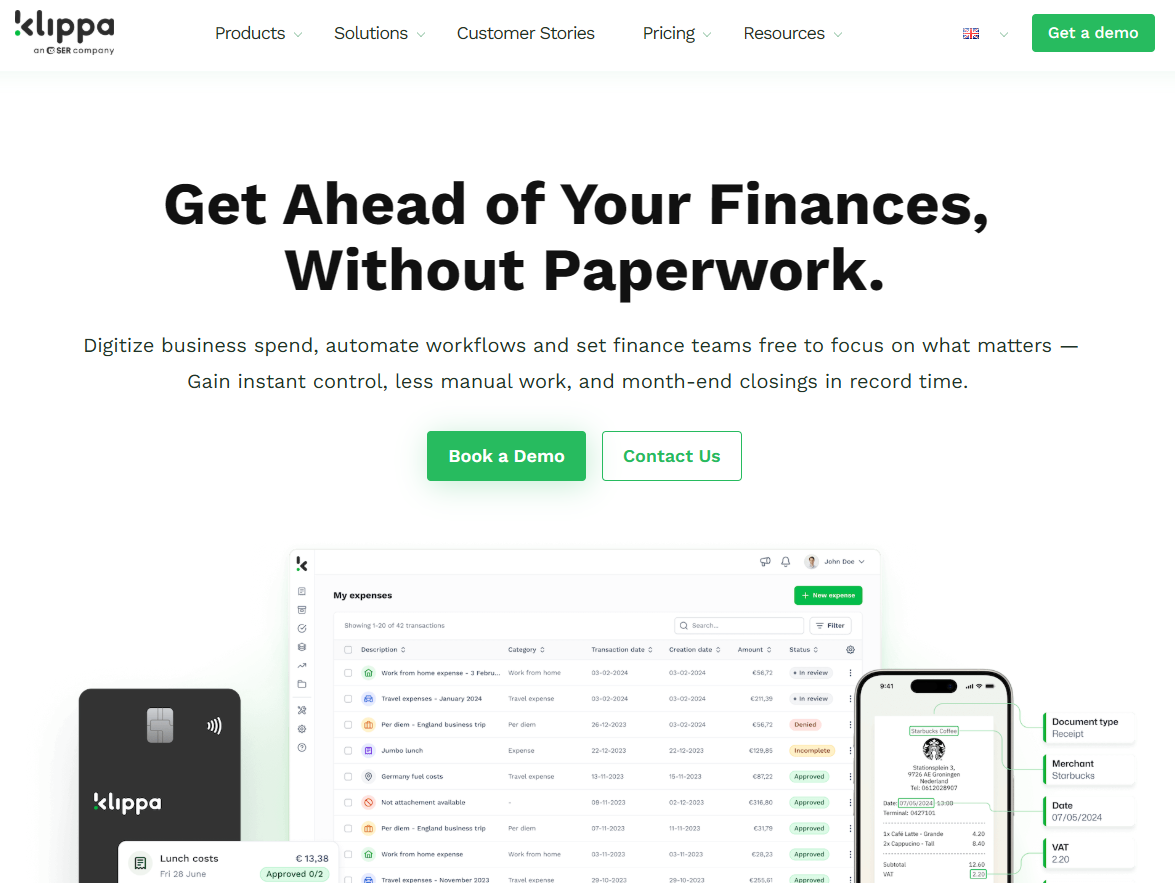
4. Klippa SpendControl
Klippa SpendControl is a flexible platform that helps AP teams manage invoices, approvals, and spending in one place. Its AI-powered OCR does a solid job extracting invoice data, and the system’s built-in compliance standards like GDPR and ISO27001 help keep financial information secure. It’s a practical choice for SMBs that want an easy, all-in-one way to handle AP processing and expense management.
Key Features
AI-driven invoice scanning with accurate data capture
Customizable approval workflows and fraud detection tools
Integrations with popular accounting and ERP systems
GDPR and ISO27001 certified for strong data protection
Pros
Combines AP invoice processing with expense management
User-friendly across both desktop and mobile
Strong focus on security and compliance
Cons
Limited feedback from larger enterprise teams
Some users note that new features roll out gradually
Pricing
Effective: €5 per user per month, covering invoice and expense management, approvals, fraud detection, and ERP integrations
Premium: €6 per user per month, adding features like per diem tracking, CO2 registration, and GoBD or AEAT compliance
Custom: Tailored options available for teams needing extras like SSO, API access, or custom branding
5. Basware
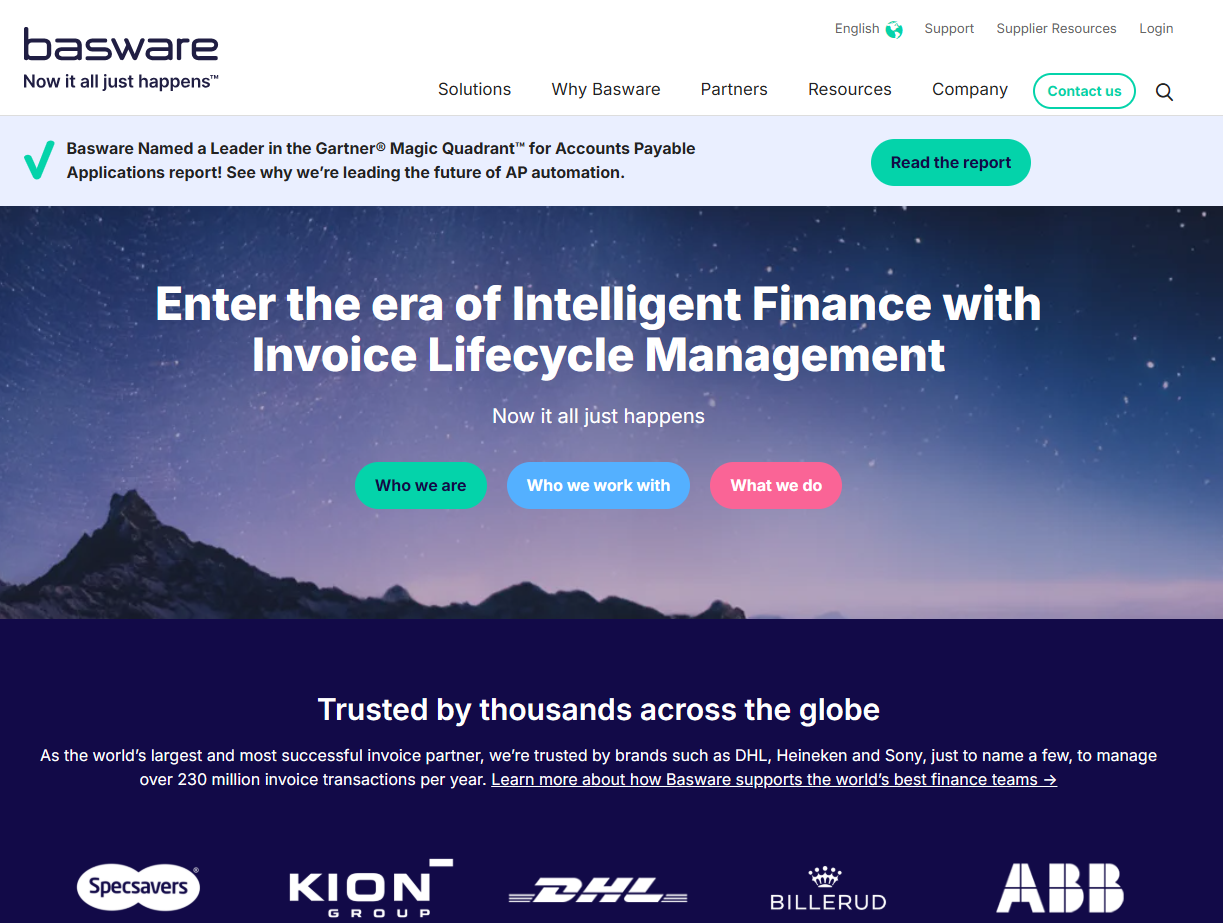
Basware is a well-known AP automation platform built for teams that handle large invoice volumes or more complex workflows. It uses AI and machine learning to capture invoice data, match it to POs, route approvals, and flag exceptions, which helps reduce a lot of the manual work that usually slows AP teams down. It’s a strong fit for mid-size to enterprise businesses that need accuracy, control, and scalability.
Key Features
AI-powered invoice capture that works with PDFs, scans, e-invoices, and paper documents
Automated PO and non-PO matching with smart coding for unmatched invoices
Full approval and exception routing workflows with real-time dashboards
Broad ERP compatibility and global compliance support
Pros
Excellent for high-volume processing and complex AP environments
Strong visibility and reporting for spending and workflow performance
Reliable accuracy thanks to AI, rules, and matching tools
Cons
Implementation can take longer than smaller, lightweight tools
Pricing is better suited for larger teams and enterprise setups
Pricing
Basware provides customized pricing based on invoice volume, number of users, and modules selected. Costs generally start at a higher range, making it most ideal for mid-size and enterprise teams that need a full AP automation ecosystem.
6. Coupa
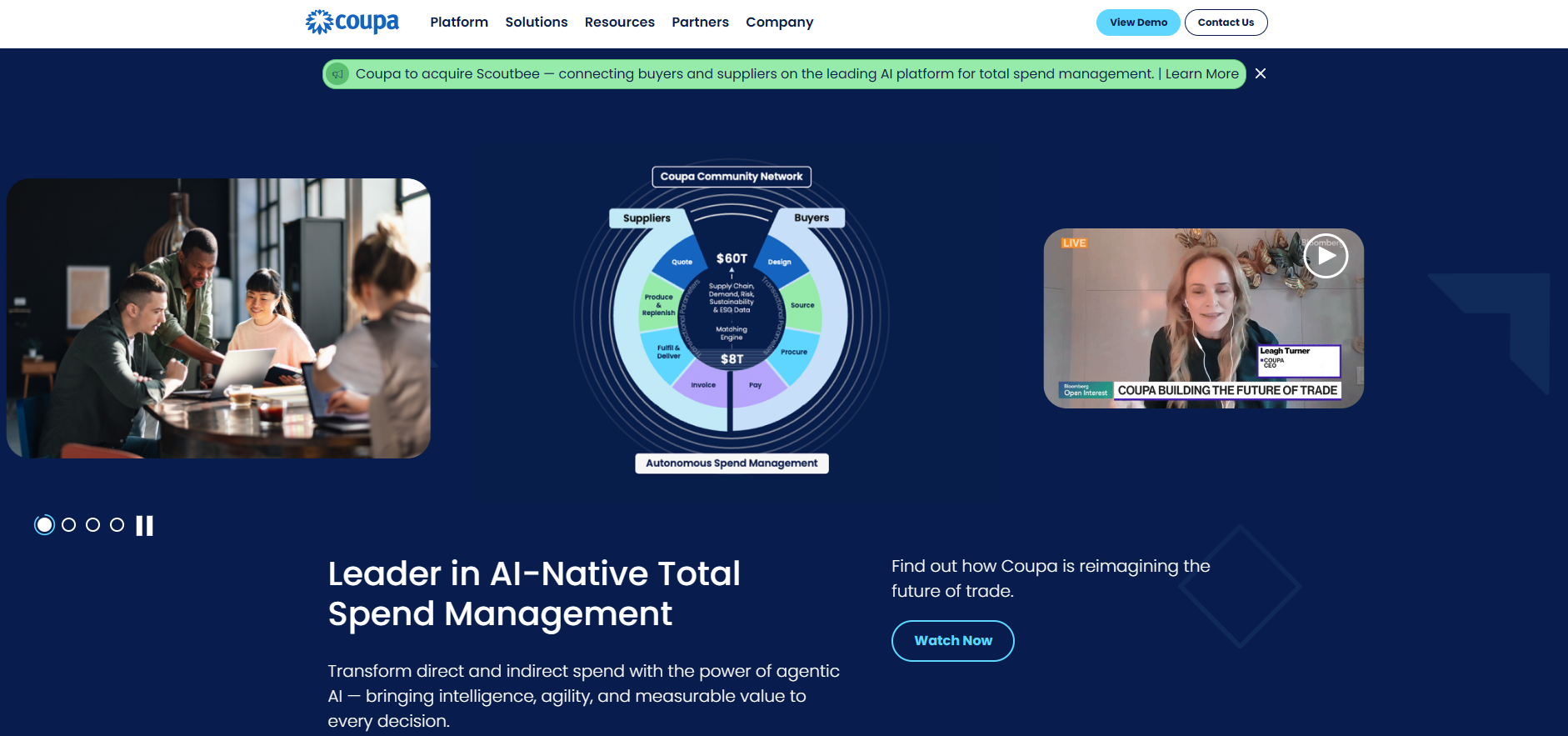
Coupa is another great option for its strong AP invoice processing capabilities. It’s built for larger organizations that need automation across the entire procure-to-pay cycle. With AI-powered invoice capture, smart matching, approval routing, and detailed spend visibility, Coupa helps AP teams manage high invoice volumes with fewer manual steps.
Key Features
Automated invoice capture, matching, and approval workflows
E-invoicing support and supplier collaboration tools
Detailed analytics for spend and compliance
Integrations with major ERP and enterprise systems
Built-in expense and travel management
Fraud detection and policy enforcement features
Pros
Covers everything from invoice processing to procurement in one unified platform
Strong visibility into spending and workflow performance
Scales well for large or global finance teams
Broad ERP integrations and supplier network connections
Cons
More expensive compared to mid-market AP tools
Onboarding can take longer because of the platform’s size and depth
Pricing requires a custom quote
Pricing
Coupa’s pricing varies based on features and usage. Most teams can expect starting costs around $2,500 per month, with some add-on modules priced separately. Enterprise plans are customized depending on invoice volume, required features, and integration needs.
7. SAP Concur
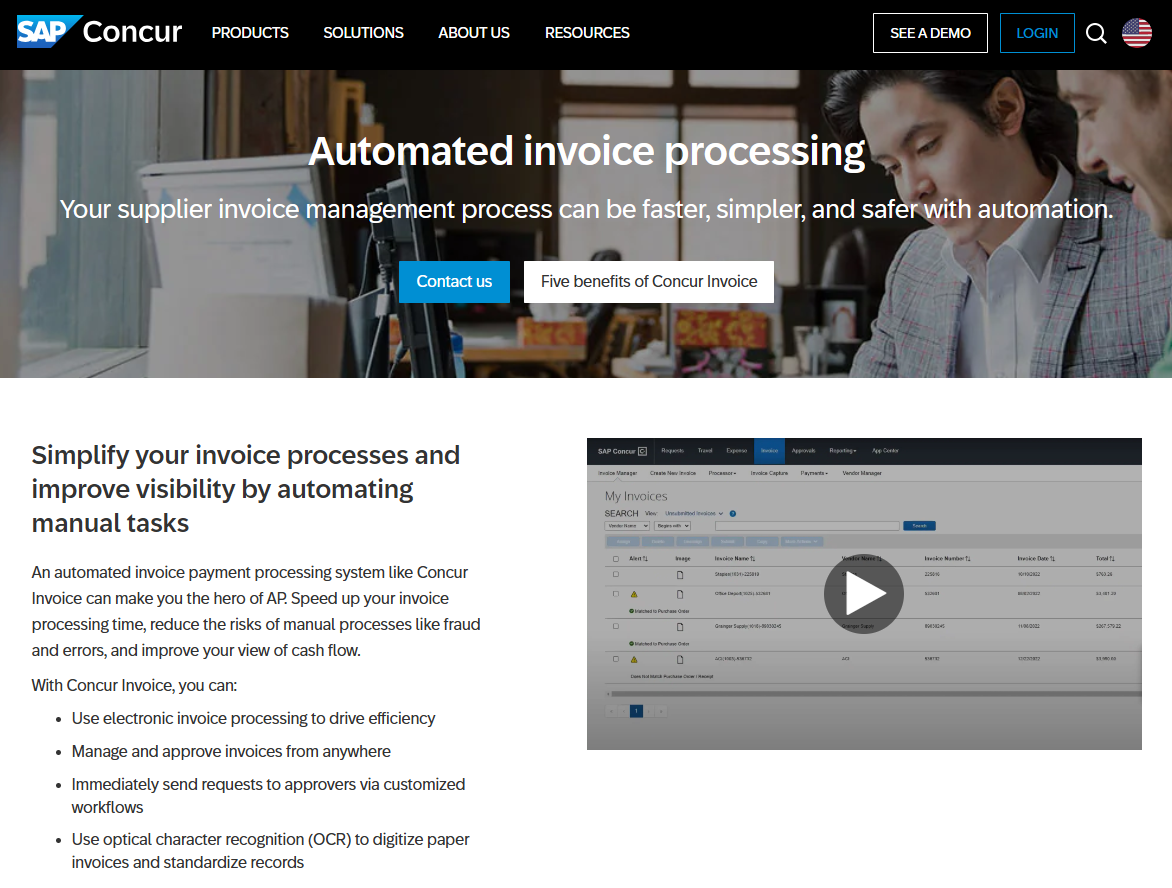
SAP Concur is a cloud-based spend management platform that helps teams streamline how invoices are captured, routed, approved, and synced with their accounting or ERP system. With AI-driven data capture, automated workflows, and built-in policy controls, it’s designed to reduce manual work and bring more visibility into AP operations.
Key Features
AI-driven invoice capture from PDFs, scans, and email
Automated routing, coding, and approval workflows
Integrations with major ERP and accounting systems
Compliance tools and audit trails built in
Mobile app for reviewing and approving invoices on the go
Expense and travel tools available for broader spend management
Pros
Reliable and widely used by mid-size and enterprise teams
Strong mobile experience for quick approvals
Solid compliance and policy control features
Works smoothly with SAP systems and many other ERPs
Cons
Interface can feel more complex than smaller AP tools
Costs can increase as more modules are added
Implementation may take longer depending on setup
Pricing
SAP Concur does not publish fixed pricing for its invoice solution. All plans are quote-based, and pricing depends on the features, modules, and level of usage your team requires.
8. BILL
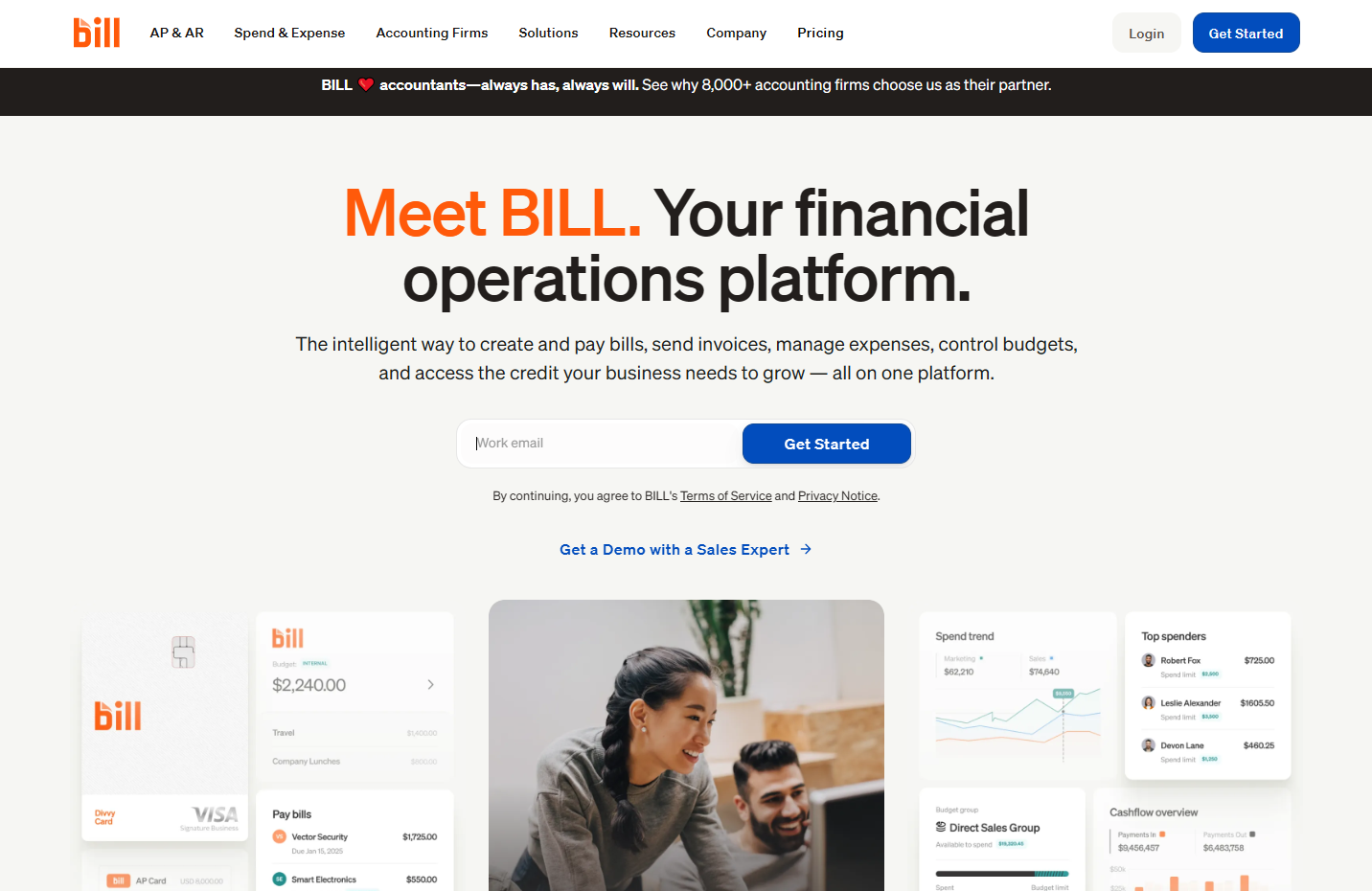
Bill.com is another popular cloud-based platform designed to simplify accounts payable (and receivable) workflows. It uses automation to help AP teams capture invoices, route them for approval, and pay vendors electronically, all while syncing with accounting systems.
Key Features
Centralized inbox for bills and invoices
Automated approval workflows for invoices
Support for vendor payments (ACH, virtual card, credit card)
Syncs with major accounting software and connects with over 4 million vendors
Ability to set custom user roles and approval policies
Pros
Great for mid-size businesses moving beyond manual AP processes
Simple setup for basic workflows and vendor payment automation
Convenient for remote or mobile teams thanks to cloud access
Cons
More advanced features (e.g., deep ERP integrations, procurement modules) cost more or require higher-tier plans
As invoice volume and complexity grow, you may need to move into more expensive tiers
Some features may still be less comprehensive than enterprise-only AP suites
Pricing
Essentials: $45 per user per month for core AP and AR features, invoice entry, approvals, and vendor payments
Team: $55 per user per month with additional controls and automatic accounting sync
Corporate: $89 per user per month with combined AP and AR tools, more customization, and expanded workflows
Enterprise: Custom pricing based on company size, entities, and AP volume
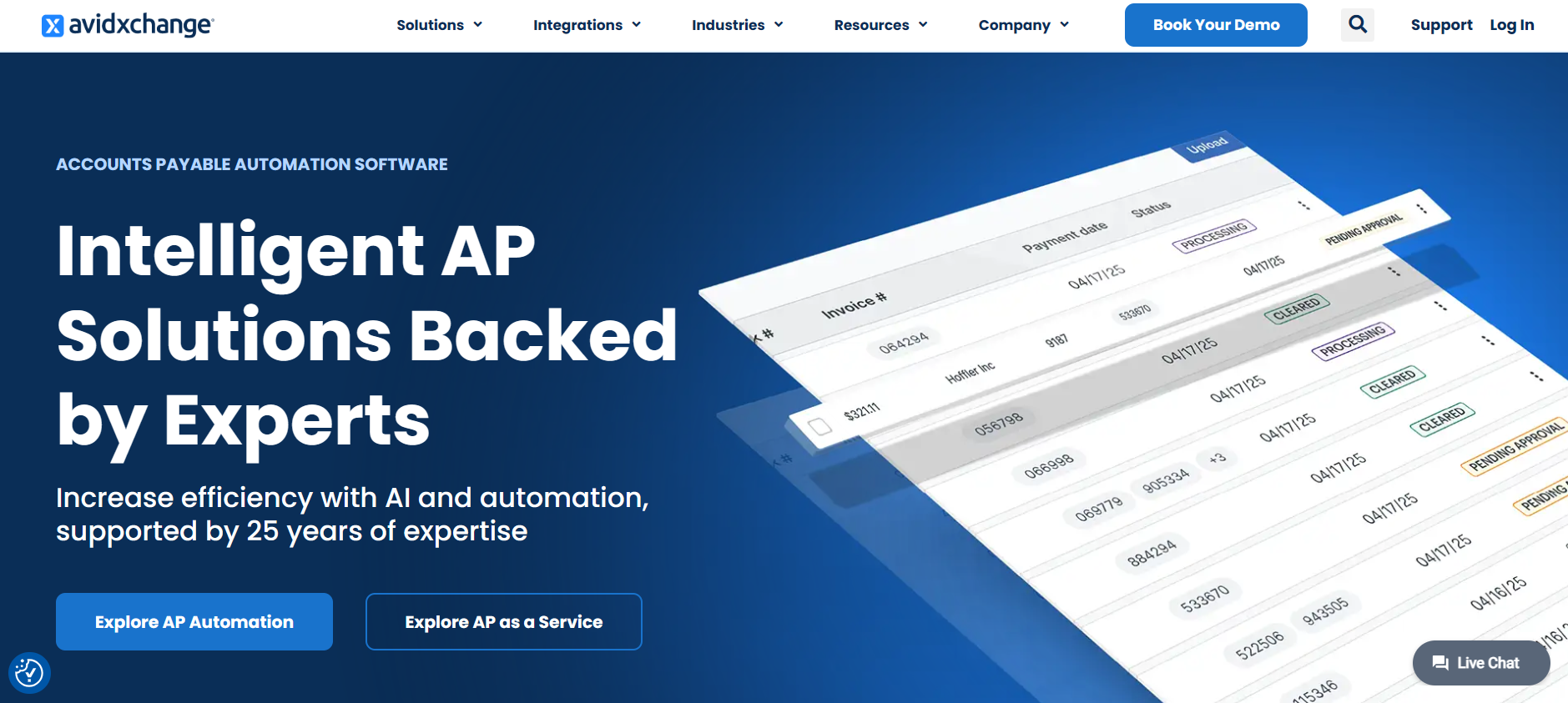
9. AvidXchange
AvidXchange is a well-known AP automation platform built specifically for companies that want to move away from paper-based invoicing and manual payments. What makes it stand out is its strong focus on end-to-end automation: it not only captures and routes invoices but also manages vendor payments through its own large payment network.
Key Features
Automated invoice capture and data extraction
Approval routing built around your company’s workflow
End-to-end invoice and payment automation
Wide range of integrations with accounting and ERP systems
Built-in audit trails and control features for compliance
Pros
Great for businesses that deal with lots of invoices or multiple departments
Strong payment automation that reduces manual work
Broad integration options make it easier to connect with existing systems
Cons
Setup can take longer than simpler AP tools
May feel like too much platform for smaller teams
Pricing is not publicly listed
Pricing
AvidXchange does not publish standard pricing. All plans are quote-based and typically depend on invoice volume, payment volume, the modules you need, and the complexity of your workflows. This makes it flexible for larger organizations but less predictable for smaller teams looking for upfront pricing.
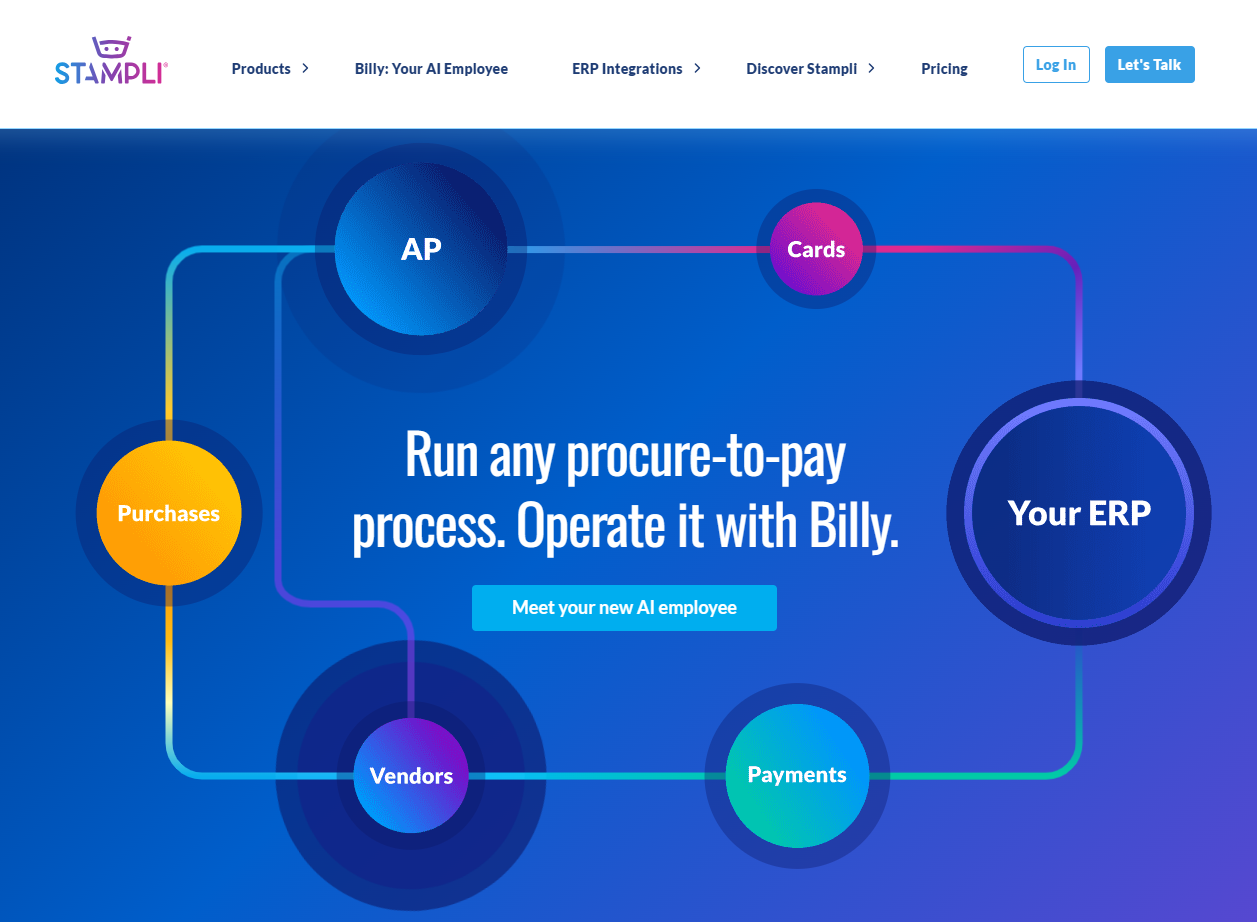
10. Stampli
Stampli is built on the idea that most invoice delays come from communication issues, not just slow data entry. The system uses AI to capture invoice details and then brings AP teams, approvers, and vendors into one shared space to resolve questions quickly. It is especially helpful for companies where approvals often get stuck because no one is sure who needs to review what.
Key Features
AI-assisted invoice capture and coding
Centralized communication on each invoice for faster resolution
PO matching with deep ERP integrations
Vendor tools and flexible payment options
Dashboards and audit trails for visibility across the process
Pros
Strong collaboration features that reduce approval delays
Works well with existing ERP workflows
Good fit for teams with multiple departments or entities
Cons
Pricing is not publicly listed
More comprehensive than very small AP teams may need
Some setup required to match ERP structure
Pricing
Stampli provides custom, quote-based pricing. Costs depend on invoice volume, user needs, and integration requirements.
Start today with 50 free pages
👋 Let's personalize your experience!
Oops! Something went wrong while submitting the form.
Lido doesn't work on mobile yet, but we'll send you an email with your login details for when you're back at a desktop!
Oops! Something went wrong while submitting the form.