10 Best Automated Invoice Scanning Tools (2026 Edition)
Manually managing invoices is time-consuming, prone to mistakes, and expensive. As your business grows, so does the need for smarter tools that can capture data automatically, speed up processing, and boost accuracy — all while scaling with you.
By 2026, automated invoice scanning software has come a long way. There are now options for every type of team, from simple, budget-friendly tools for small businesses to advanced platforms built for global enterprises with complex workflows and compliance needs.
Here are our top 10 picks for the best automated invoice scanning tool that stand out for their accuracy, ease of use, integrations, and overall value.
1. InvoiceOCR.co
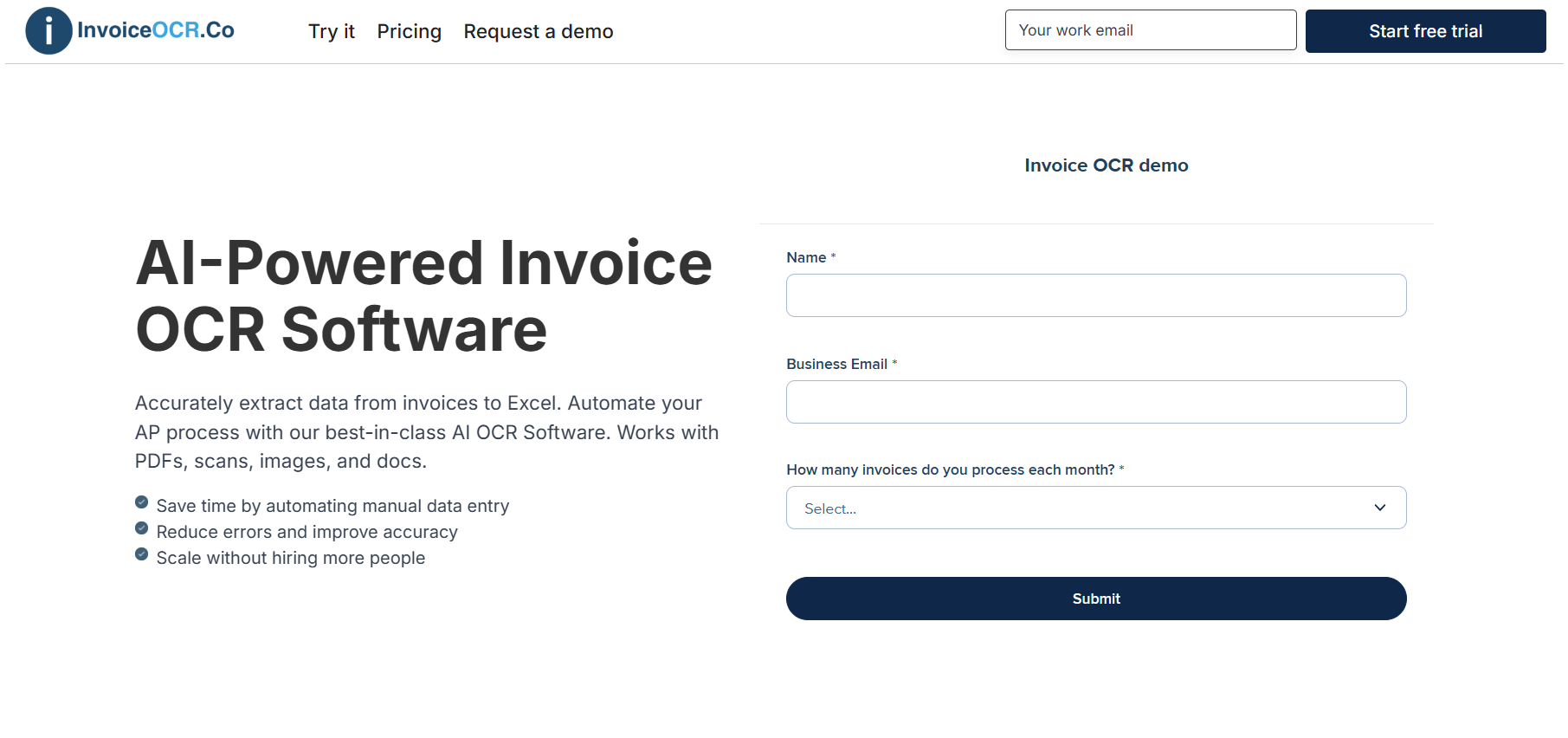
At InvoiceOCR.co, we offer a simple and reliable way for accounts payable teams to scan, extract, and organize invoice data accurately. Our tool captures key details like vendor names, invoice numbers, dates, totals, and line items directly from PDFs, scans, or email attachments, then turns them into clean, structured data ready for Excel, CSV, or your accounting system. There’s no need for templates or coding, making it quick to set up and easy to use.
Key Features
Scans and extracts data from PDFs, image files, and email attachments
Automatically captures invoice numbers, dates, totals, and line items
Exports structured data to Excel, CSV, or via API
Template-free AI that adapts to any invoice layout
Built-in validation to ensure accuracy and consistency
Pros
Designed specifically for automated invoice scanning
No setup or templates required
Works seamlessly with most invoice formats
Accurate data extraction with built-in validation
Easy export options for accounting and ERP systems
Cons
Standard plan limited to one user and 100 pages per month
API access only available on higher-tier plans
Enterprise pricing may be more than smaller teams need
Pricing
Standard: $29/month (1 user and 100 pages)
Scale: $3,950/year (10 users, 42,000 pages, and API access)
Enterprise: From $20,000 per year with unlimited pages and ERP integrations
2. Lido
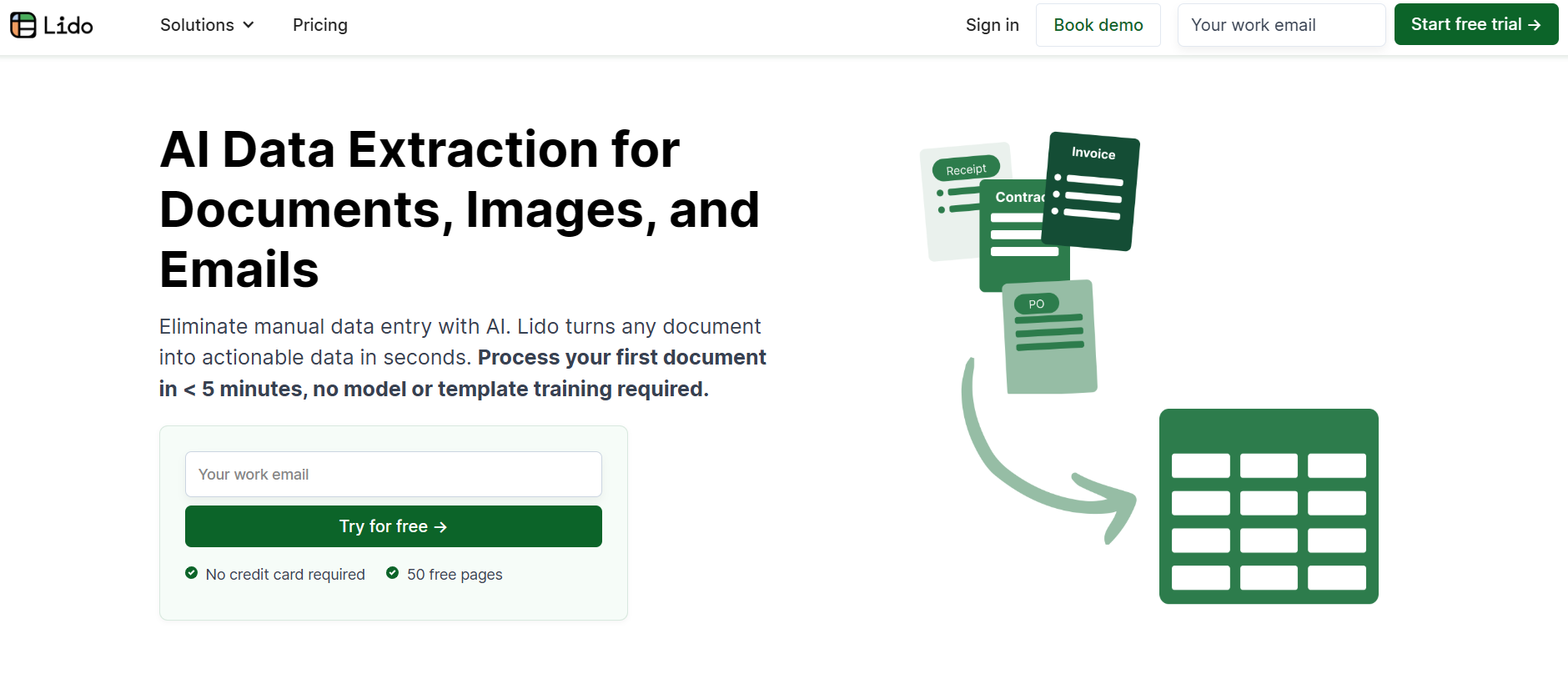
Lido is also one of the best tools out there for automated invoice scanning. It uses powerful AI-based OCR to capture and extract data from invoices, receipts, and other financial documents with impressive accuracy.
Key Features
AI-powered OCR that works with all file types
Automatically extracts key invoice details
Easy export to Excel or CSV
API access for workflow automation (Scale & Enterprise plans)
Custom ERP integrations for larger companies
Priority support and guided onboarding for enterprise users
Pros
Highly accurate OCR with simple export options
Works well for both individuals and enterprise teams
Excellent customer support, including dedicated account managers for higher plans
Cons
API and advanced features are only on higher-tier plans
Enterprise pricing may be out of reach for smaller businesses
Pricing
Free: 50 pages included, no credit card required
Standard: $29 per month, 100 pages, one user
Scale: $3,950 per year, 42,000 pages, up to 10 users, API access, and priority support
Enterprise: From $20,000 per year, custom limits, ERP integrations, dedicated manager, and live onboarding
3. AutomatedInvoiceScanning.com
AutomatedInvoiceScanning.com is built specifically for businesses that want a fast, accurate, and hassle-free way to scan invoices. The platform makes it easy for finance teams to cut down on manual entry and process invoices consistently with minimal setup.
Key Features
Purpose-built for invoice scanning and data extraction
Cloud-based platform accessible from any device
Works with a wide range of invoice formats and layouts
Automated workflows for faster, more consistent processing
Simple exports to accounting and ERP systems
Scalable plans for both small teams and large enterprises
Pros
Very easy to use with little to no onboarding needed
Focused solely on invoice scanning, keeping it simple and efficient
Accurate across different invoice formats and layouts
Cloud-based, so you can access it anywhere and scale as needed
Cons
Limited to invoice processing only, not a full finance suite
Fewer customization options compared to larger platforms
Advanced tools and automation may only be available on higher plans
Pricing
Standard Plan: $29 per month, includes 1 user and up to 100 pages
Scale Plan: $3,950 per year, includes 10 users, 42,000 pages, and API access
Enterprise Plan: Starting at $20,000 per year, with unlimited pages, ERP integrations, and advanced support
4. Klippa SpendControl
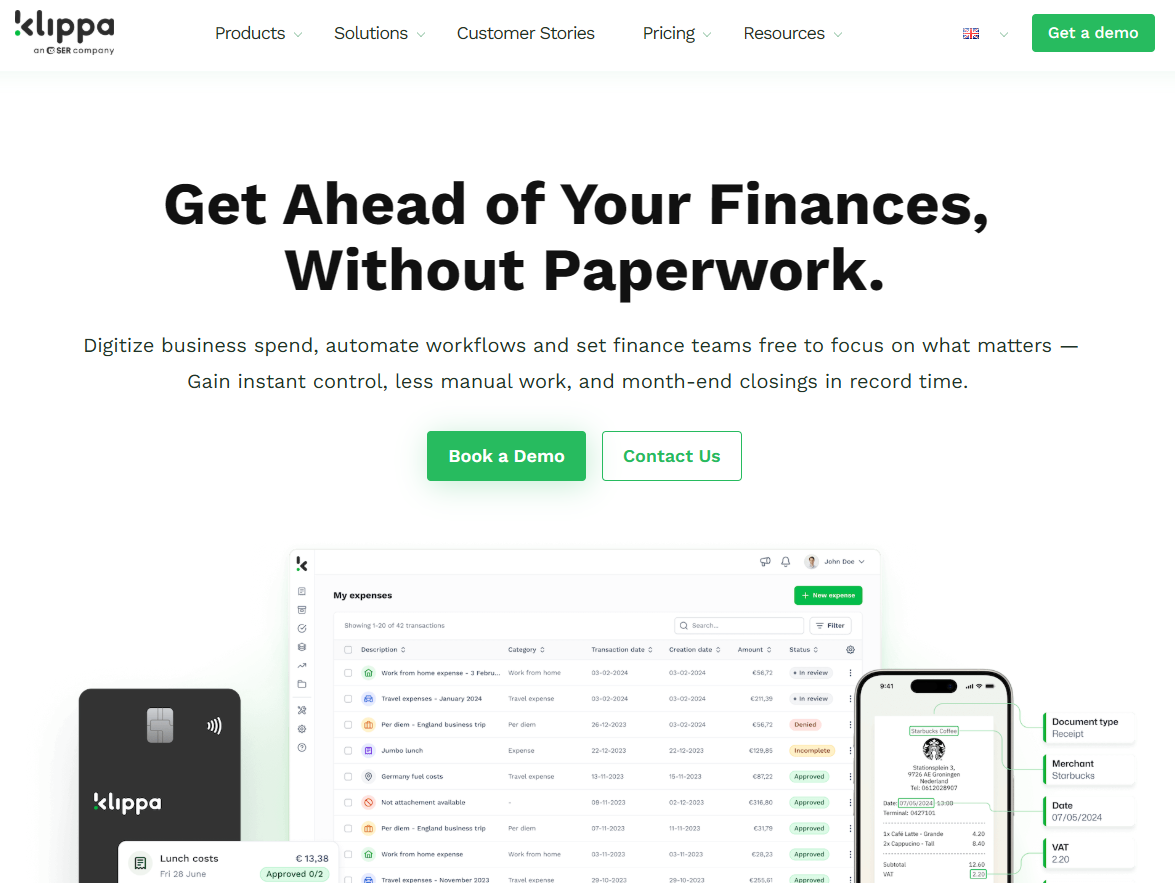
Klippa SpendControl is a well-known platform for automated invoice scanning and document processing. It uses advanced OCR and machine learning to capture data from invoices, receipts, and even contracts in multiple languages. With its clean interface and strong integration options, Klippa is a great choice for businesses that want a reliable and scalable tool to automate their financial workflows.
Key Features
AI-powered OCR with multilingual support
Extracts data from invoices, receipts, and contracts
Integrates with popular ERP and accounting systems
Mobile app for quick scanning and uploads
Secure cloud storage compliant with GDPR and ISO 27001
Customizable workflows and automation options
Pros
Handles a variety of document types, not just invoices
Strong focus on security and compliance
Easy to connect with existing finance tools
Mobile app makes it convenient for remote or traveling teams
Cons
Pricing is on the higher side compared to smaller competitors
Some advanced features need custom setup or enterprise plans
Slight learning curve for automation and custom workflows
Pricing
Effective Plan: €95 per month for up to 4,000 invoices per year and 10 users
Premium Plan: €275 per month for up to 12,000 invoices per year and 30 users
Custom Plan: Pricing available on request, includes API access, SSO, and advanced features
5. Rossum
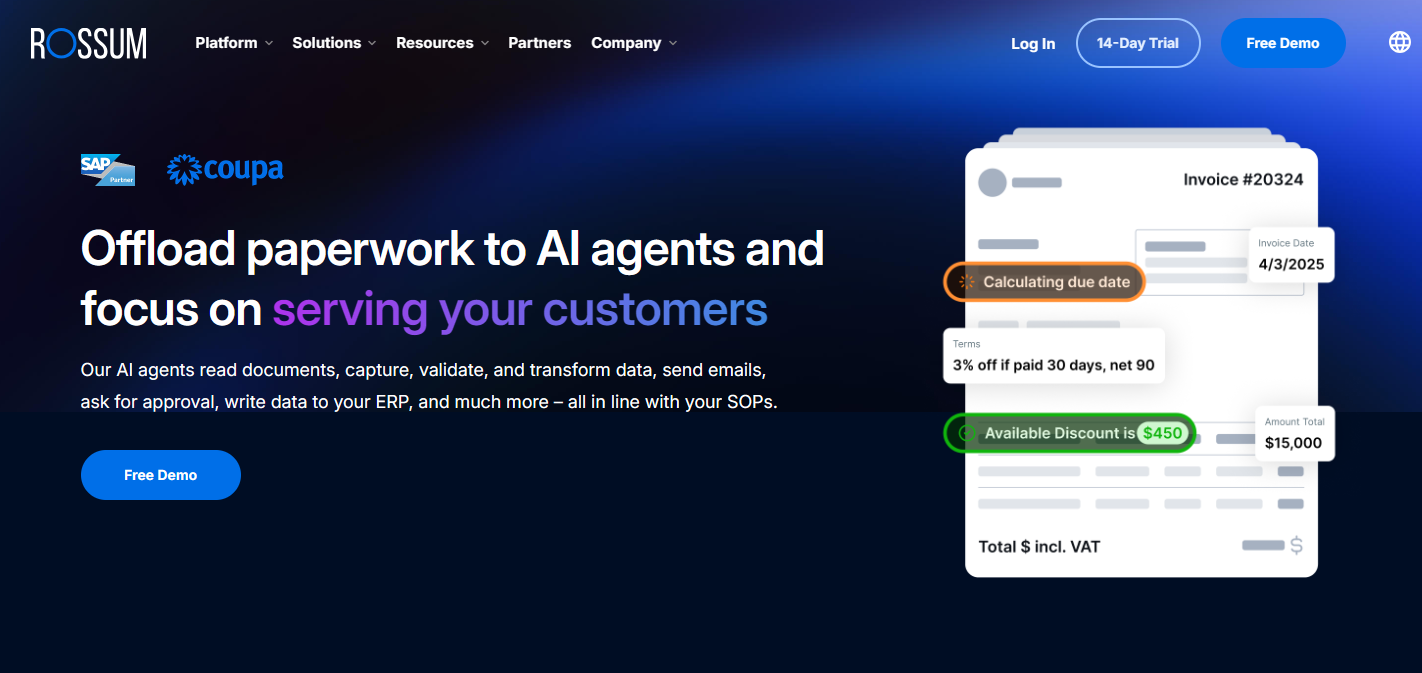
Rossum is one of the most recognized platforms for intelligent document processing and automated invoice scanning. Its AI-powered system goes beyond standard OCR by understanding the layout and context of each document, which helps capture data more accurately. Rossum is especially popular with large organizations that handle high volumes of invoices and need smooth integration with ERP systems.
Key Features
AI-based document understanding that goes beyond regular OCR
Automatically extracts key invoice details with high accuracy
Pre-built and custom connectors for ERP, accounting, and RPA systems
Cloud-based platform built to handle large enterprise workloads
Human-in-the-loop review for extra quality assurance
API access and automation features for seamless workflows
Pros
Very accurate data capture with minimal setup
Scales easily for organizations with large invoice volumes
Integrates well with top ERP and RPA systems
Option for human review ensures high accuracy
Cons
Pricing is higher compared to smaller competitors
Best suited for mid-sized to large enterprises
May require more setup and onboarding time than simpler tools
Pricing
Starter Plan: Begins at around $18,000 per year
Business, Enterprise, and Ultimate Plans: Custom pricing based on document volume, integrations, and specific feature needs
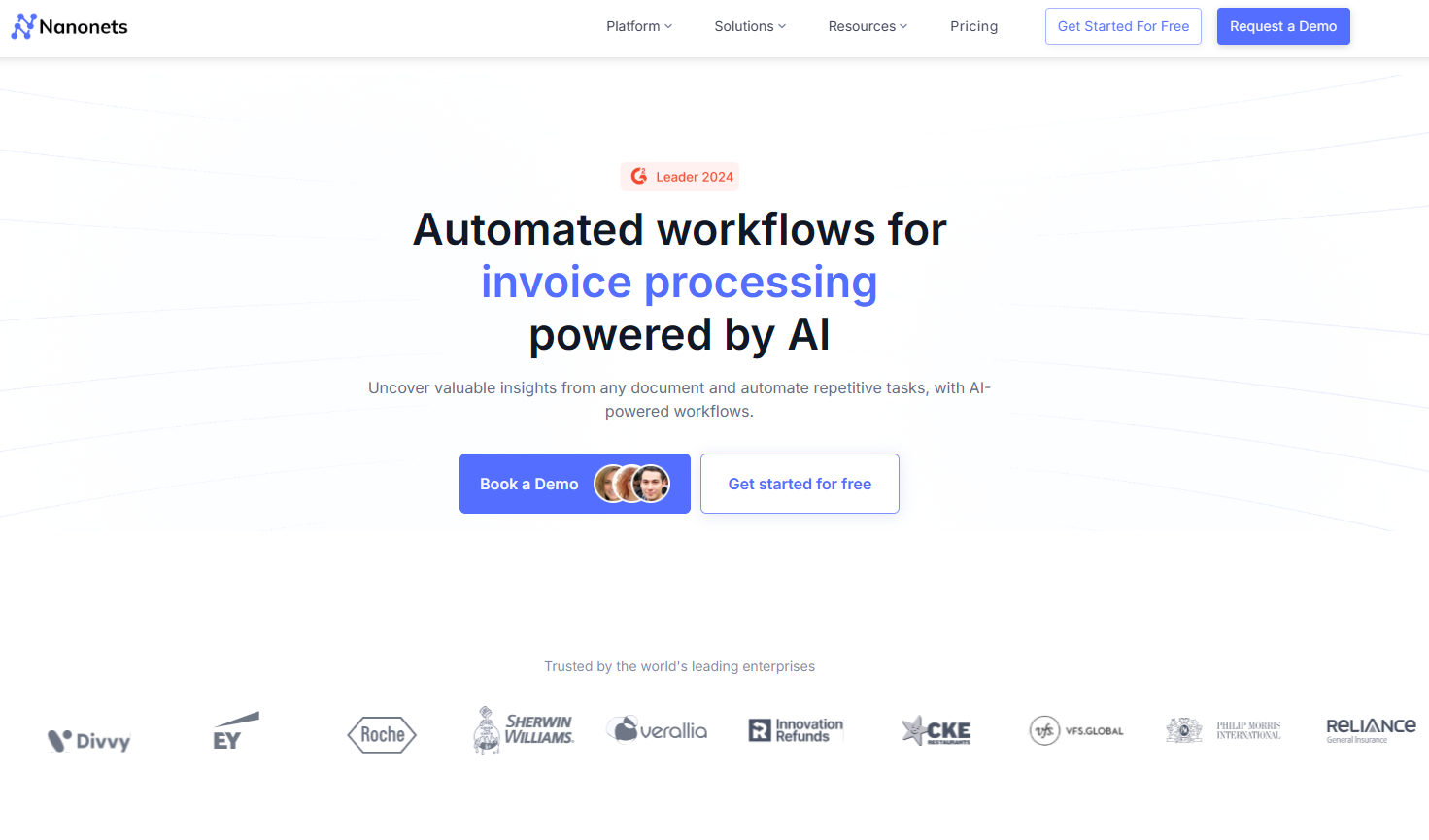
6. Nanonets
Nanonets is designed to make invoice scanning and data extraction simple and efficient. It uses machine learning to capture details like line items, totals, and vendor info with high accuracy. With both pay-as-you-go and fixed-rate plans, Nanonets is flexible enough for everyone from freelancers to enterprise teams. Its usage-based pricing means you only pay for what you use, making it a cost-effective option for businesses with changing invoice volumes.
Key Features
AI and machine learning for accurate invoice data extraction
Custom workflows built with modular “blocks” that run only when needed
Detects classifications, checkboxes, barcodes, and signatures
Easy export options and integrations with ERP and accounting systems
Add-ons like role-based access, SLAs, and custom analytics
Pros
Pay-as-you-go pricing is great for low or variable volumes
Free trial credits let you test the platform before committing
High accuracy and flexible automation workflows
Volume discounts available for larger teams and enterprises
Cons
Compute-based pricing can add up with very high usage
Some advanced features are only on enterprise plans
Going beyond included page limits can get costly
Pricing
Free: $200 in credits to get started
Pay-as-you-go: Pricing based on workflow “block runs,” no platform fees
Pro Plan: $999 per month for up to 10,000 pages included
Overages: Around $0.10 per page beyond the limit
Enterprise: Custom pricing and discounts for large-scale operations
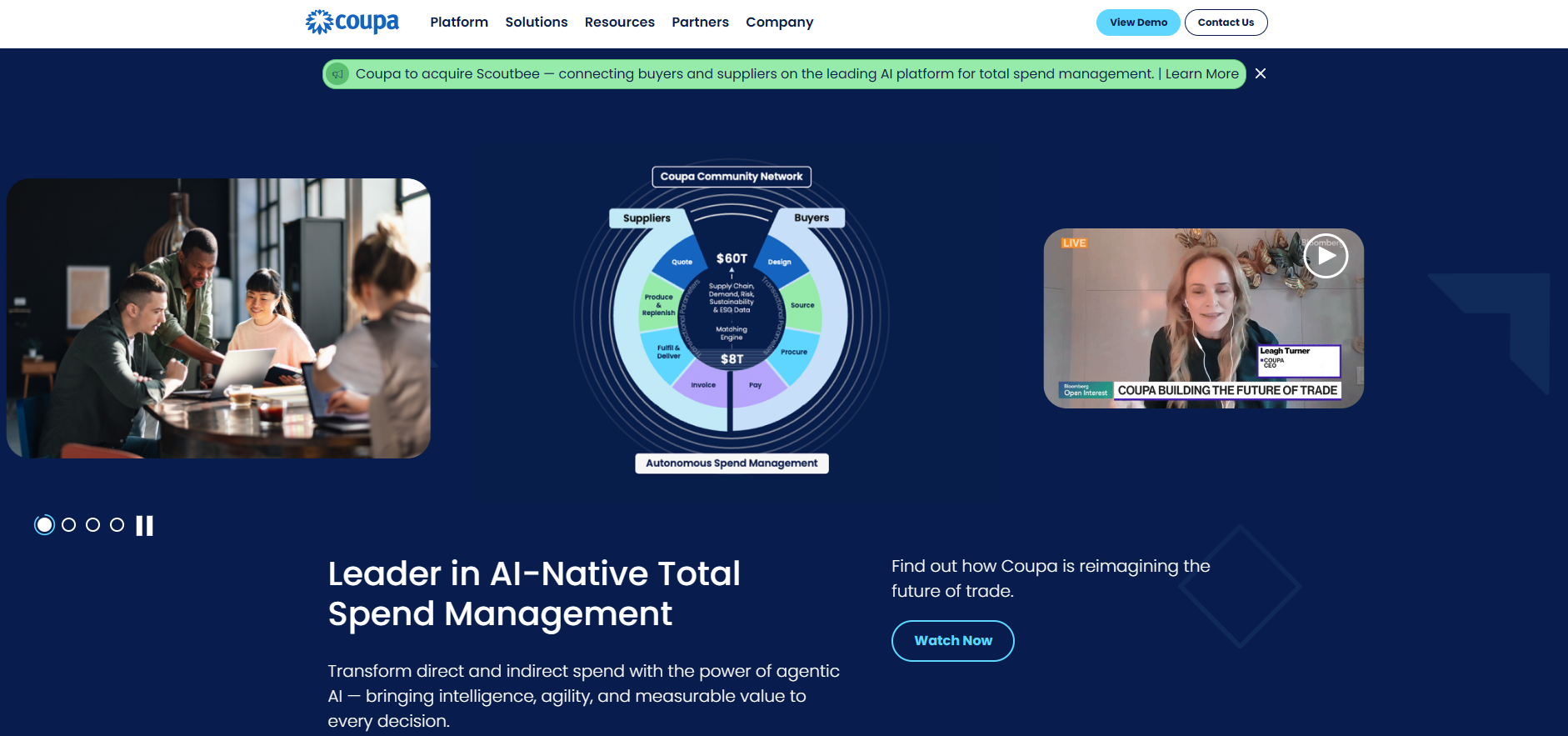
7. Coupa
Coupa is an all-in-one Business Spend Management (BSM) platform that helps organizations automate everything from invoicing and procurement to expenses and supplier management. With built-in tools for invoice scanning, approvals, analytics, and compliance, Coupa is especially well-suited for large enterprises handling thousands of invoices each month.
Key Features
Automated invoice processing and e-invoicing (submission, matching, approvals)
Vendor and supplier management with real-time collaboration
Detailed analytics, dashboards, and compliance tracking
Integrations with major ERP systems and other enterprise tools
Expense and travel management modules
Fraud detection, policy enforcement, and audit trail features
Pros
Covers the full procure-to-pay process in one platform
Excellent visibility into spend and compliance
Scales easily for large or global organizations
Connects with extensive ERP systems and supplier networks
Cons
More expensive than many mid-market alternatives
Setup and onboarding can take longer due to its size and complexity
Pricing is not publicly listed and usually requires a custom quote
Pricing
Starting Price: Around $2,500 per month, depending on scope and usage
Additional Modules: Some priced at about $4,800 per year
Custom Plans: Tailored based on invoice volume, required features, and integrations
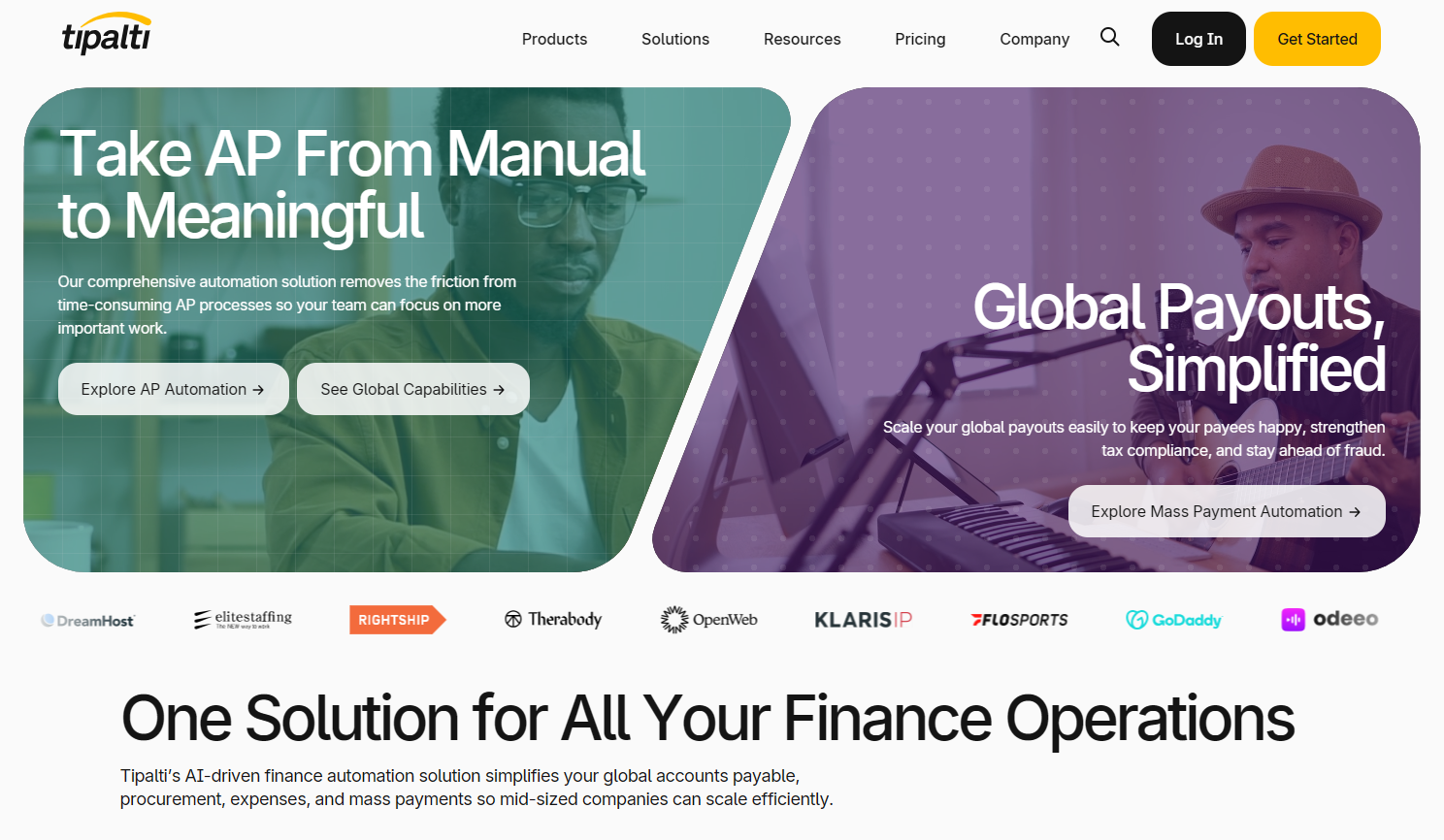
8. Tipalti
Tipalti is a powerful financial automation platform that helps businesses streamline their accounts payable, global payments, supplier management, and expense processes. With AI-driven invoice scanning, built-in compliance checks, and supplier self-onboarding, Tipalti makes managing payments easier. It’s designed for companies that operate across multiple countries or entities and need a reliable system to handle complex payables efficiently.
Key Features
AI-powered invoice scanning and automatic expense coding
Supplier portal with tax form collection and compliance validation
Multi-entity and multi-currency support for global payments
Integrations with major ERP systems and purchase order matching
Built-in expense management and virtual card options
Fraud detection, compliance screening, and detailed audit trails
Pros
Excellent global payment capabilities for international vendors
Allows unlimited users on most plans
Scales easily for growing or multi-entity organizations
Covers everything from invoice capture to payments and procurement
Cons
Setup and onboarding can take time due to system complexity
Some advanced tools are limited to higher-tier plans
Pricing can rise quickly with transaction volume or extra modules
Enterprise pricing details are not always transparent
Pricing
Select Plan: $99 per month, includes invoice scanning, supplier portal, tax checks, virtual cards, and ERP integrations
Advanced Plan: $199 per month, adds PO matching, bill approvals, multi-entity support, global tax validation, more payment methods, and dedicated support
Elevate Plan: Custom pricing, includes global multi-entity and multi-currency management, FX hedging, custom ERP services, and priority support
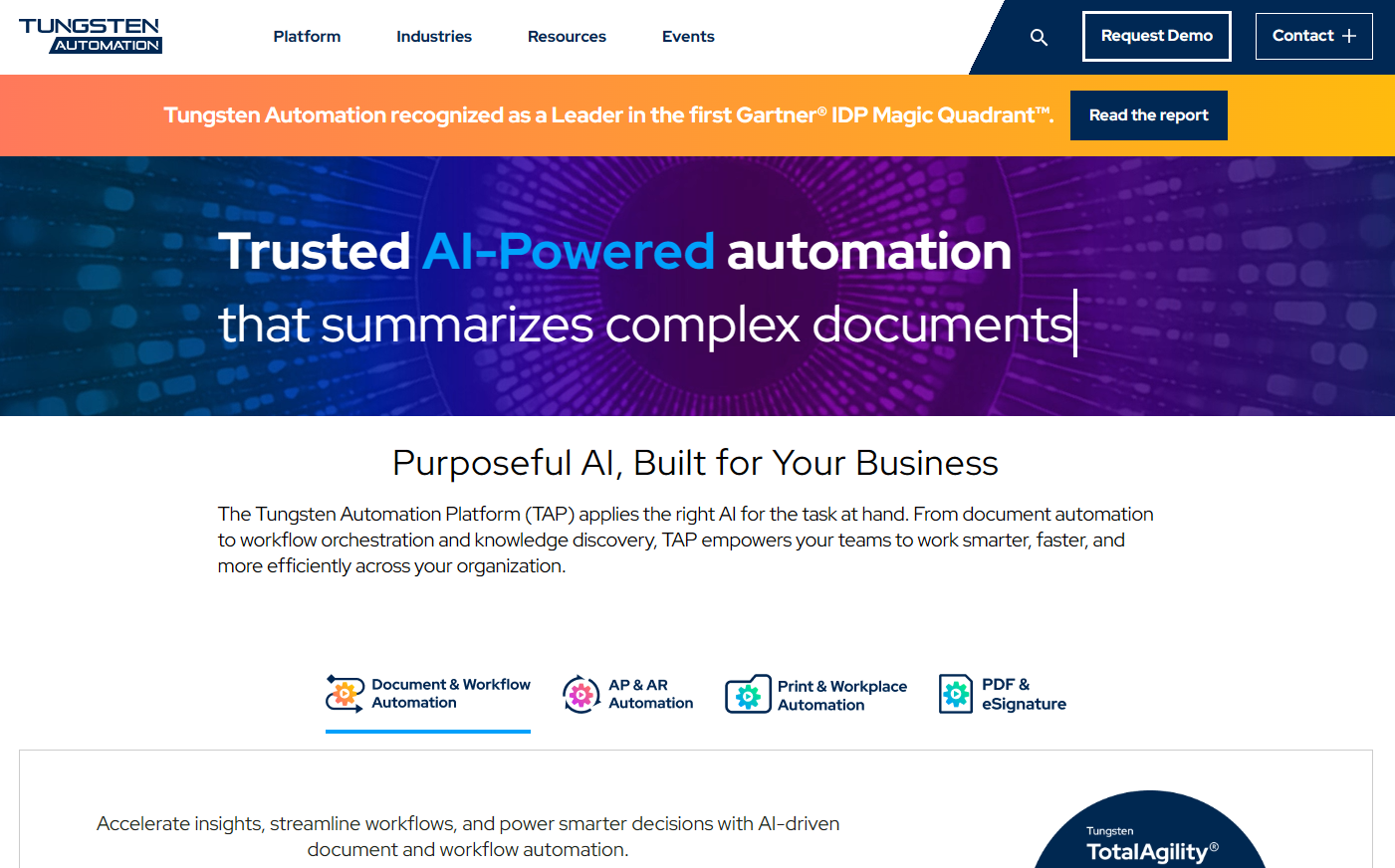
9. Tungsten Automation
Tungsten Automation offers a diverse set of tools to help businesses automate their invoice processing. With products like AP Essentials and ReadSoft Invoices, it can handle invoices in almost any format.
Key Features
Captures invoices from any source or format (paper, PDF, XML, or scans)
Uses intelligent extraction and validation to ensure data accuracy
Automates workflows such as PO matching, approvals, and exception handling
Provides a global e-invoicing network for compliance and supplier connectivity
Integrates with leading ERP systems
Designed to reduce cost per invoice and support straight-through processing
Pros
Can greatly reduce invoice processing costs compared to manual work
Handles large volumes and multiple invoice formats with ease
Strong compliance and security features with a wide supplier network
Built for enterprise-level operations with complex workflows
Cons
Pricing is not publicly listed and requires a direct quote
Costs can vary depending on invoice volume and integration needs
Setup and onboarding may take time for large organizations
Pricing
Custom Pricing: Based on invoice volume, workflow complexity, and integration requirements
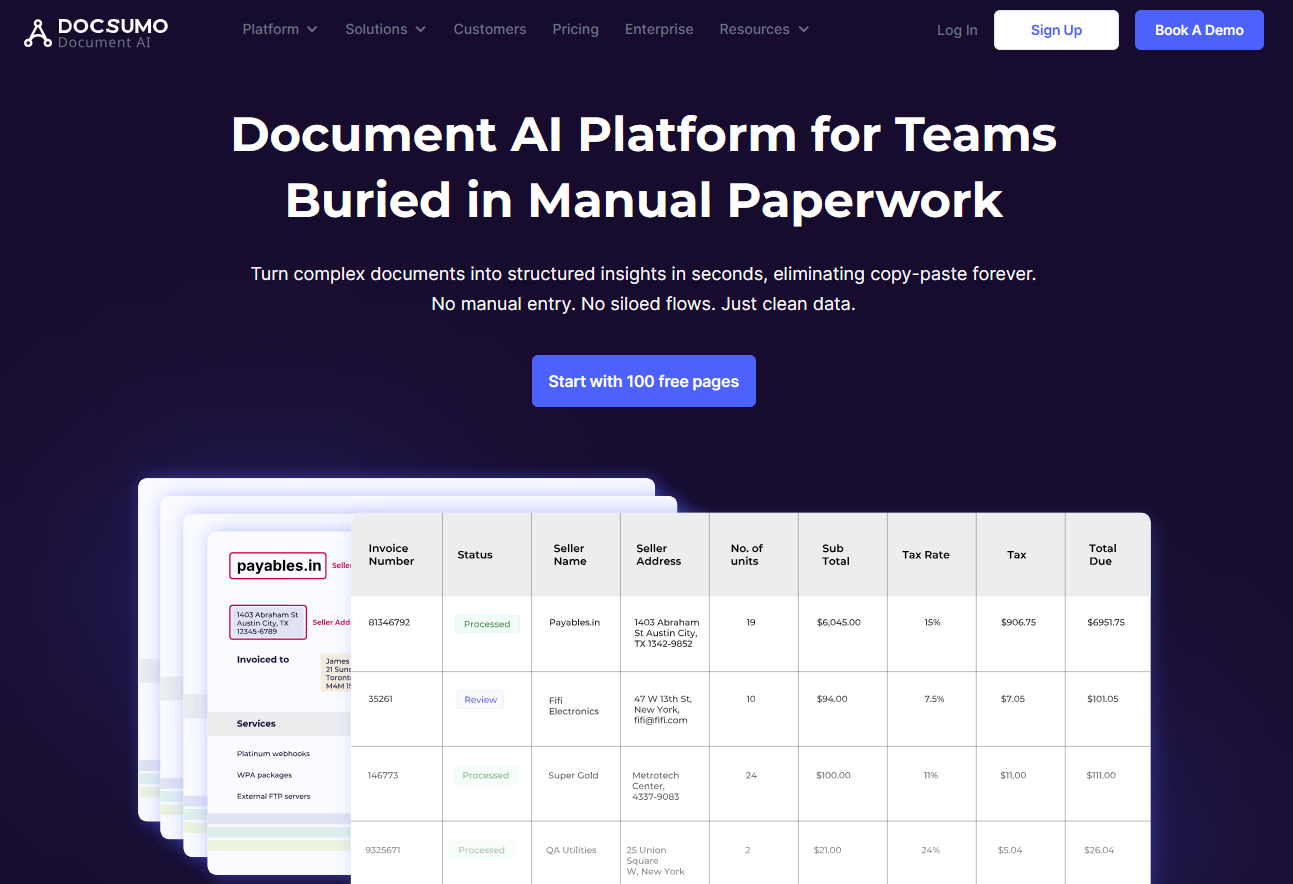
10. Docsumo
Docsumo is an AI-powered document automation platform that makes it easy to extract and validate data from invoices, receipts, bank statements, and other financial documents. It is a great fit for businesses that want both ready-to-use automation and the flexibility to customize workflows as they grow.
Key Features
AI-based extraction of fields, tables, and even signatures
Automatically classifies, splits, and validates documents
API access, webhooks, and easy export to Excel or CSV
Supports integrations and custom workflows
Security features like audit logs and regional cloud hosting
Pros
Excellent accuracy for invoices and other financial documents
Scales easily from small teams to enterprise setups
Flexible pricing and plan options, including enterprise customization
Produces structured, validated outputs for clean data handling
Cons
Costs can rise with high document volumes
Some documents may still need manual review
Advanced tools like custom models or private deployment are only on higher plans
Pricing
Growth Plan: $399 per month for up to 3,000 pages and 3 users, includes API access, webhooks, and prebuilt models
Pro Plan: Custom pricing with more users, advanced features, and dedicated support
Free Trial: 14 days available to test the platform
Start today with 50 free pages
👋 Let's personalize your experience!
Oops! Something went wrong while submitting the form.
Lido doesn't work on mobile yet, but we'll send you an email with your login details for when you're back at a desktop!
Oops! Something went wrong while submitting the form.