If you’re looking for the best way to pull data out of PDFs without the manual work, you’re in the right place. In this guide, we’ll go over the best data extractor software for 2026 that can turn cluttered documents into clean, ready-to-use data.
1. Lido
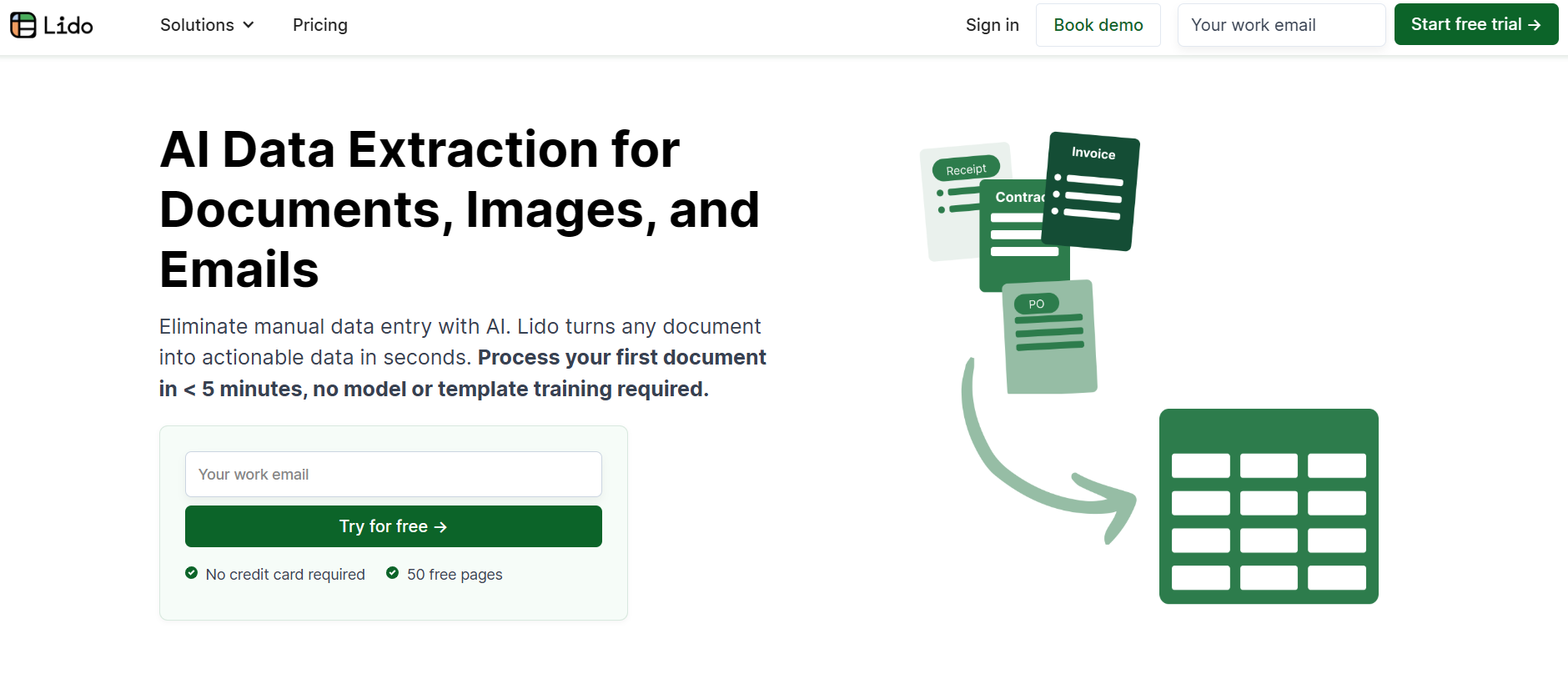
Lido is a powerful AI-powered data extraction platform that converts PDFs into clean, structured spreadsheets quickly and accurately. It’s ideal for processing invoices, financial statements, and contracts, and works seamlessly with both scanned and digital files.
Key Features
Direct export to Excel or CSV
Works with scanned and native PDFs
Secured with AES-256 encryption, SOC 2, and HIPAA compliance
Pros
High accuracy across multiple document types
Simple spreadsheet integration
Free trial available
Cons
No mobile app version
Advanced tools may be expensive for smaller teams
Pricing
Standard Plan: $29 per month for 1 user and up to 100 pages
Scale Plan: $3,950 per year for 10 users, 42,000 pages, and API access
Enterprise Plan: Starting at $20,000 per year, includes unlimited pages and ERP integrations
2. InvoiceOCR.co
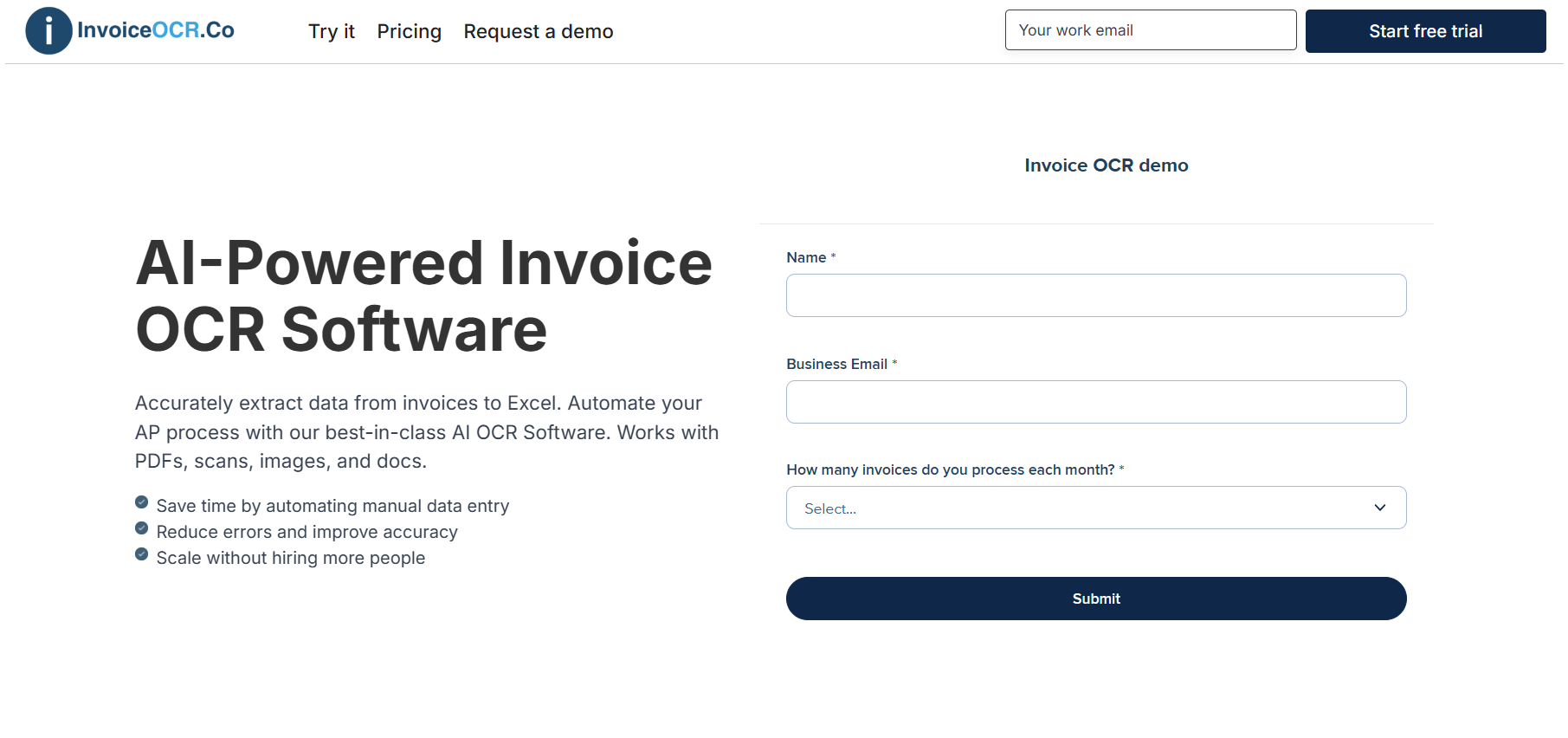
InvoiceOCR.co makes data extraction fast and effortless. Instead of manually typing details from invoices or PDFs, you can upload your documents and instantly get structured data that’s ready for use. The platform captures vendor names, dates, totals, and even line items directly from scans, images, or email attachments, then exports everything cleanly into Excel, CSV, or your accounting system.
Its smart, template-free AI adapts to any document layout, so there’s no setup or coding required. While it’s built for invoices, the same technology can extract data from receipts, forms, financial statements, and other business documents.
Key Features
Works with PDFs, scans, images, and emails
Template-free AI that adapts to any format
Captures fields like totals, dates, and line items
Exports to Excel, CSV, or through API
Built-in validation for consistent accuracy
Pros
Easy to use and requires no technical setup
Very accurate across different document types
Handles both invoices and non-invoice documents
Fast export options for spreadsheets or accounting tools
Cons
Advanced API and automation features are available only on higher plans
No mobile app support yet
Pricing
Standard: $29/month (1 user and 100 pages)
Scale: $3,950/year (10 users, 42,000 pages, and API access)
Enterprise: From $20,000/year with unlimited pages and ERP integrations
3. DataExtractor.co
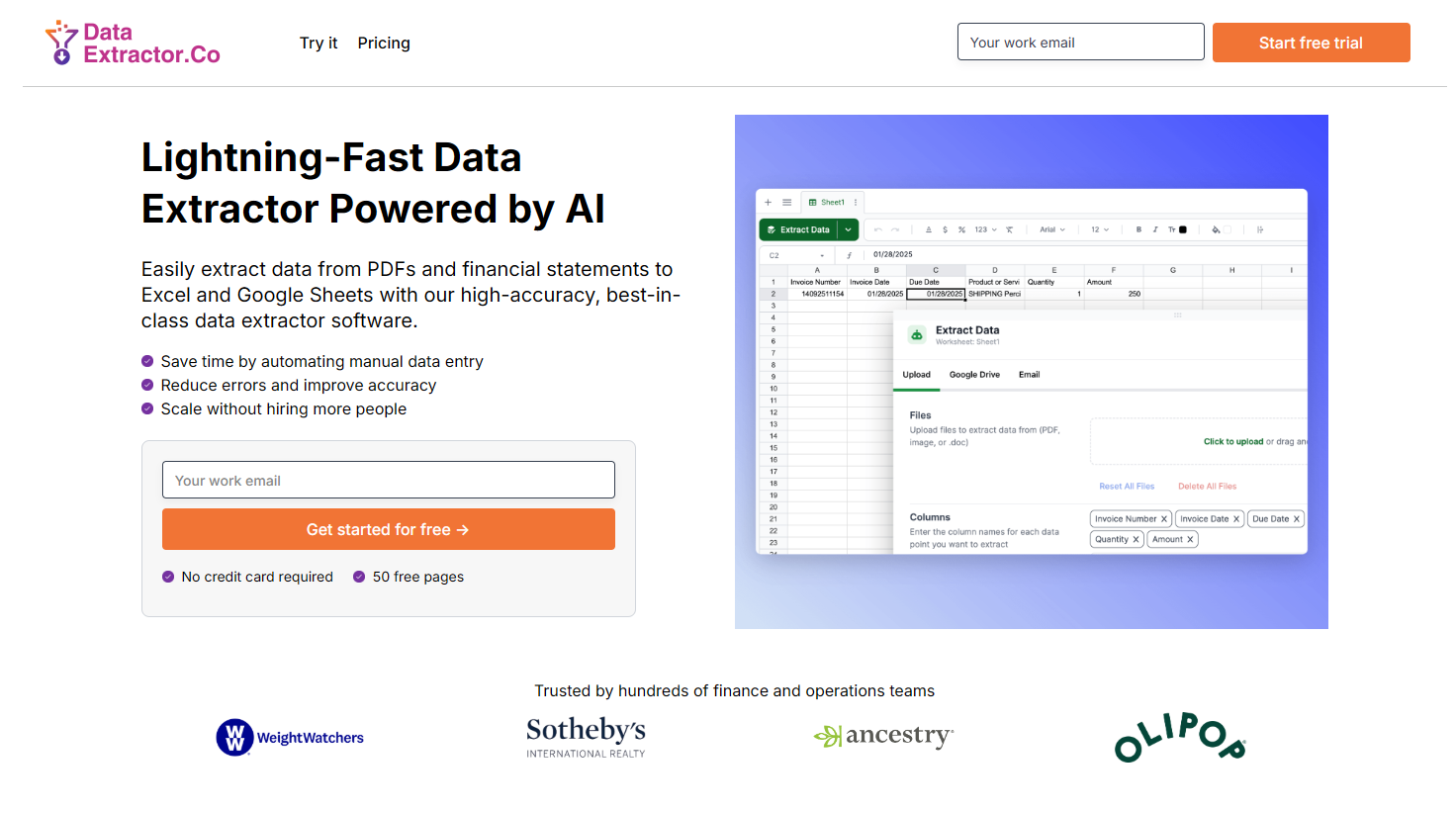
DataExtractor.co helps businesses pull structured data from documents quickly and accurately. Powered by AI-based OCR, it processes both scanned and digital PDFs with ease and turns them into clean, ready-to-use data. You can send results straight to Excel, Google Sheets, or CSV, making it simple to plug extracted data into your existing workflows.
Although it’s designed with invoices and financial files in mind, DataExtractor.co can handle many other types of documents. From forms to contracts, it delivers consistent, high-quality results at scale.
Key Features
Handles scanned and digital PDFs
Exports directly to Excel, Google Sheets, or CSV
Automatic imports from Google Drive, OneDrive, or Outlook on higher plans
ERP integrations available for enterprise users
Pros
Scales easily as your document volume grows
Ideal for finance and operations teams
Free trial available for up to 50 pages
Cons
Automation tools limited to premium tiers
ERP integrations only included with enterprise plans
Pricing
Standard Plan: $29 per month includes 1 user and up to 100 pages
Scale Plan: $3,950 per year covers 10 users, 42,000 pages, and full API connectivity
Enterprise Plan: Starting at $20,000 per year with unlimited page volume, ERP integrations, and dedicated support
4. DocParser
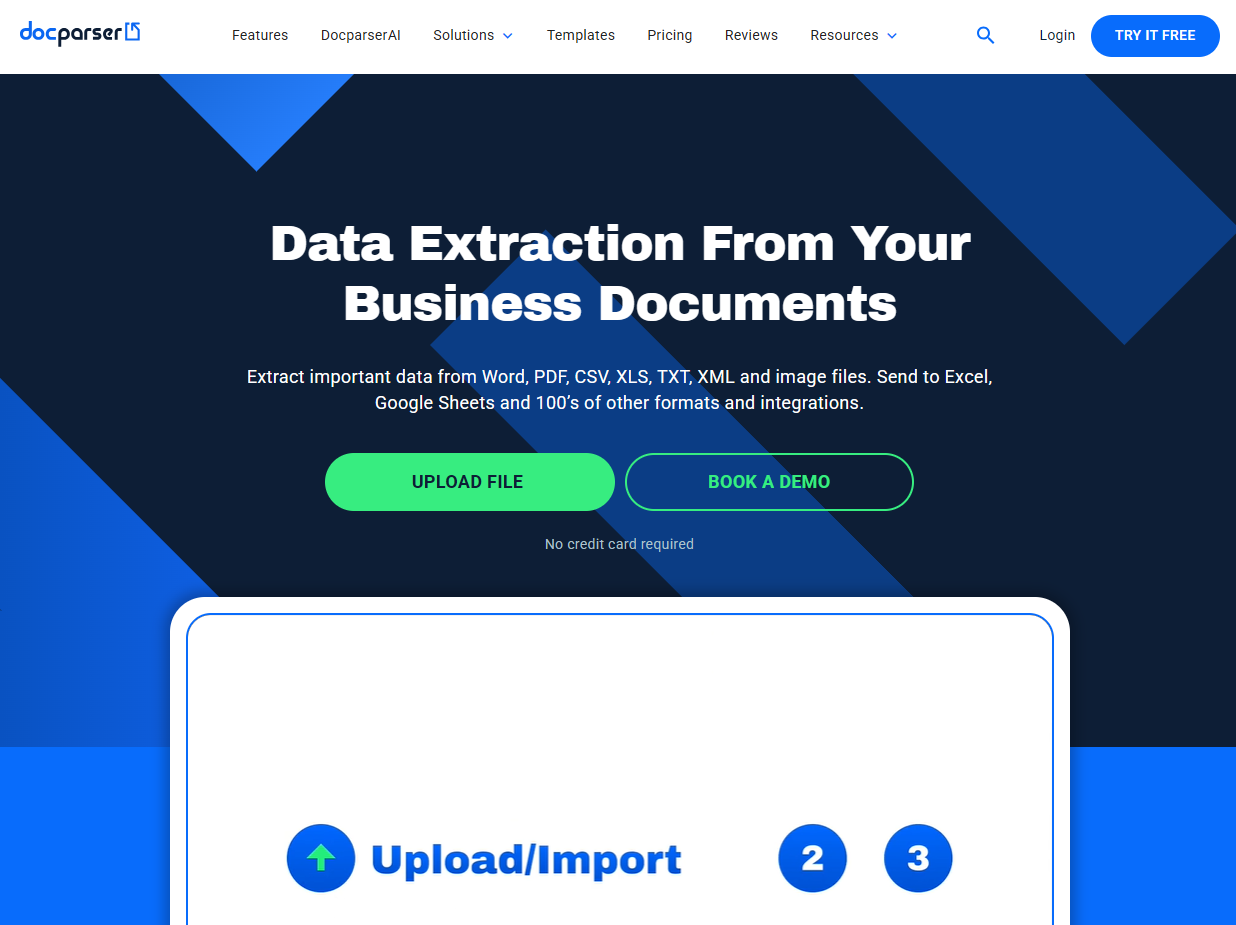
DocParser is an AI-driven data extraction tool designed to turn PDFs and scanned documents into clean, structured data. It’s built for teams that want precision and flexibility without the complexity of full automation suites. The platform runs entirely in the cloud and lets users define exactly what data to capture, making it ideal for processing forms, reports, invoices, or any repetitive document type.
With its strong API and customization options, DocParser is also a solid choice for developers and operations teams looking to build their own data workflows.
Key Features
Extracts data from PDFs and scanned files
Fully cloud-based with easy document uploads
Customizable parsing rules to target specific fields
Robust API for seamless integration into other tools
Pros
Accurate and flexible data extraction
Developer-friendly with strong API support
Scales easily with business growth
Cons
Initial setup can take time for custom parsing rules
Lacks full AP or workflow automation features
Pricing
Starter: $39/month for basic usage
Professional: $74/month for moderate volume and custom parsing
Business: $159/month for higher volume and advanced features
Enterprise: Custom pricing for large-scale data extraction
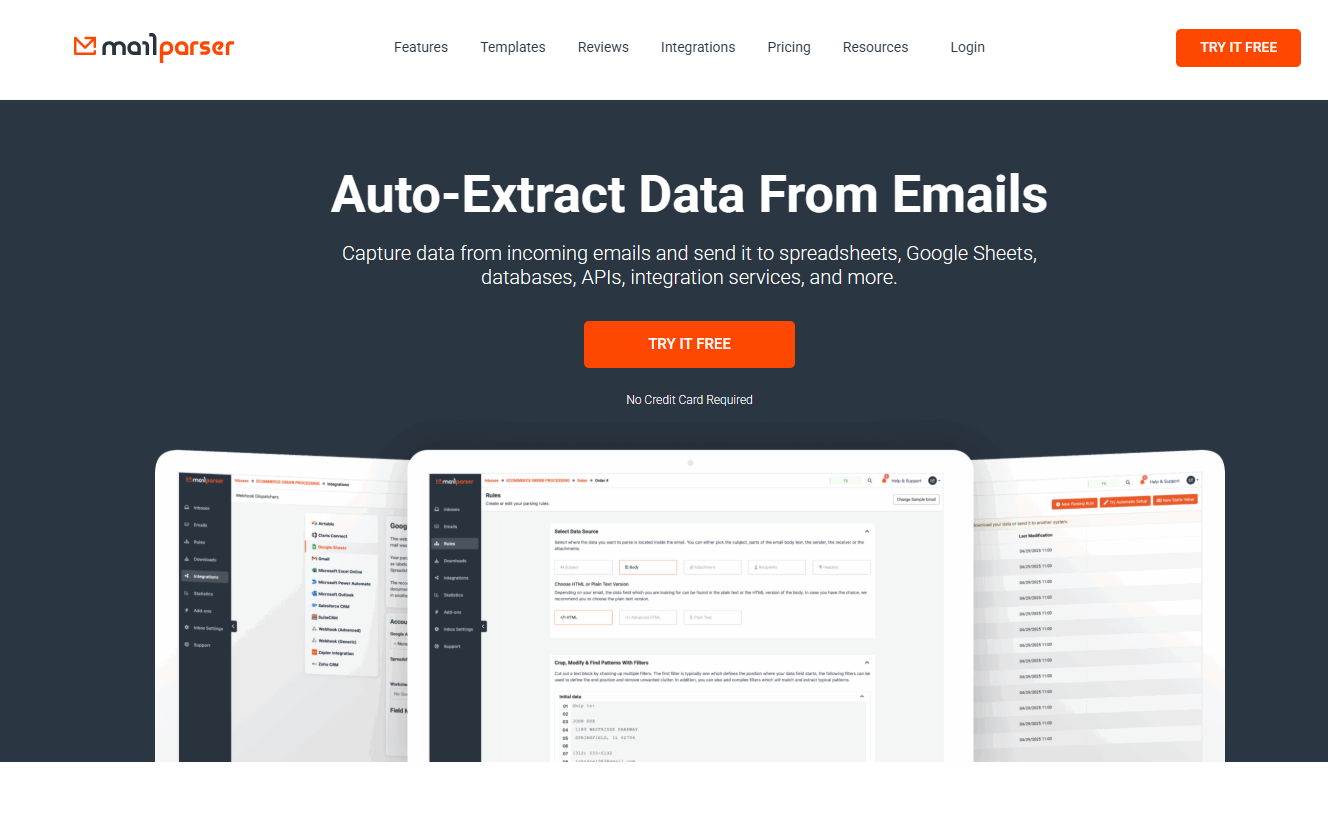
5. Mailparser
Mailparser helps you turn emails into structured data without lifting a finger. It automatically extracts key information from email bodies and attachments, then sends the data straight to tools like Google Sheets, Excel, or your CRM. It’s a simple, time-saving solution for teams that regularly receive orders, reports, or lead data by email.
Key Features
Extracts data from both email text and attachments
Connects with over 1,500 apps and platforms
Supports multiple inboxes and team members
Detects duplicate emails and automatically retries failed webhooks
Offers options to modify or refine extracted data
Pros
Easy to use and set up
Great for automating repetitive email-based data collection
Works seamlessly with spreadsheets, CRMs, and other tools
Cons
Only processes data from email sources
Higher plans may be needed for large email volumes
Pricing
Starter: $29.95/month - 250 emails and 20 inboxes
Professional: $39.95/month - 500 emails, 30 inboxes, and up to 5 team members
Business: $99.95/month - 2,000 emails, 50 inboxes, and up to 50 team members
Premium: $299.95/month - 10,000 emails with unlimited inboxes and users
Enterprise: Custom pricing with tailored features and unlimited usage
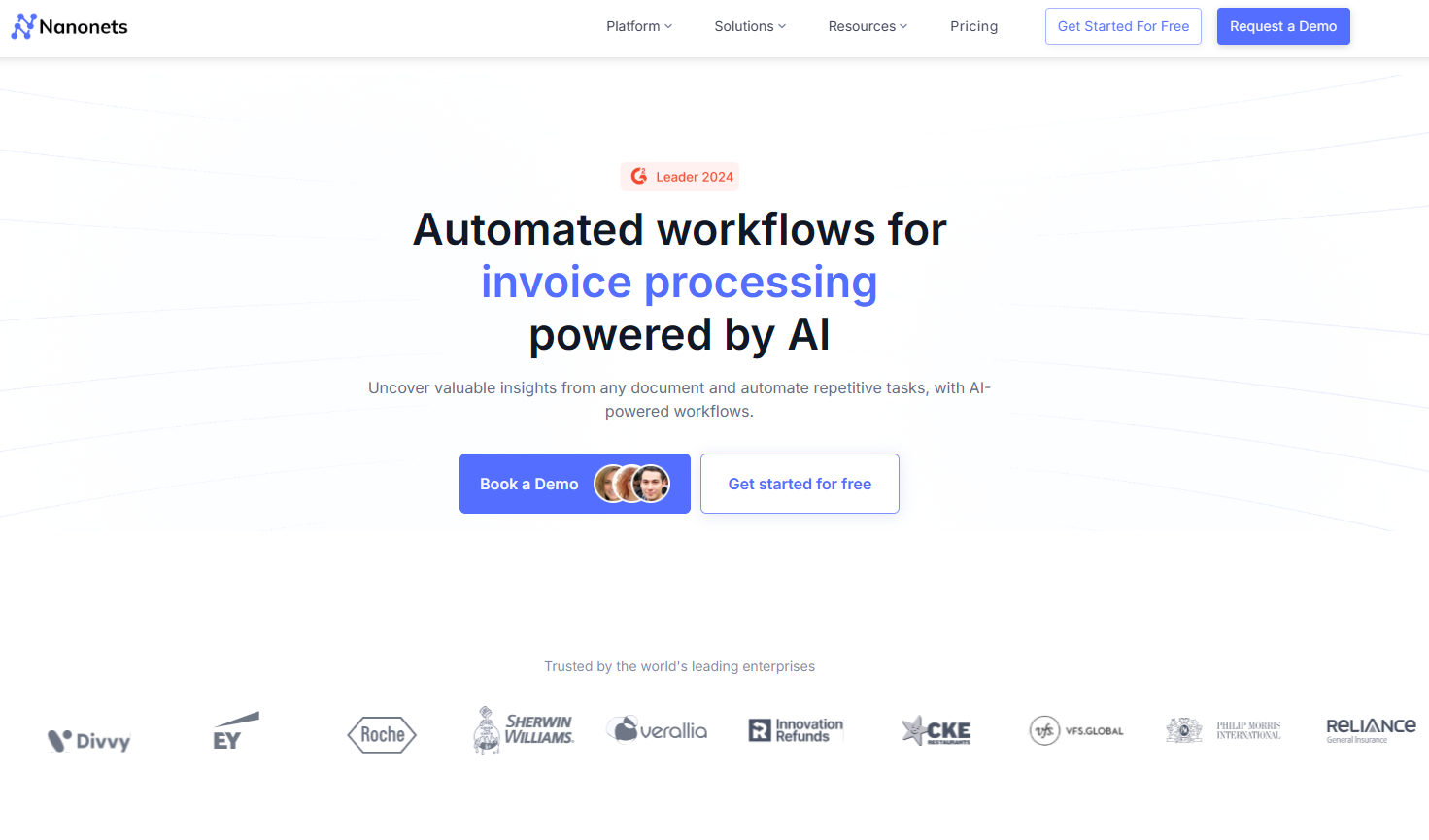
6. Nanonets
Nanonets uses AI-powered OCR to extract data from both clean and unstructured financial documents. It’s a strong choice for teams handling inconsistent layouts, handwritten entries, or low-quality scans. The platform combines accuracy with flexible automation, allowing businesses to scale data extraction as their workload grows.
It’s especially useful for finance teams that process large volumes of statements, invoices, or receipts and want reliable, hands-off results without complex setup.
Key Features
Pre-trained AI models for financial data extraction
Works with scans, images, and PDFs
Cloud-based platform with API integrations
Pros
Handles handwritten or low-quality documents with ease
Scales smoothly for enterprise-level workflows
Cons
Pricing may feel complex for smaller teams
Some advanced tools are available only on higher usage tiers
Pricing
Free: Includes $200 in credits to get started
Pay-as-you-go: No fixed fees, charged per workflow block
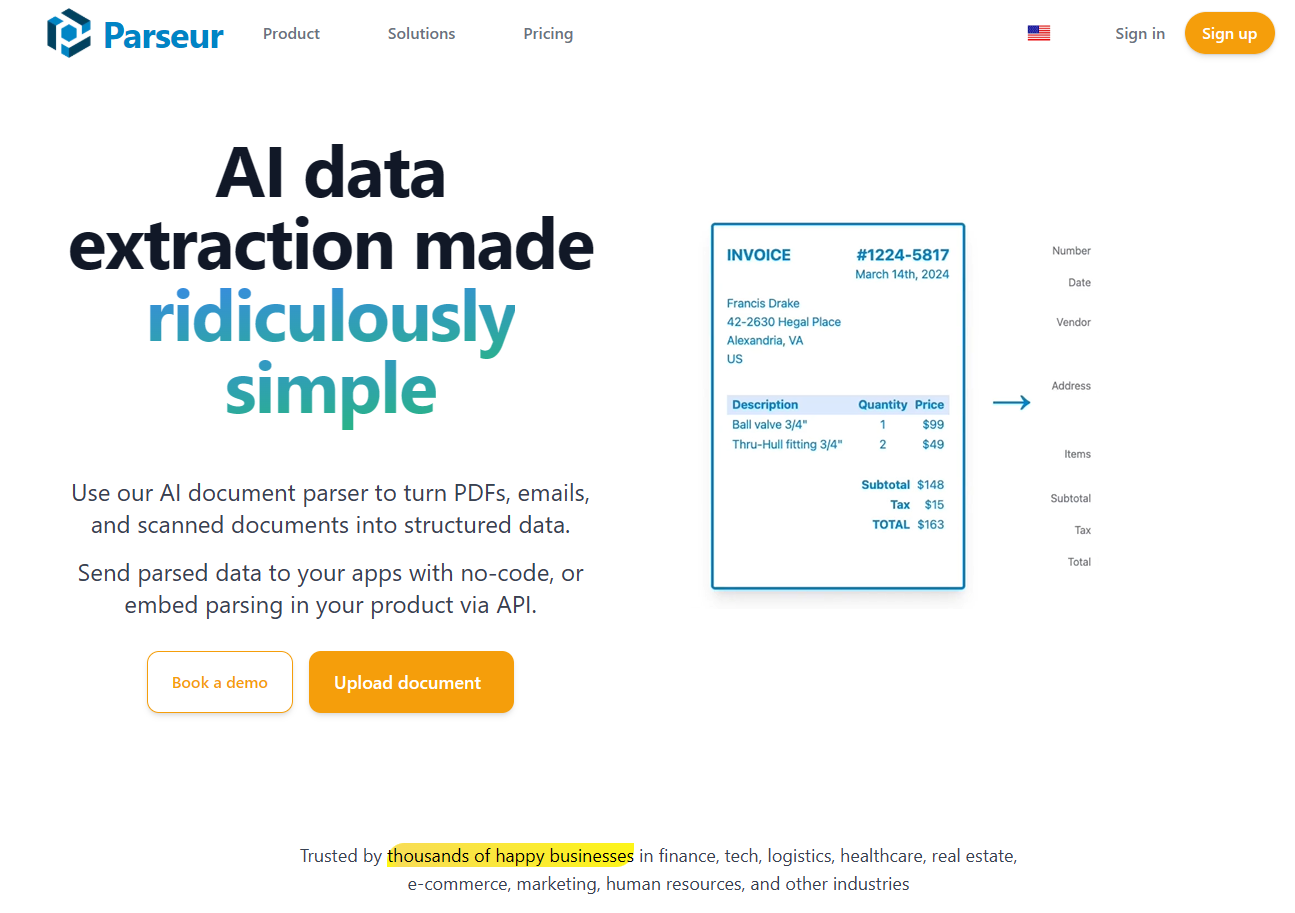
7. Parseur
Parseur is a no-code data extraction tool that helps you pull information from emails, PDFs, and other documents with just a few clicks. It runs in the cloud and uses a simple visual editor, so you can define what data to capture without writing a single line of code. Once extracted, the data can be sent directly to spreadsheets, CRMs, or databases for easy reporting and automation.
It’s a great option for teams that want quick setup and flexible pricing without the need for technical skills or complex integrations.
Key Features
No-code, drag-and-drop visual editor
Cloud-based automation and storage
Extracts data from emails, attachments, and PDFs
Direct export to spreadsheets and business apps
Pros
Very easy to set up and use
Works well for small teams and growing businesses
Flexible pay-as-you-grow pricing model
Cons
Free plan limited to 20 documents per month
Costs can increase with higher document volume
Pricing
Free: Up to 20 documents per month
Paid Plans: Start at $39/month and scale with usage
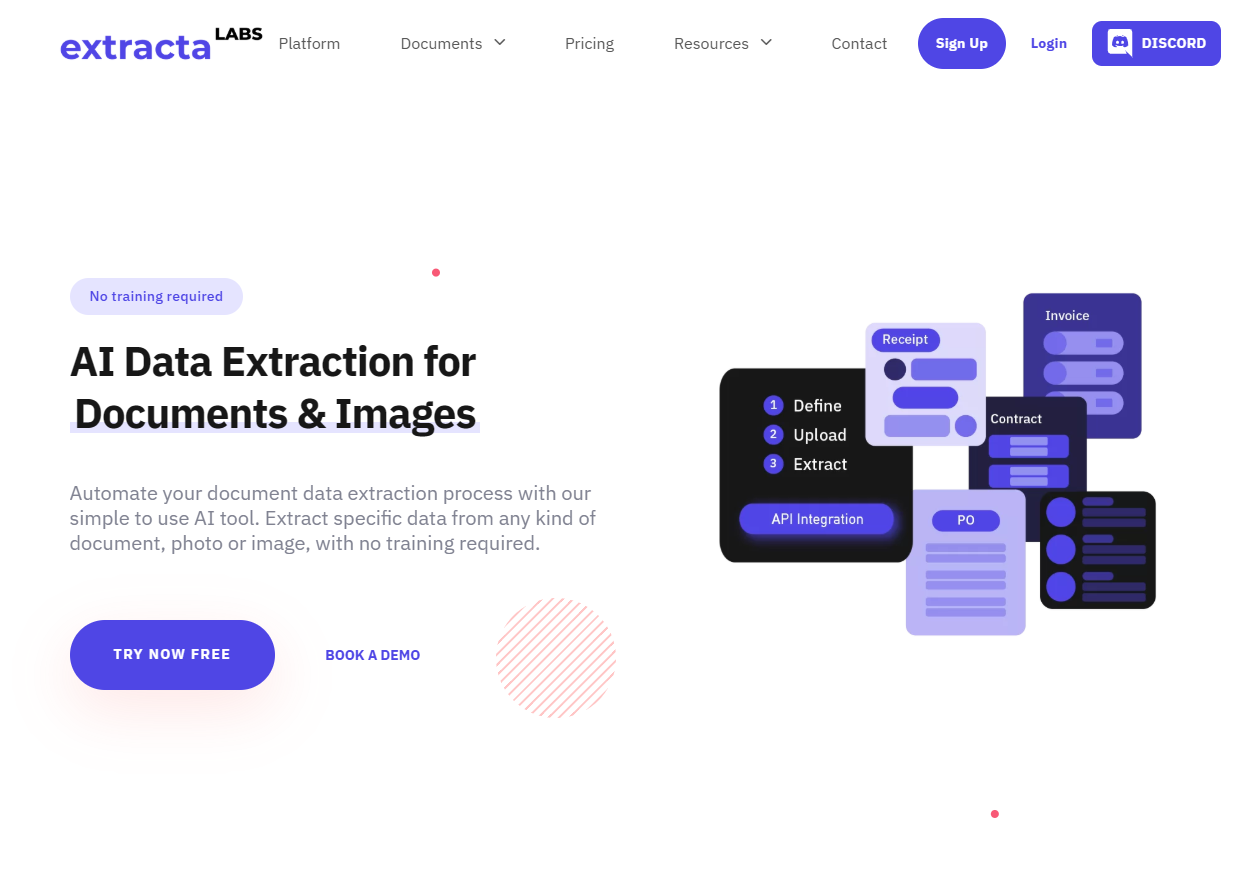
8. Extracta.ai
Extracta.ai is an easy-to-use AI tool that focuses on accurate data extraction from documents, scans, and images. It works with a wide range of files such as invoices, contracts, receipts, and business forms, making it a versatile choice for teams that need quick, dependable results without complicated setup.
With built-in OCR and automation options, Extracta.ai helps businesses turn unstructured documents into clean, structured data that’s ready for spreadsheets or analysis tools.
Key Features
Extracts data from PDFs, scans, and images
Works with invoices, contracts, receipts, and more
Exports to structured formats like Excel and CSV
API available for automation and integration
Pros
Simple setup and user-friendly interface
Reliable accuracy across different document types
Fast processing with consistent results
Cons
Enterprise automation features still limited
Pricing details are not fully transparent
Pricing
Pay-per-page model with free trial pages available
Custom pricing offered for higher-volume users
9. Docsumo
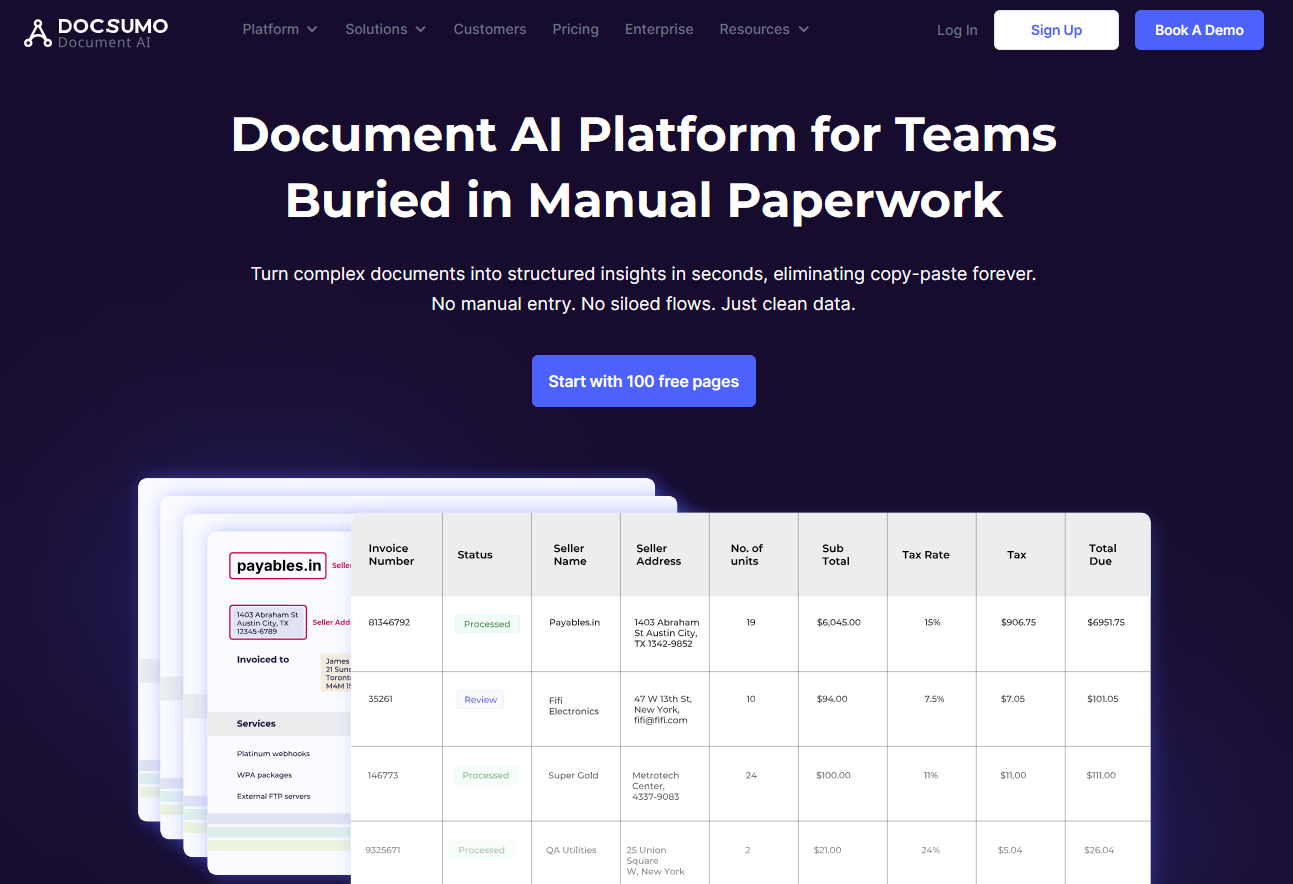
Docsumo is a reliable platform that makes data extraction from financial documents fast and accurate. It automatically captures key details from invoices, purchase orders, bank statements, and reports, turning them into clean, structured data ready for spreadsheets or accounting systems. You can start quickly with pre-trained models or create custom ones for specific document types, and its API makes it easy to connect with your existing tools for end-to-end automation.
Key Features
Extracts data from PDFs, images, and scans
Customizable AI models for different document types
API integration for smooth automation across tools
Pros
Fast and accurate data extraction
Easy to scale as document volume grows
Helpful onboarding and responsive support team
Cons
API setup may take some technical effort
Accuracy can vary with heavily unstructured documents
Pricing
Starter: From $25/month for limited volume
Growth: From $299/month for up to 5,000 pages
Enterprise: From around $2,000/month with custom plans available
10. Rossum
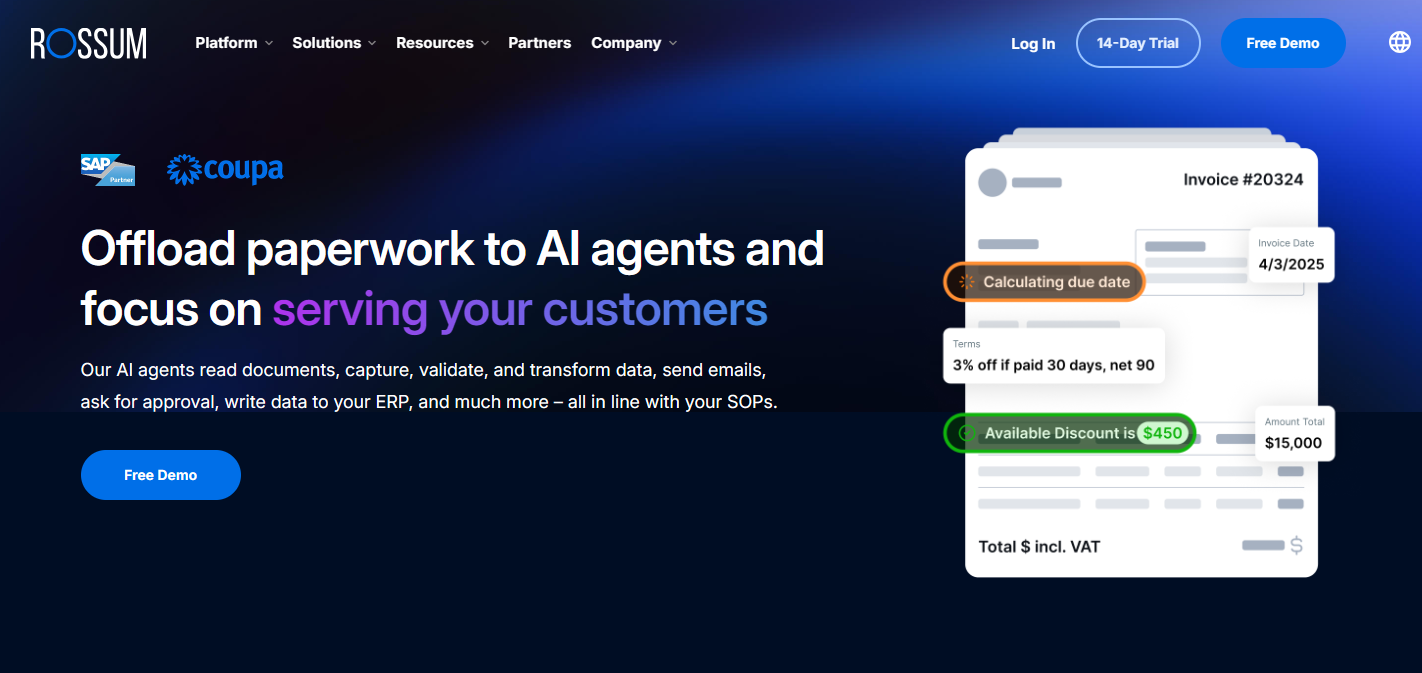
What makes Rossum different is that it extracts data without relying on templates. Its AI automatically understands the structure of each document, whether it’s an invoice, purchase order, or contract, so there’s no need to set up custom rules or layouts. This makes it ideal for teams that handle large volumes of varied documents and want reliable accuracy with minimal setup.
Key Features
AI-trained extraction for invoices, POs, and contracts
Cloud-based document capture and processing
Integrates with ERPs and workflow automation tools
Optional human-in-the-loop review for higher accuracy
Pros
Very accurate for finance and operations documents
Eliminates manual template setup
Scales effectively for enterprise use
Cons
More expensive than lightweight OCR tools
Advanced setup and onboarding may take time
Pricing
Pricing starts ataround $18,000 per year for base plans
Enterprise and high-volume plans available upon request
Start today with 50 free pages
👋 Let's personalize your experience!
Oops! Something went wrong while submitting the form.
Lido doesn't work on mobile yet, but we'll send you an email with your login details for when you're back at a desktop!
Oops! Something went wrong while submitting the form.