


Manual invoice data entry is often slow, error-prone, and expensive. It can drain time and resources while introducing mistakes that delay payments and disrupt workflows. That’s where OCR (Optical Character Recognition) technology makes a difference. It automatically converts scanned or digital invoices into clean, structured data in seconds.
In 2026, businesses of all sizes can choose from a wide range of OCR tools designed to speed up invoice processing and improve accuracy. After comparing the top options, we’ve rounded up the solutions that deliver the best balance of precision, usability, and value.
Here are the top 10 OCR tools for invoice processing in 2026.
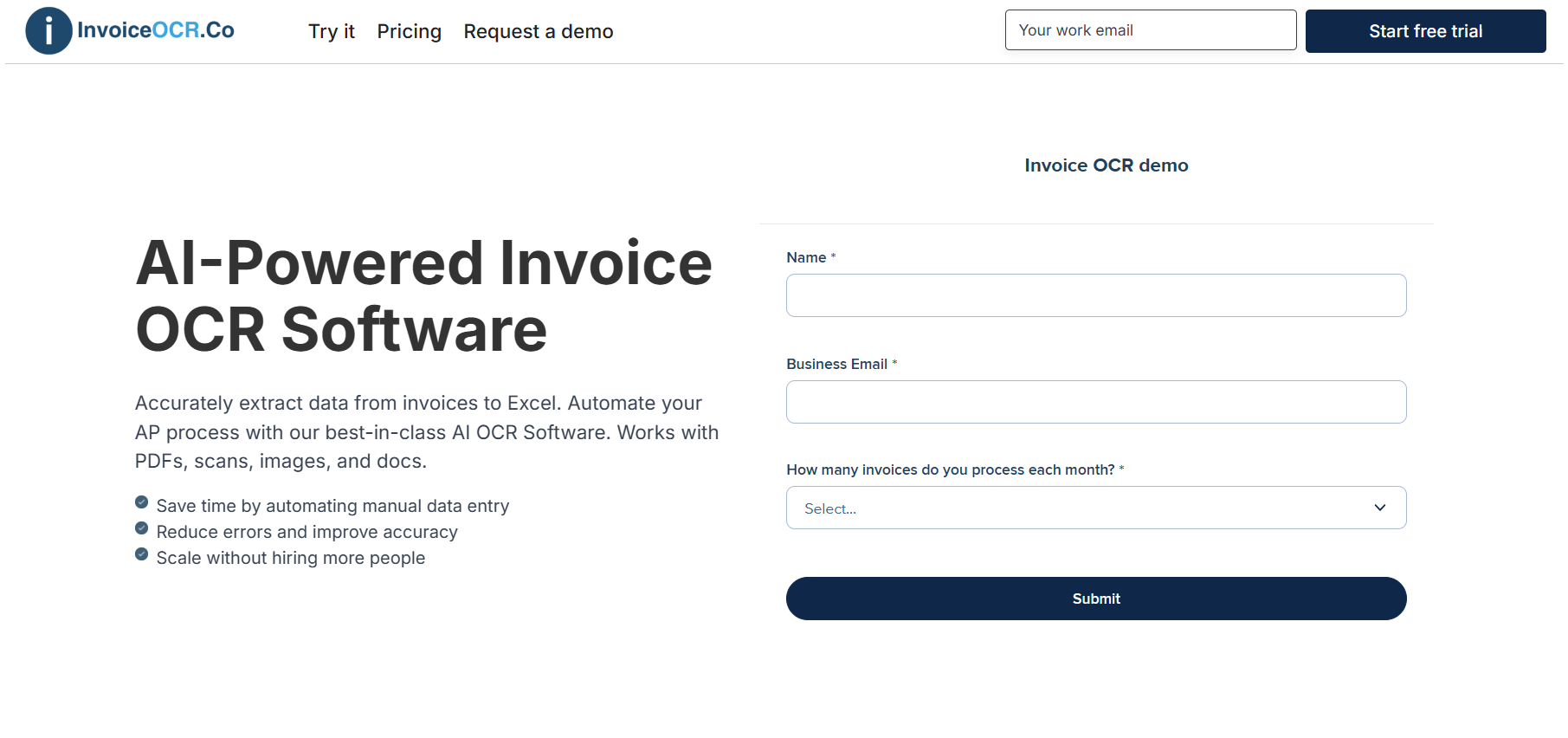
InvoiceOCR.co is built specifically for OCR-based invoice processing. It automatically extracts key information such as vendor names, invoice numbers, dates, totals, and line items from PDFs, scans, or email attachments, turning them into clean, structured data ready for Excel, CSV, or accounting systems.
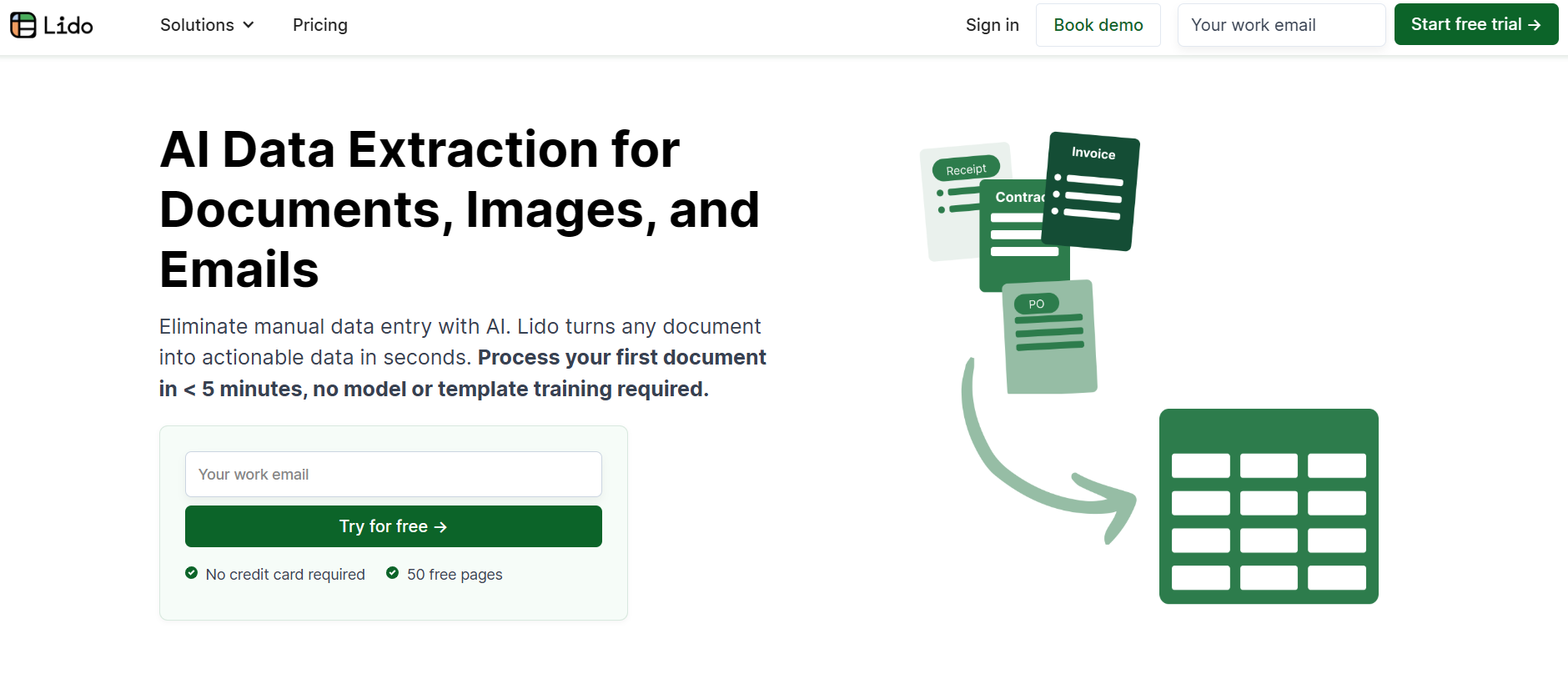
Lido is also one of the top OCR tools in the market for fast and accurate invoice processing. It uses advanced AI to capture data from invoices, receipts, and other financial documents, then exports it directly into spreadsheets or ERP systems. Designed for both small businesses and large enterprises, Lido offers a simple setup, strong accuracy, and flexible pricing, making it an easy choice for teams that want efficiency without the complexity.
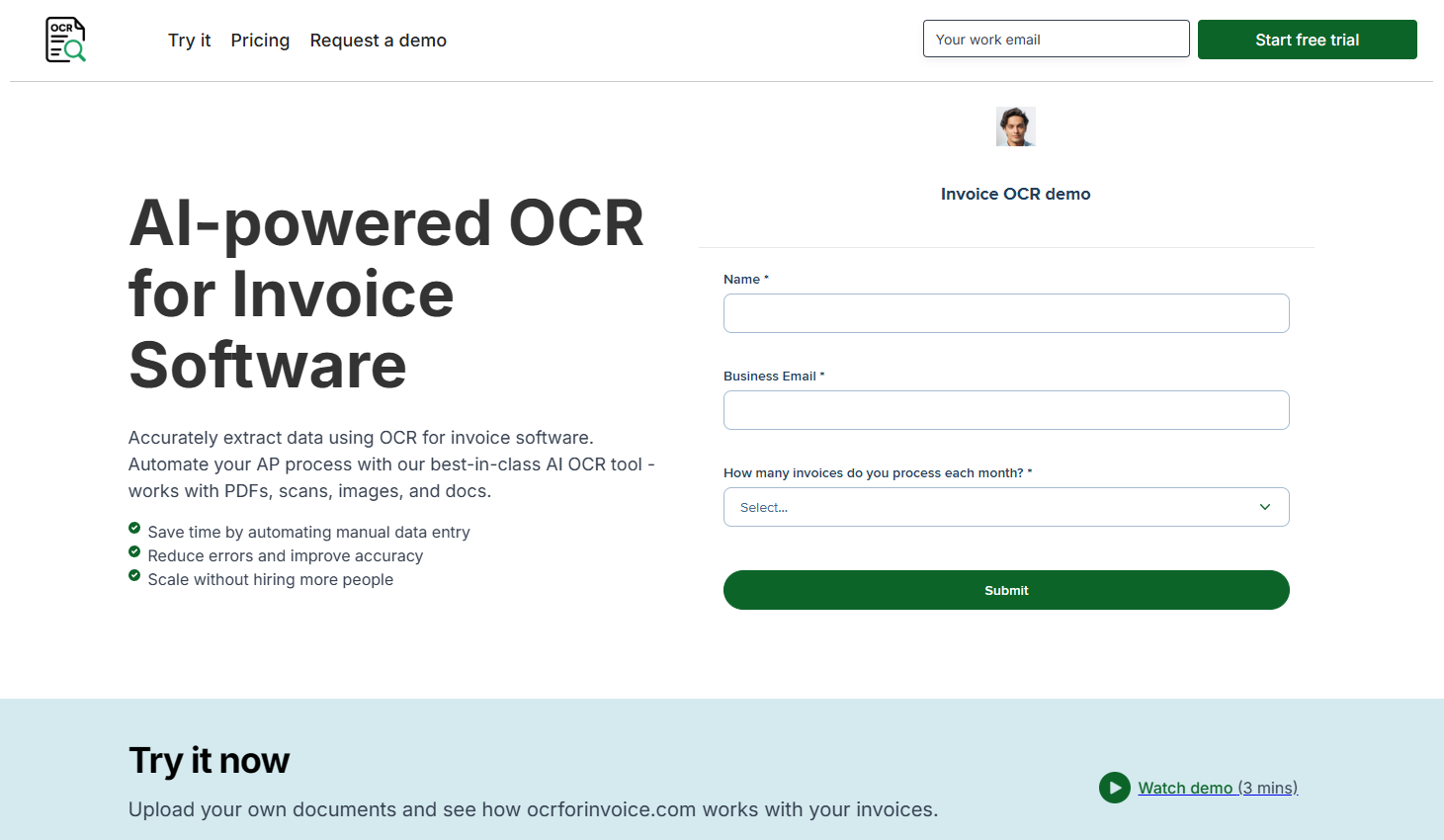
OCRForInvoice.com keeps things simple by focusing purely on invoice OCR. It’s designed for businesses that want fast, accurate invoice data capture without the extra setup or complexity of larger systems. The platform automatically reads invoice fields, supports multiple formats, and exports data in the format that best fits your workflow.
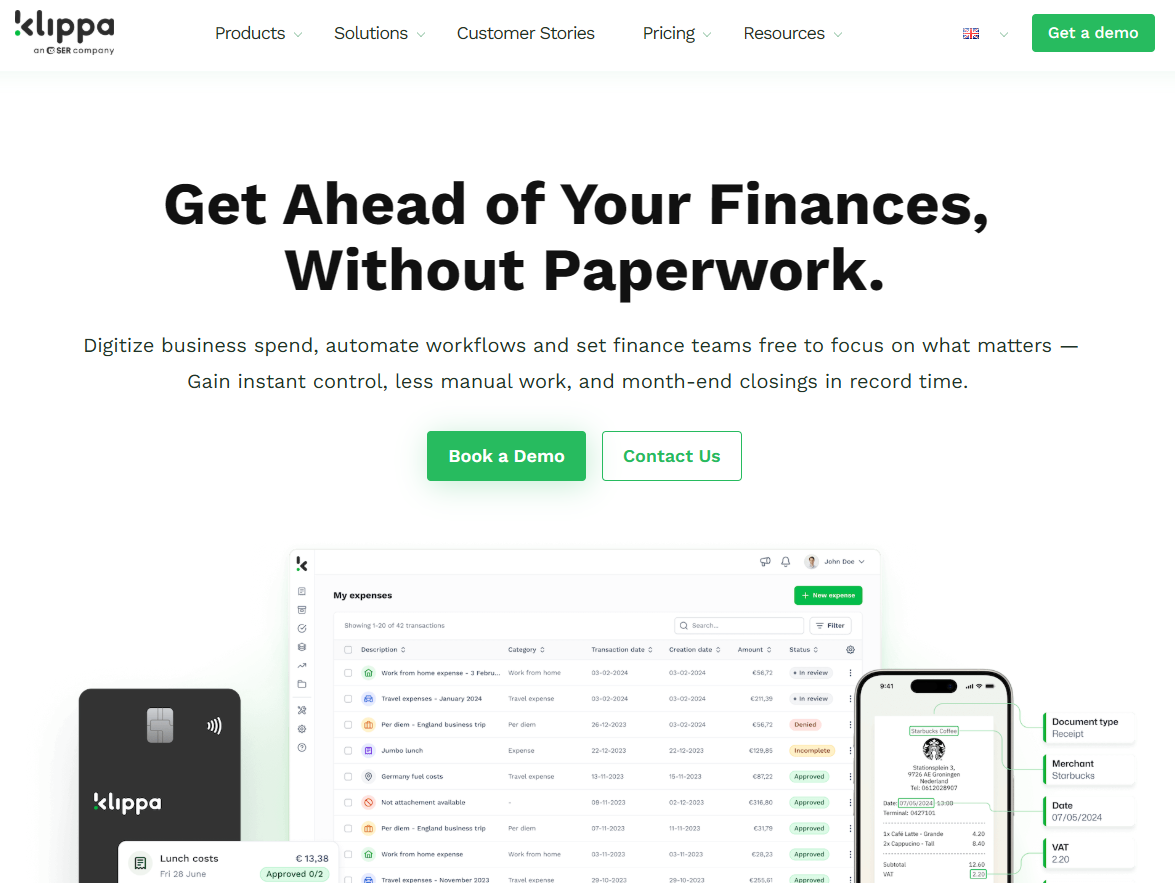
Klippa is a versatile OCR and spend management platform that helps finance teams automate more than just invoice scanning. Along with accurate data extraction, it supports approval workflows, budgeting, and compliance in one place. Its multilingual OCR and strong ERP integrations make it a great choice for global teams looking to streamline financial operations.
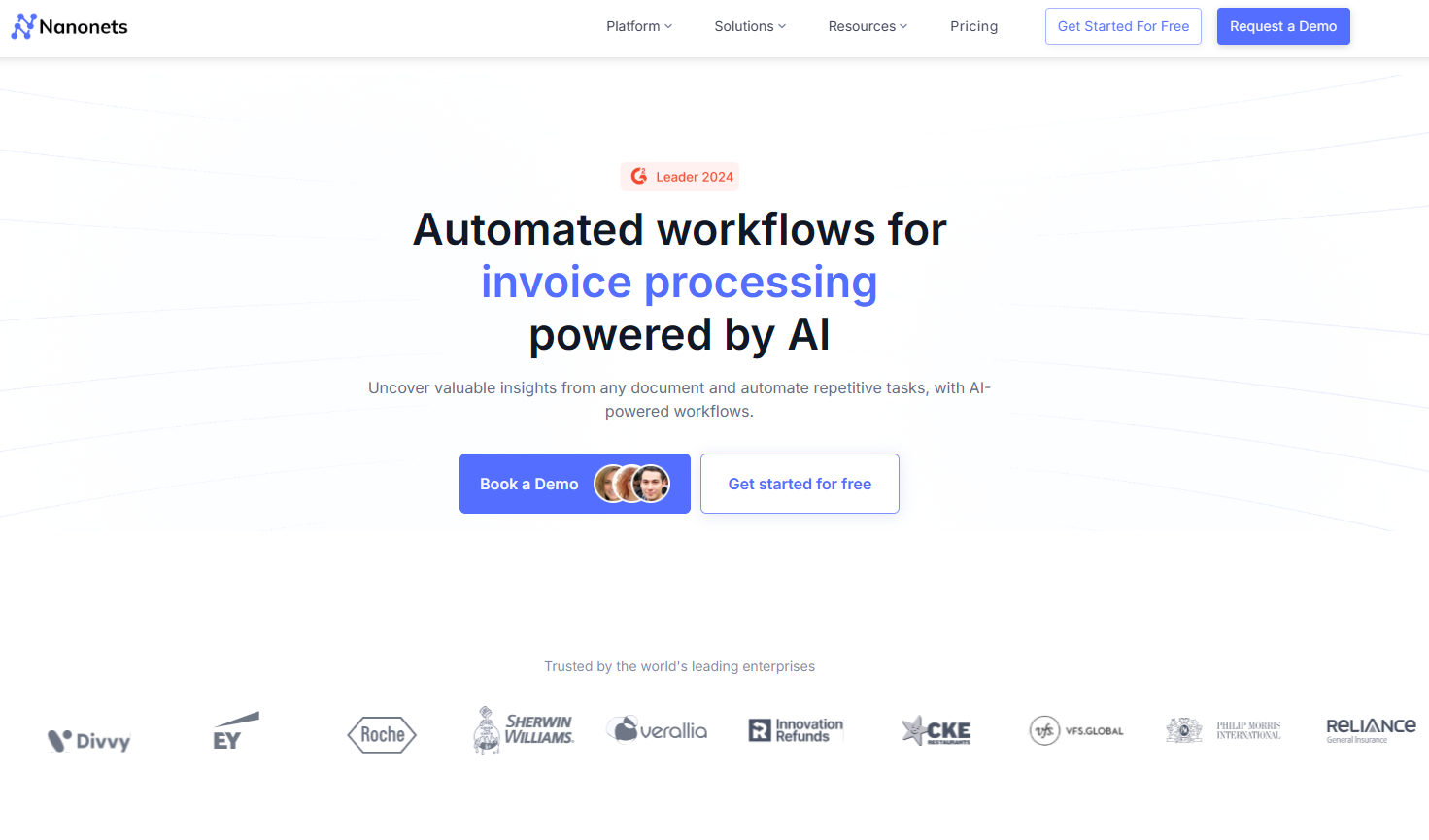
Nanonets is a flexible AI-powered OCR platform that automatically captures and organizes data from invoices in any format. Its pay-as-you-go pricing model makes it ideal for businesses of all sizes, especially those with changing invoice volumes. The platform combines strong accuracy, customization, and automation in a straightforward, easy-to-use setup.
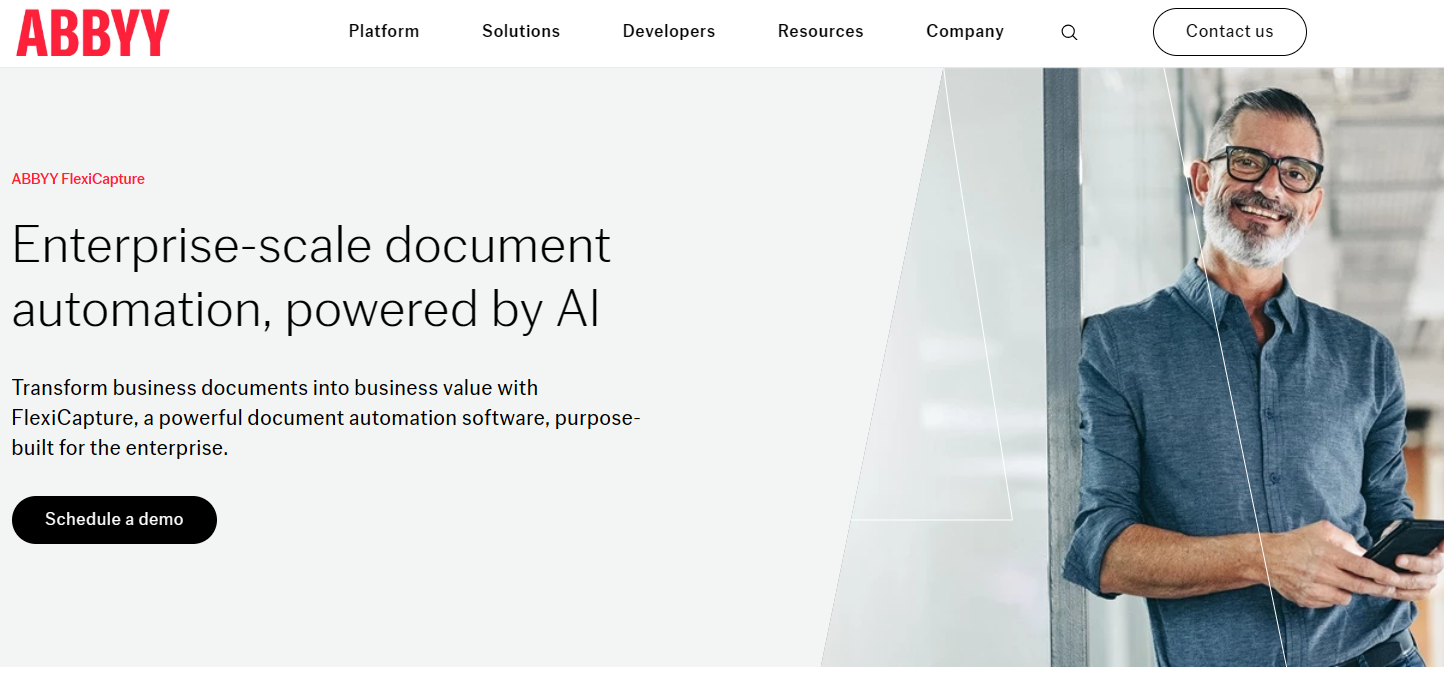
ABBYY FlexiCapture is one of the most reliable OCR tools around, trusted by enterprises for its accuracy and speed. It’s great for processing invoices and other business documents, automatically sorting, extracting, and validating data to keep everything organized. If your company handles a large number of invoices each month, FlexiCapture is built to keep up.
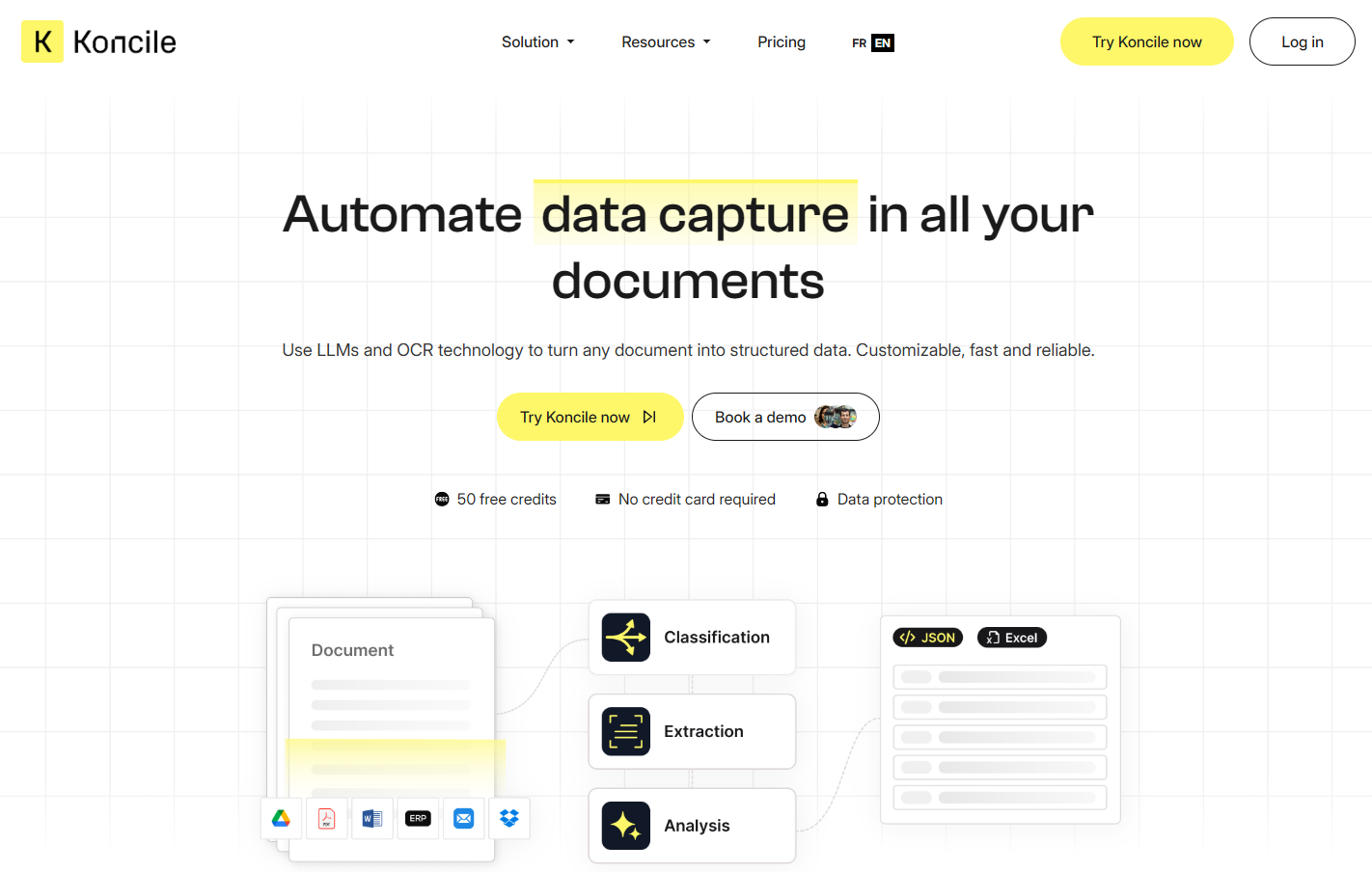
Koncile stands out for its focus on invoice reconciliation, making it perfect for finance teams that need to match invoices with purchase orders and payments. It uses OCR to capture invoice data automatically and connects smoothly with ERP systems for end-to-end automation. Simple, secure, and affordable, Koncile is a great choice for businesses that want to simplify reconciliation without the complexity of large enterprise tools.
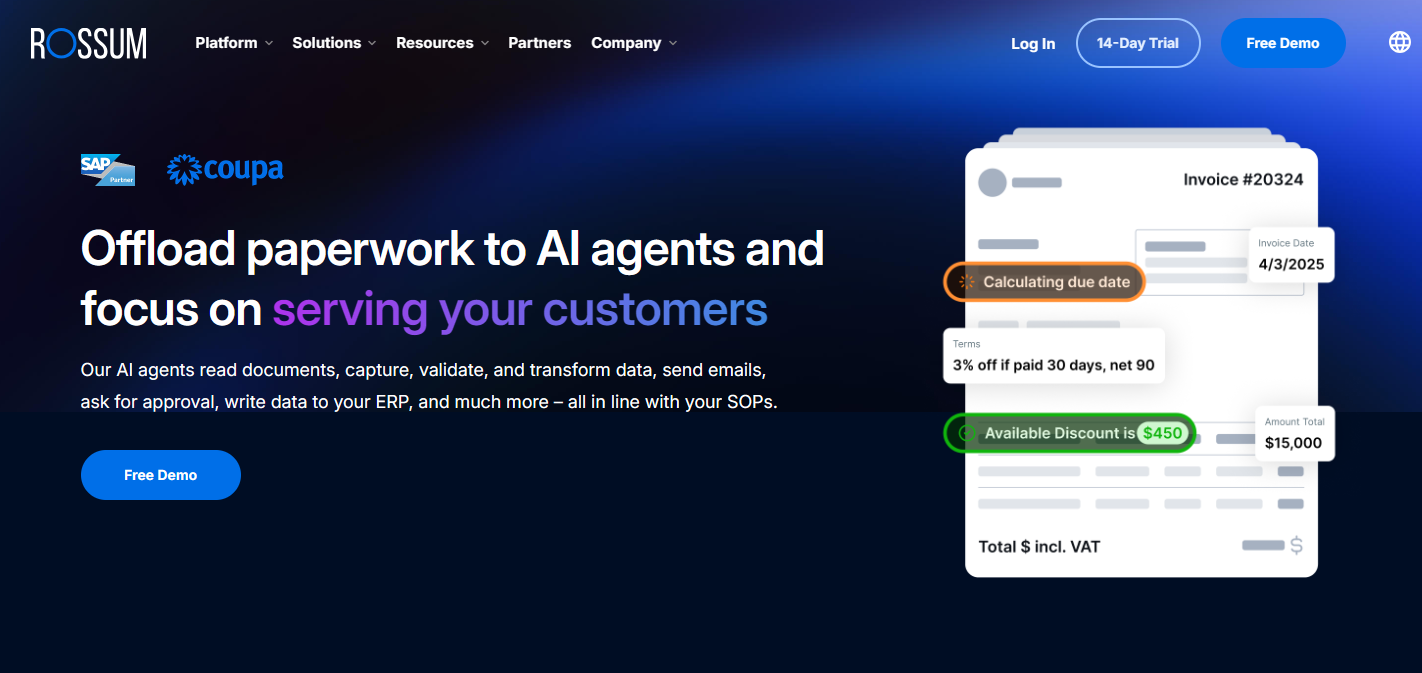
Rossum takes OCR a step further with its smart, context-aware data capture. Instead of just reading text, it actually understands the layout and meaning of what it’s processing. This makes it especially powerful for large organizations that deal with thousands of invoices every month.
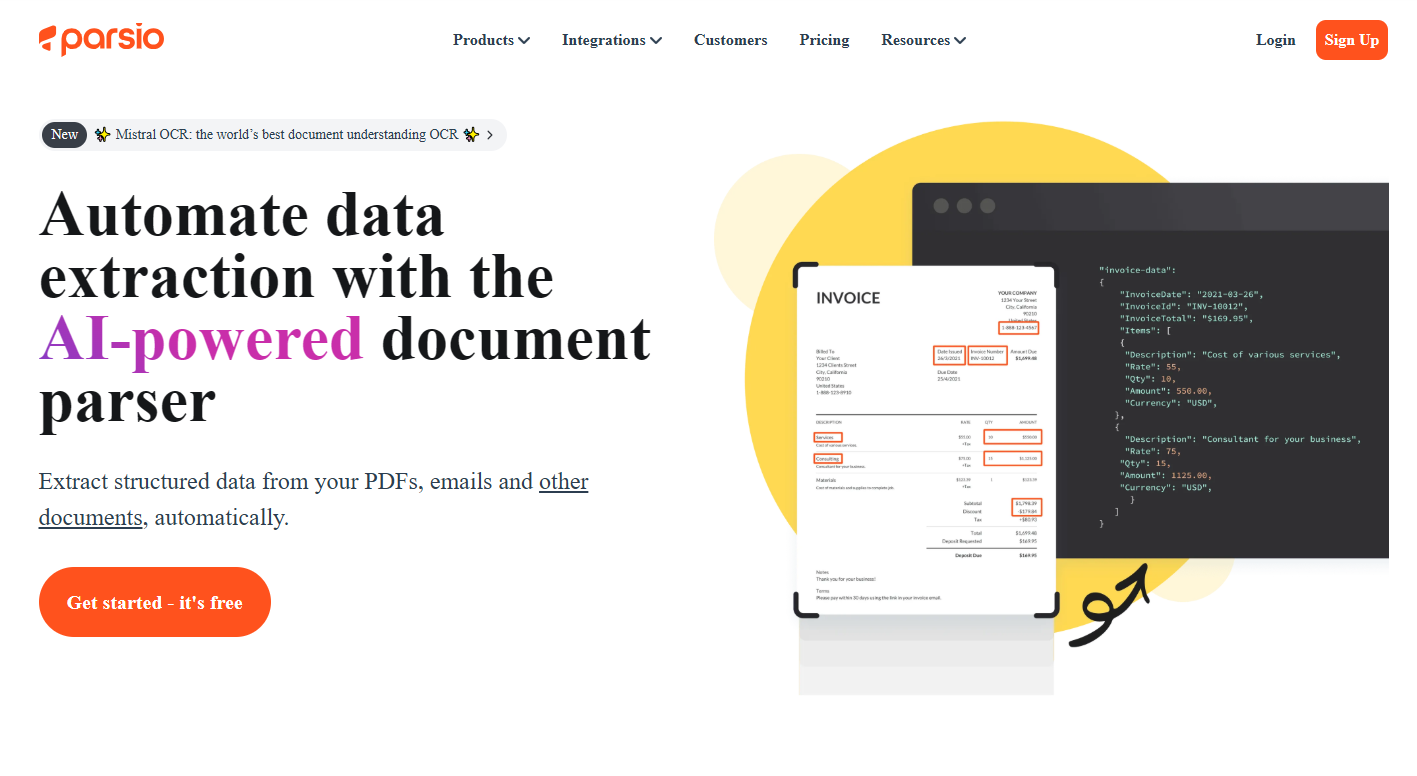
Parsio is a great option for businesses that receive a large number of invoices by email. It combines email parsing with OCR to automatically extract invoice data from attachments and convert it into structured, ready-to-use information. It is quick to set up, easy to use, and requires no coding, making it a simple choice for teams that want efficient automation.
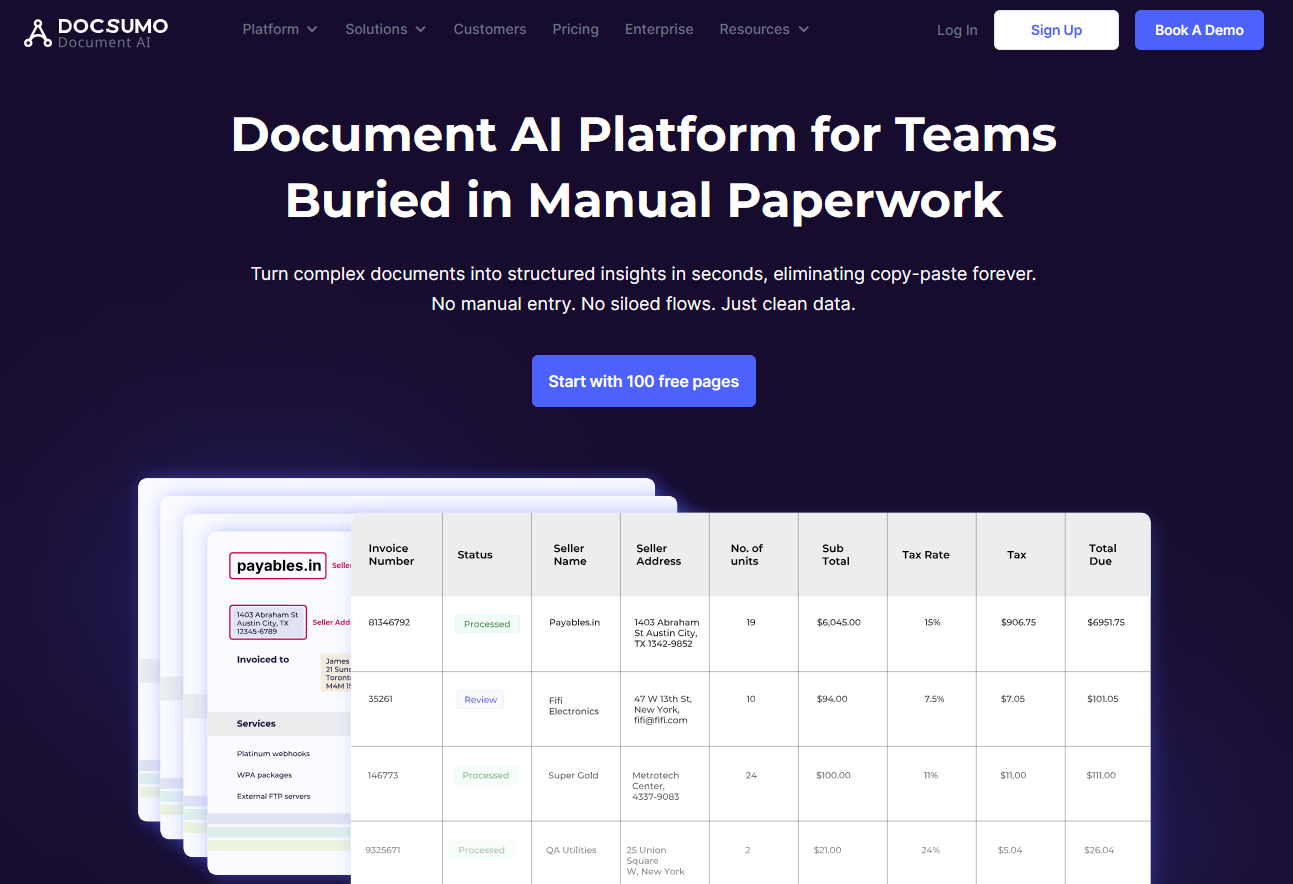
Docsumo is built for processing financial documents like invoices, receipts, and bank statements with impressive accuracy. Its AI automatically extracts and organizes key details, while built-in analytics and review tools help ensure everything stays error-free. It’s a solid choice for mid-sized and enterprise teams that want reliable automation without sacrificing control.