Choosing the right PDF data extraction software can save hours of manual work and reduce costly errors. In this guide, we’ve reviewed and tested the best tools for PDF data extraction in 2026 to find the ones that deliver the best mix of accuracy, automation, and ease of use. Here are our top 10 picks to help you turn PDFs into clean, usable data effortlessly.
1. Lido
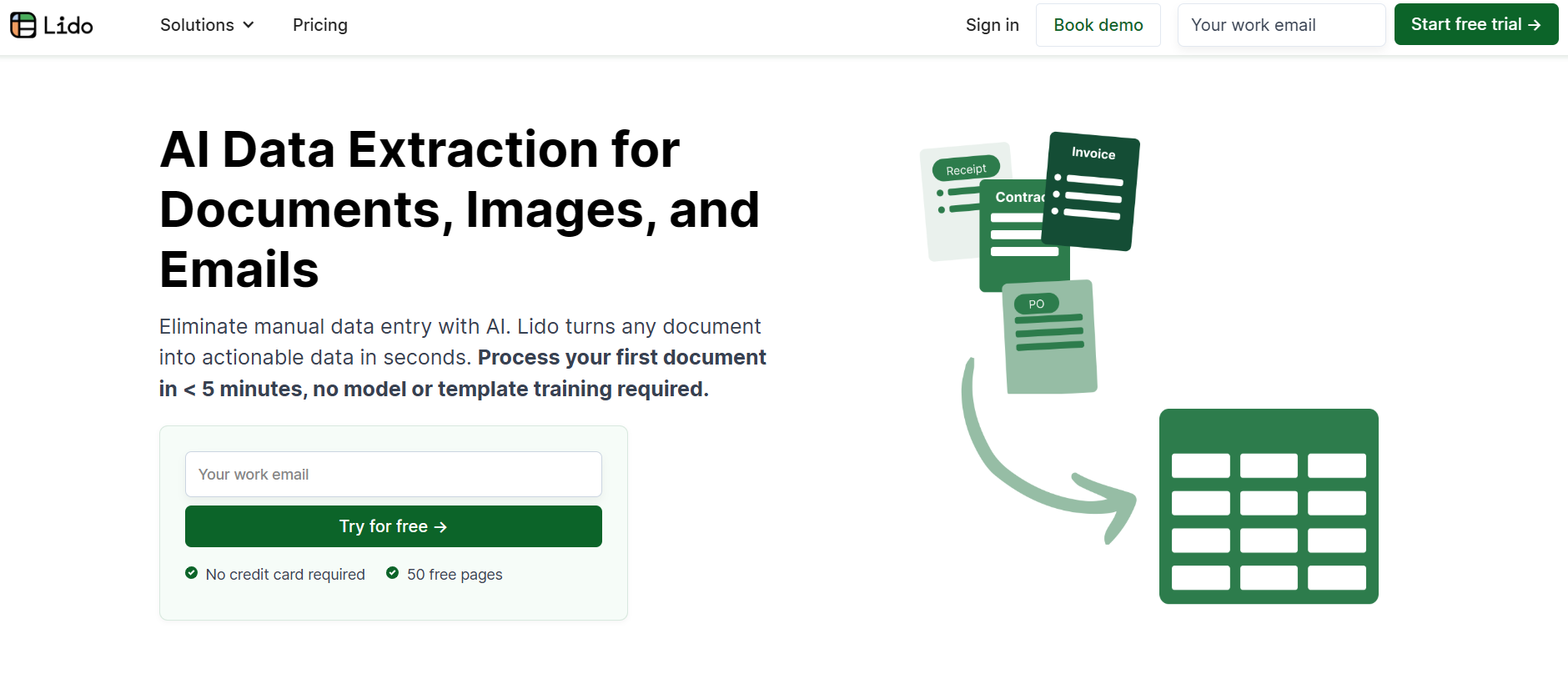
Lido is our top pick for PDF data extraction in 2026. It’s fast, accurate, and simple to use. With just a few clicks, you can turn PDFs, including scanned ones, into clean Excel or CSV files that keep their original structure. It’s a great fit for both individuals and teams who want reliable, ready-to-use data.
Key Features
Converts PDFs and scans to Excel or CSV
AI-powered extraction that preserves layout and formatting
Supports bulk uploads and shared inbox parsing
Secure with AES-256 encryption and SOC 2, HIPAA compliance
Pros
Delivers accurate and consistent results
Easy to set up and use
Scales well for both small teams and enterprises
Cons
No mobile app available
Some advanced automation tools are only in higher plans
Pricing
Standard: $29 per month for 1 user and up to 100 pages
Scale: $3,950 per year for 10 users, 42,000 pages, and API access
Enterprise: From $20,000 per year with unlimited pages and ERP integrations
2. PDFDataExtraction.com
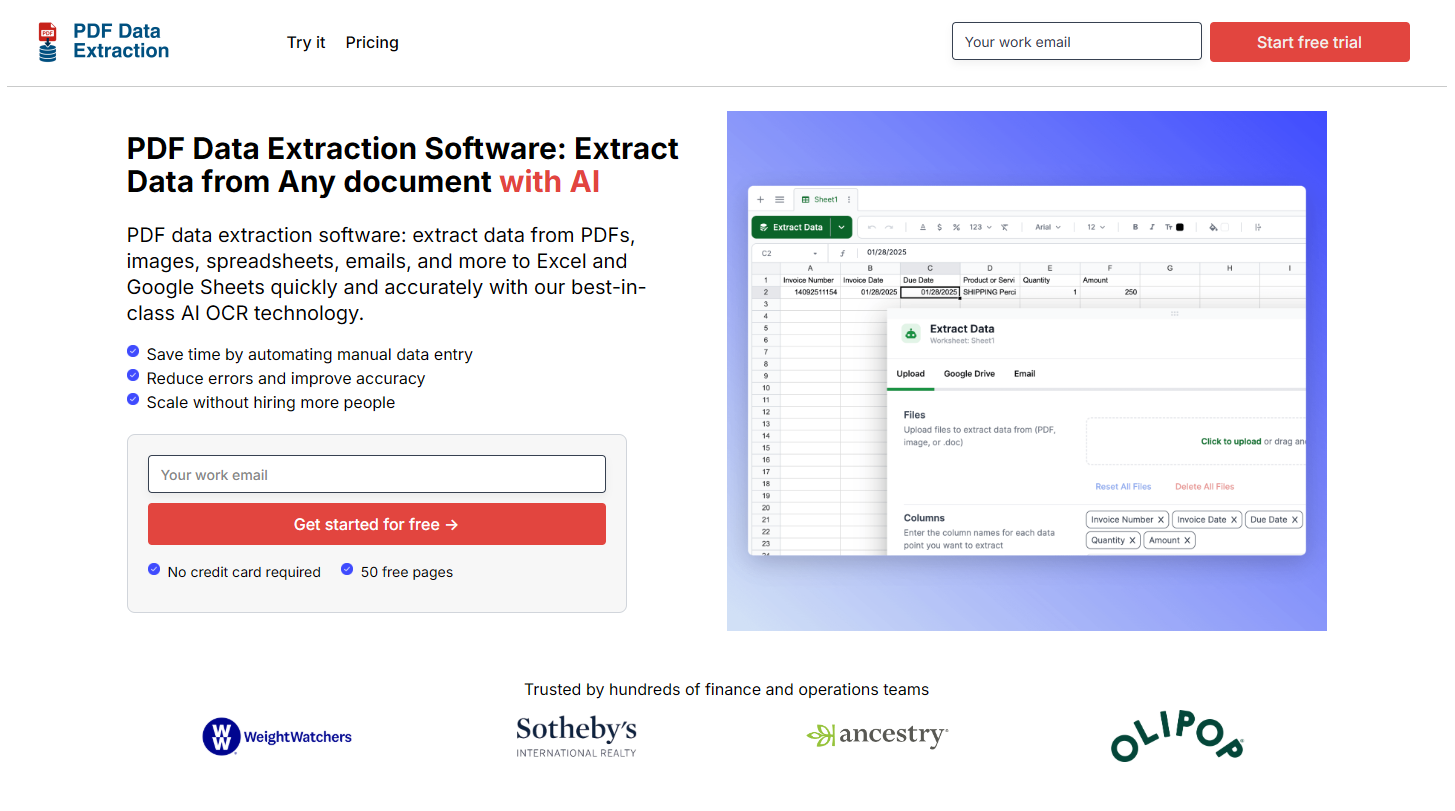
PDFDataExtraction.com focuses on fast, accurate extraction of structured data from PDFs, especially invoices and financial reports. You can simply drag and drop your files, and the AI handles the rest, even with scanned documents. It’s dependable and built to handle large processing volumes with minimal setup.
Key Features
Extracts data from invoices, receipts, and financial statements
Drag-and-drop uploads with support for scanned PDFs
AI-powered extraction with built-in accuracy checks
Direct export to Excel, CSV, or accounting software
Pros
Reliable for high-volume processing
Quick and easy to use
Accurate data capture for financial workflows
Cons
Limited customization for non-financial documents
No mobile app support
Pricing
Standard Plan: $29 per month, includes 1 user and up to 100 pages
Scale Plan: $3,950 per year for 10 users, 42,000 pages, and API access
Enterprise Plan: Starts at $20,000 per year with unlimited pages and full ERP integration
3. InvoiceOCR.co
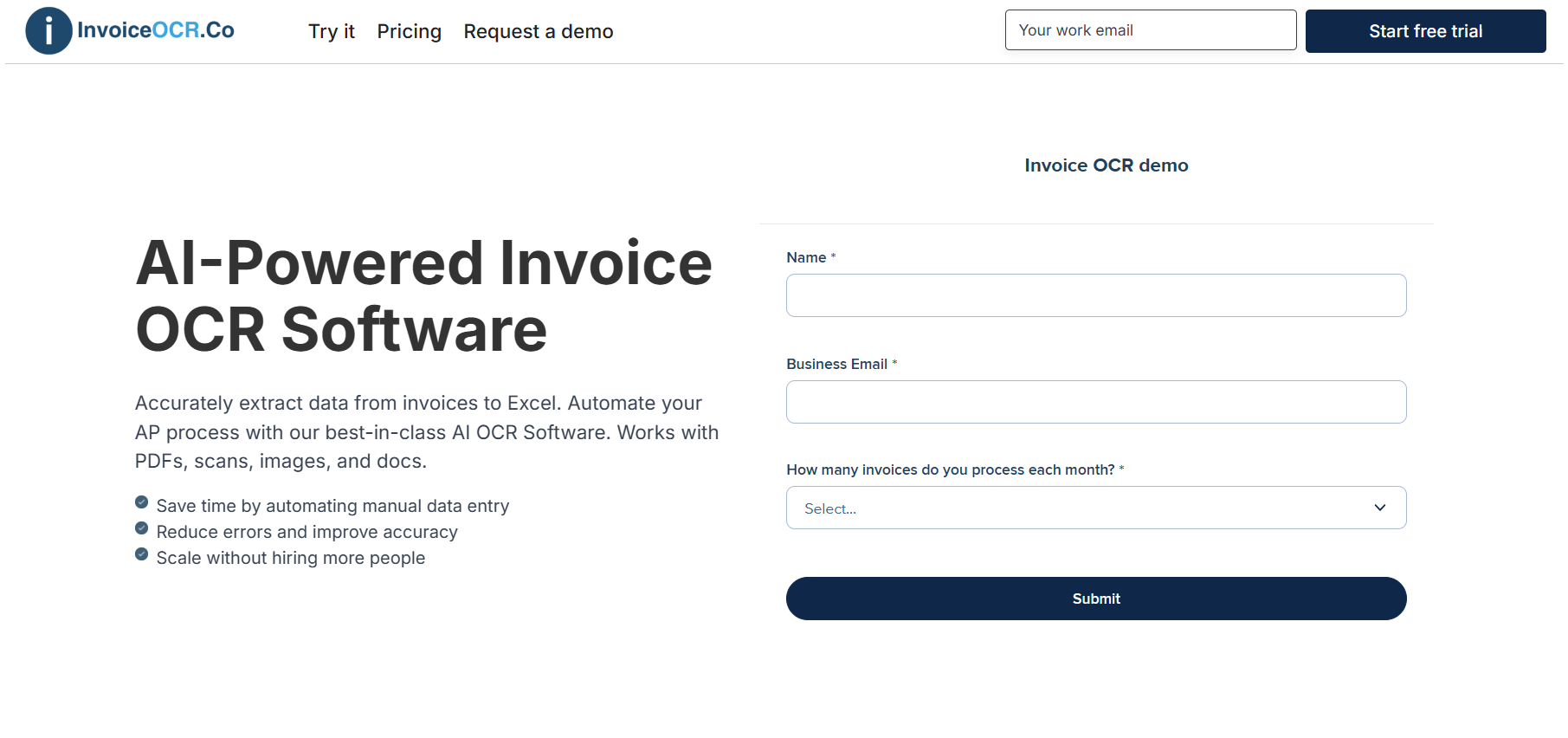
At InvoiceOCR.co, we make PDF data extraction simple and reliable. Upload invoices, reports, or scanned documents and get clean, structured data in seconds. OUR AI OCR automatically identifies key fields, line items, and totals without any templates or coding. It is ideal for teams that want accurate results with minimal setup.
Key Features
Works with PDFs, images, and scanned files
Extracts key fields such as totals, vendors, and line items
Exports data to Excel, CSV, or through API
Template-free setup that adapts to any layout
Built-in validation ensures consistent accuracy
Pros
Easy to use with quick setup
Accurate across complex document types
Saves time by eliminating manual data entry
Cons
Focused mainly on data extraction, not full workflow automation
Advanced integrations are available only on higher plans
Pricing
Standard Plan: $29/month for 1 user and up to 100 pages
Scale Plan: $3,950/year for 10 users, 42,000 pages, and API access
Enterprise Plan: Custom, from $20,000/year with unlimited pages and ERP integrations
4. Adobe PDF Extract API
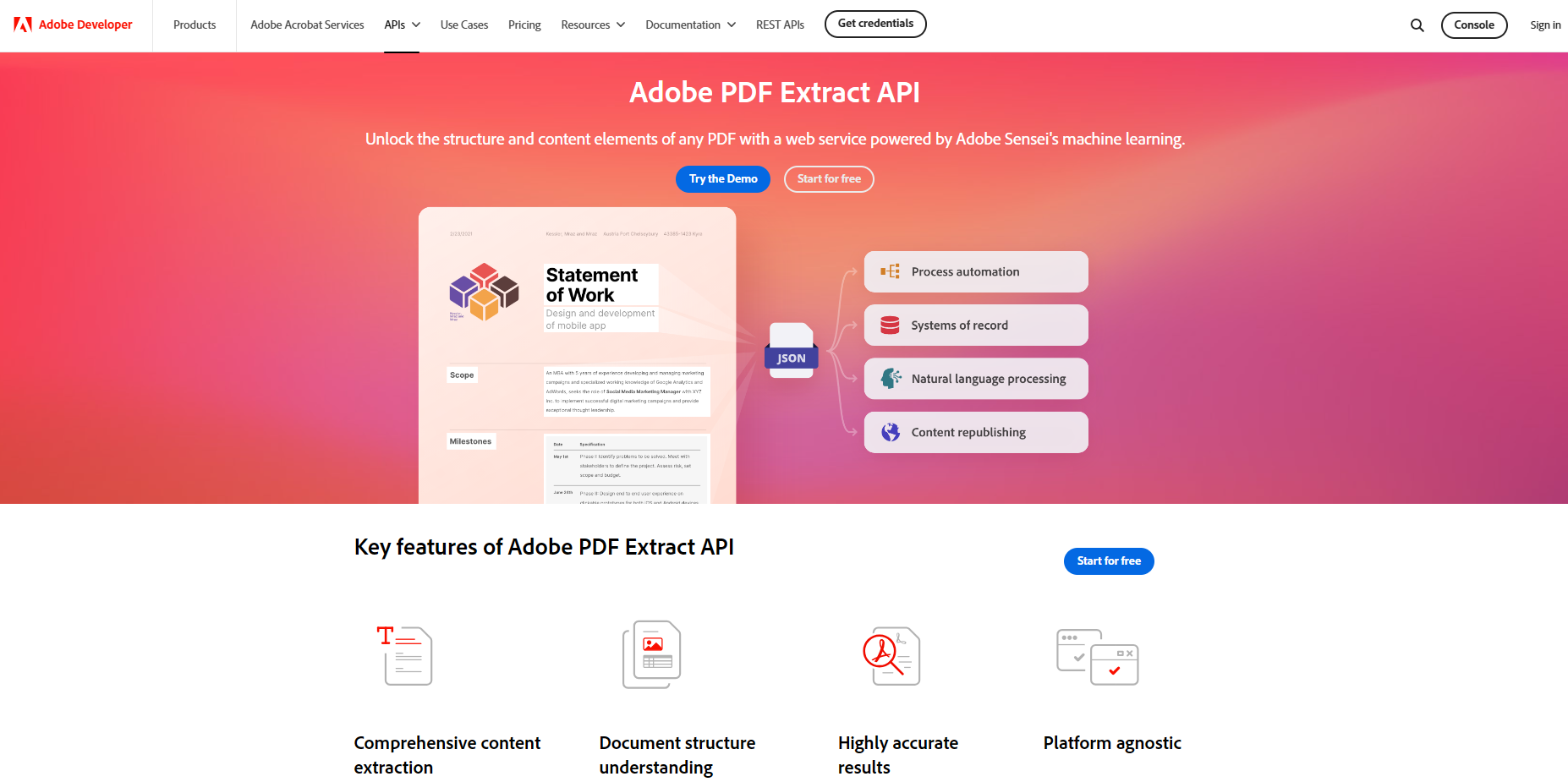
Adobe PDF Extract API is a developer-friendly tool designed for precise and structured data extraction. It converts PDFs into clean, machine-readable outputs like JSON, making it ideal for teams that want to integrate PDF parsing into their own applications or workflows. It handled multi-page and complex layouts with accuracy during testing, especially for business documents and reports.
Key Features
Extracts text, tables, and images into structured JSON format
Handles multi-page and complex PDF layouts
Easily integrates into automation and data workflows via API
Supports extraction from both native and scanned PDFs
Pros
Highly accurate and consistent structured output
Excellent developer documentation and support
Works well for large or complex PDFs
Cons
Requires programming knowledge to implement
Not ideal for non-technical users or quick manual tasks
Pricing
Free Tier: Includes 500 pages per month
Pay-as-you-go: $0.05 per page after the free quota
Enterprise Plans: Custom pricing available for high-volume or advanced integrations
5. Parseur
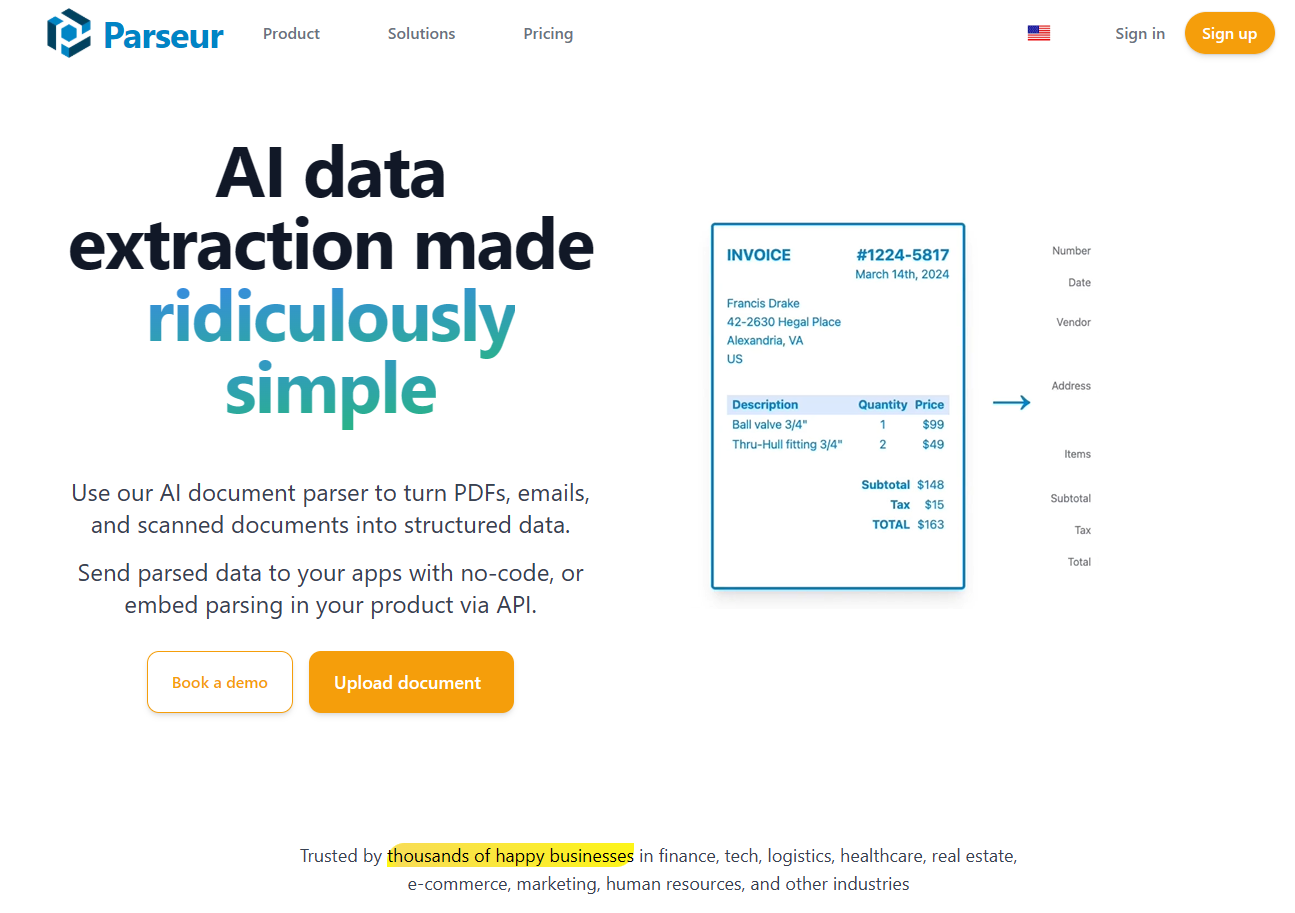
Parseur is a user-friendly tool that makes extracting data from PDFs, emails, and attachments feel effortless. It’s especially strong when you’re working with recurring document formats like invoices or shipping forms and want a fast way to send results to Google Sheets, Zapier, or Power Automate.
Key Features
Handles parsing of PDFs, email attachments, and scanned documents
Uses both template-based rules and AI to recognize fields and tables
Integrates with Zapier, Google Sheets, Power Automate and more
Exports data to Excel, CSV or via API
Pros
Very easy to start and uses drag-and-drop templates
Works reliably for recurring formats and repetitive workflows
Strong integrations make it easy to automate further
Cons
Best suited for formats that repeat, less ideal for very unique document layouts
Some advanced features require extra configuration and learning
Pricing
Free Plan: Start with 20 pages per month at no cost
Paid plans start at $49 per month (100 pages with advanced post-processing and team access)
6. Extracta.ai
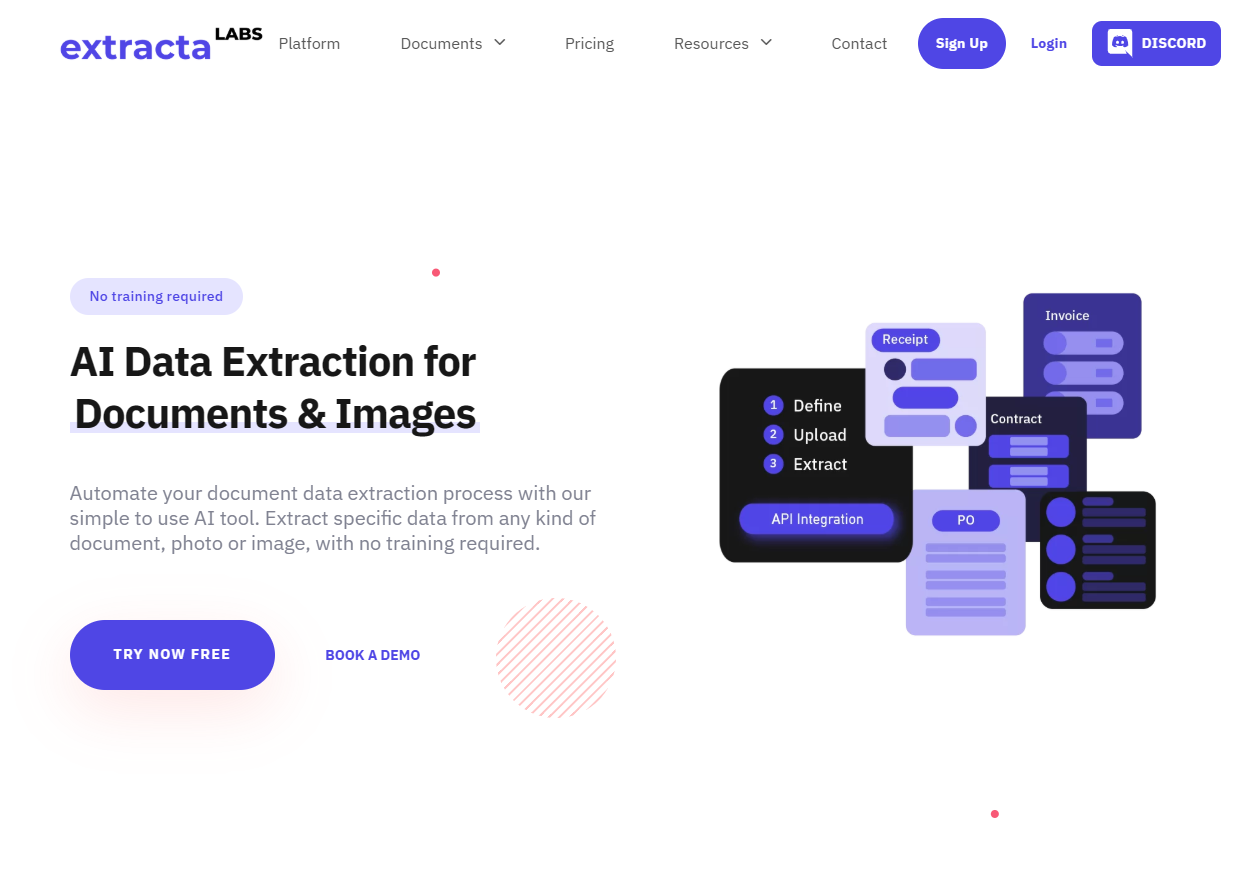
Extracta.ai combines large language models with templating to make PDF data extraction simple and accurate. It performed well across different document types such as resumes, purchase orders, and contracts. The setup process was quick, and users can start extracting structured data almost immediately.
Key Features
Hybrid AI and rule-based extraction for PDFs, scans, and images
No training required; upload and extract instantly
Handles tables, multi-page documents, and mixed content
Secure with GDPR and ISO-compliant encryption
Pros
Fast and easy to set up
Works effectively across various document types
Offers flexible export and API integration options
Cons
Pay-as-you-go model may require careful usage tracking
Interface is less polished compared to some enterprise tools
Pricing
Free trial includes 50 pages
Pay-per-page model starting at $0.10 per page after the trial
Custom and subscription plans available for high-volume or enterprise users
7. SwifDoo PDF
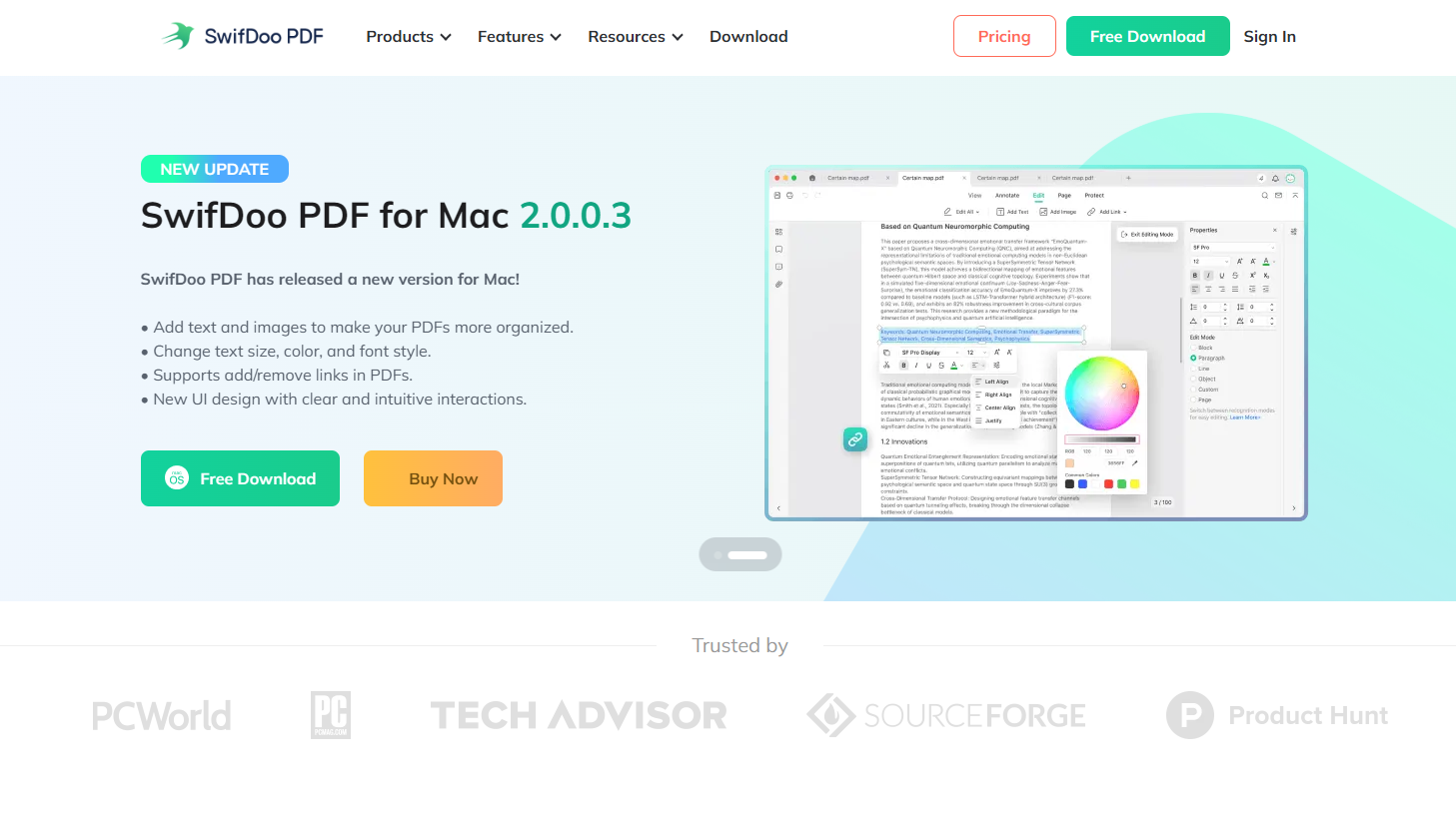
SwifDoo PDF combines AI-powered extraction with full PDF editing capabilities. Its chat-style interface makes it easy to give direct commands such as “extract table from page 2,” and it performs well on both digital and scanned documents.
Key Features
AI chat interface for directing extraction tasks
Works with both scanned and digital PDFs
Includes editing, merging, converting, and organizing tools
Offers cloud storage and cross-platform support
Pros
Simple and intuitive interface with AI assistance
Good value as both a PDF editor and extraction tool
Reliable extraction from standard and scanned PDFs
Cons
Extraction features are less advanced than dedicated IDP tools
Mobile and tablet functionality is somewhat limited
Pricing
Quarterly Plan: $16 per month, billed quarterly at $60. Includes access to all SwifDoo PDF features for one device, plus free upgrades and tech support.
2-Year Plan: $2.88 per month, billed every two years at $99. Covers two devices and includes all features, upgrades, and tech support.
Perpetual Plan (1 PC): One-time payment of $129 (about $96.75 per license). Provides lifetime access to all features, free upgrades, and ongoing technical support.
8. KlearStack
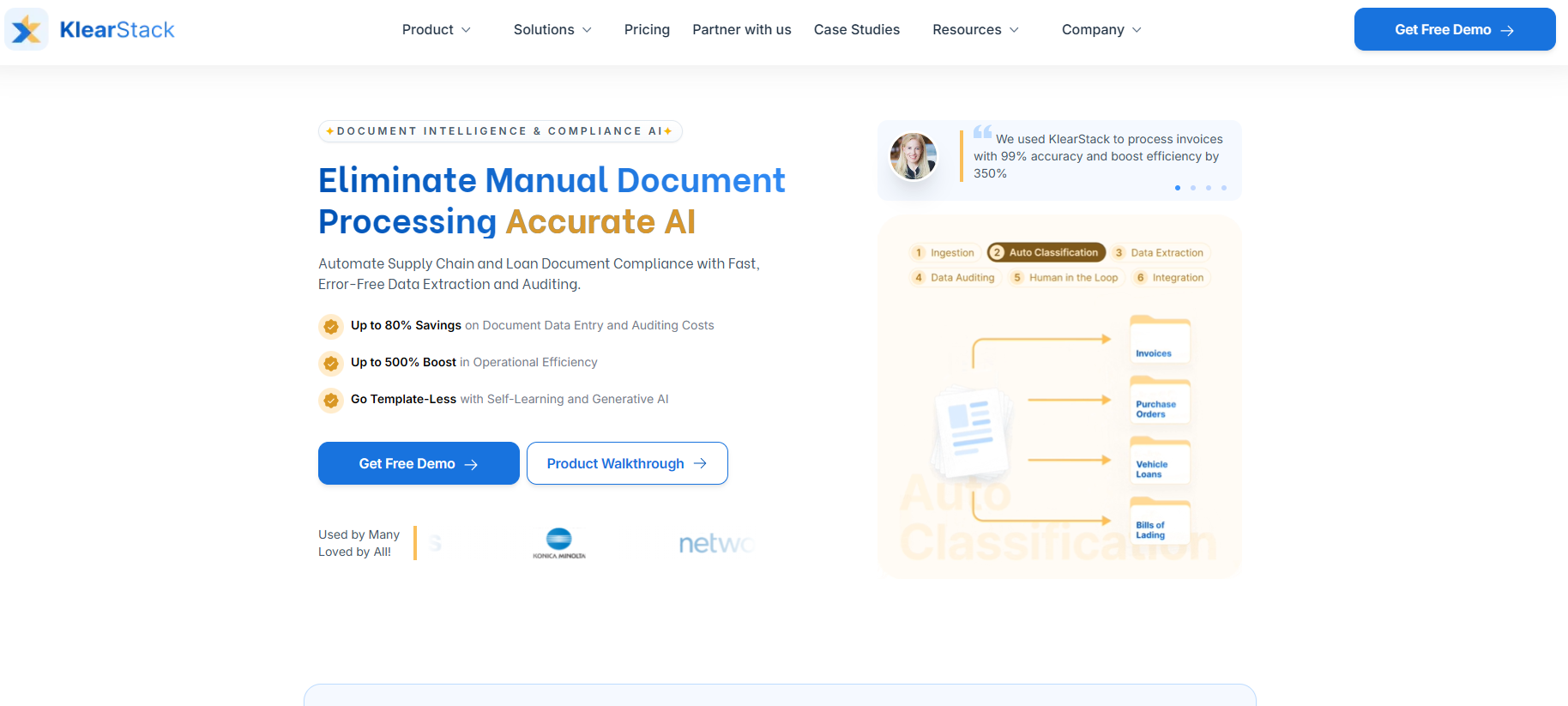
KlearStack uses generative AI to extract data from multiple formats, including PDFs, images, and emails. It performs especially well with unstructured documents like contracts, bank statements, and multi-page reports. The platform is designed for enterprise use, with high accuracy and strong integration options.
Key Features
Template-free AI that learns and adapts to new document layouts
Processes structured and unstructured documents
Integrates with APIs and email ingestion for automated workflows
Offers analytics, validation, and post-processing through a central dashboard
Pros
Highly accurate with complex, unstructured data
Handles a wide variety of document formats
Built for scalability and enterprise-level use
Cons
Setup can be challenging for smaller teams
Pricing details are not publicly listed and require a demo
Pricing
Free demo available with a limited starter plan covering up to 200 pages per month
Pay-as-you-go pricing based on document volume and complexity
Custom enterprise pricing available for large-scale users
9. Nanonets
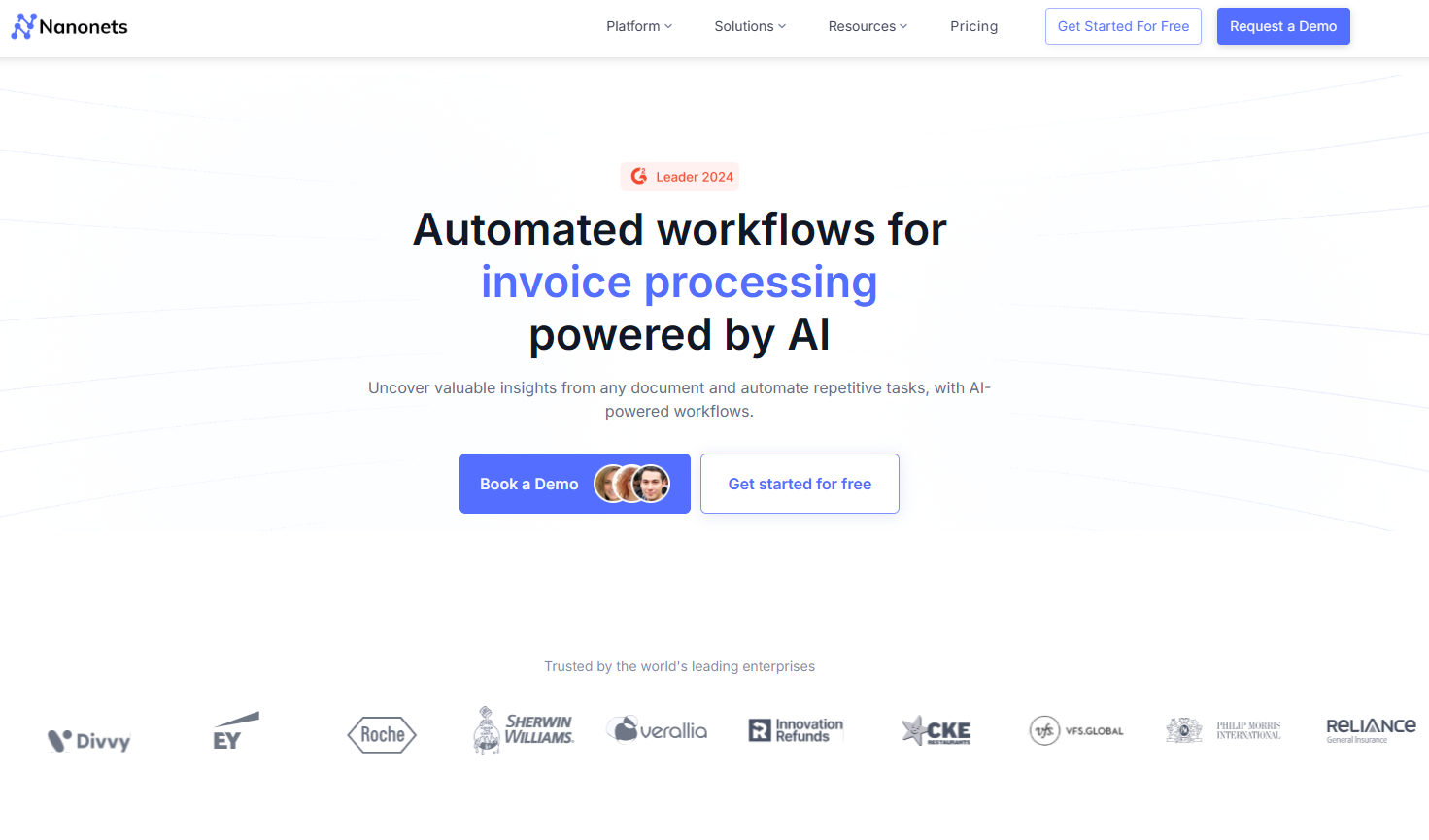
Nanonets is one of the most popular AI-powered data extraction tools available today. It’s simple to use, highly accurate, and works across a wide range of document types including invoices, receipts, forms, and even images. You can upload your PDFs and instantly get clean, structured data without creating templates or writing code.
Key Features
AI-powered extraction for PDFs, images, and emails
Template-free models that adapt to different document layouts
No-code workflow builder with API support for automation
Integrates with spreadsheets, cloud storage, and accounting tools
Pros
Easy to use, even for non-technical users
Accurate results that improve with continued use
Scales from small teams to enterprise workloads
Cons
Usage-based pricing requires monitoring for high-volume users
Some advanced features are only available on higher plans
Pricing
Free plan available with limited credits for testing
Pay-as-you-go pricing starts at about $0.30 per page
Custom pricing available for enterprise plans and large-scale automation
10. PDF-Extract-Kit
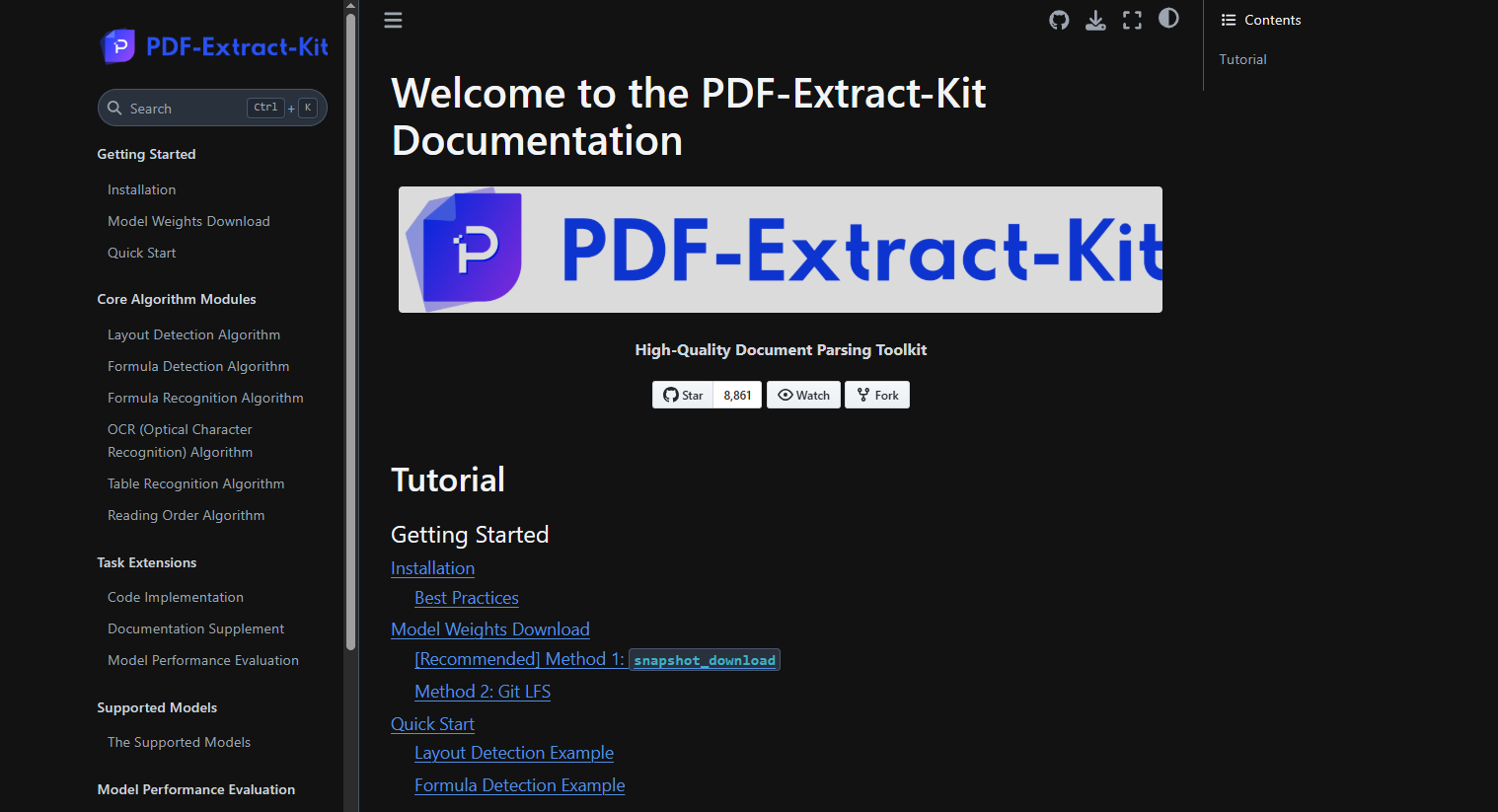
PDF-Extract-Kit is an open-source toolkit designed for developers and technical users who need precise and customizable PDF data extraction. It performed particularly well with structured and mathematical documents, where rule-based methods are often more effective than AI-driven ones.
Key Features
Modular design with layout detection, formula recognition, and table extraction
Handles complex document types like academic papers and technical reports
Highly customizable with configurable models and workflows
Pros
Very accurate for structured and technical documents
Completely open-source under the AGPL-3.0 license with no vendor restrictions
Ideal for custom or research-based projects requiring fine control
Cons
Requires technical expertise to install and configure
Not suitable for non-technical users or those seeking a plug-and-play solution
Pricing
Free to use as an open-source project
Costs may apply for computing resources or custom development during setup
Start today with 50 free pages
👋 Let's personalize your experience!
Oops! Something went wrong while submitting the form.
Lido doesn't work on mobile yet, but we'll send you an email with your login details for when you're back at a desktop!
Oops! Something went wrong while submitting the form.